feat: A high-contrast dark theme #65

Description

Feature description
Dark theme is common these days, but one problem of dark themes is that they often lack contrast. That is, they use light grey text on dark grey background. Or, when they use pure-black background, they lack borders, so UI elements are not discernable. For some users, this lack of contrast is not just a matter of aesthetics, but of accessibility.
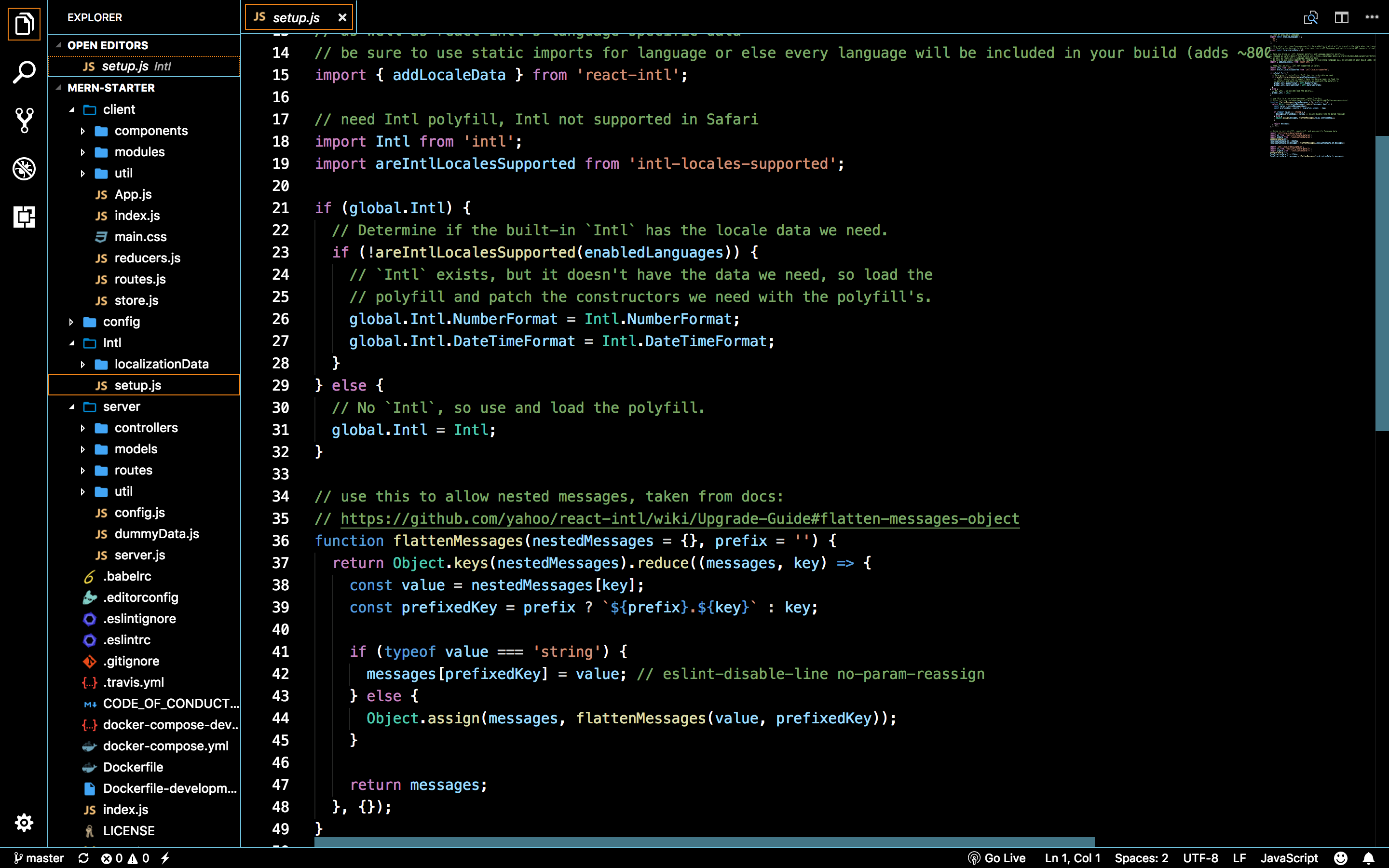
Some applications, like JetBrain's IDE or VS Code, have high-contrast dark theme like below. The background is black and the text is white, so they are easy to read, and the UI elements have white borderlines, so they don't look all mingled together.
It seems there is no high-contrast dark theme in the presets, and I failed to make such a theme myself. How about adding a high-contrast dark theme in the presets?
Additional Context
JetBrains' IDE

VS Code
MS Windows 10

Did you read the Code of Conduct?
- I have read the Code of Conduct.