Feature idea: Checkbox to activate/deactivate each override (make these more like photoshop layers) #106

Description

(This is an extension/expansion of #75)
Currently, each font override has the instance name in the title area. This is generally quite helpful, so you can see the general content of the override:
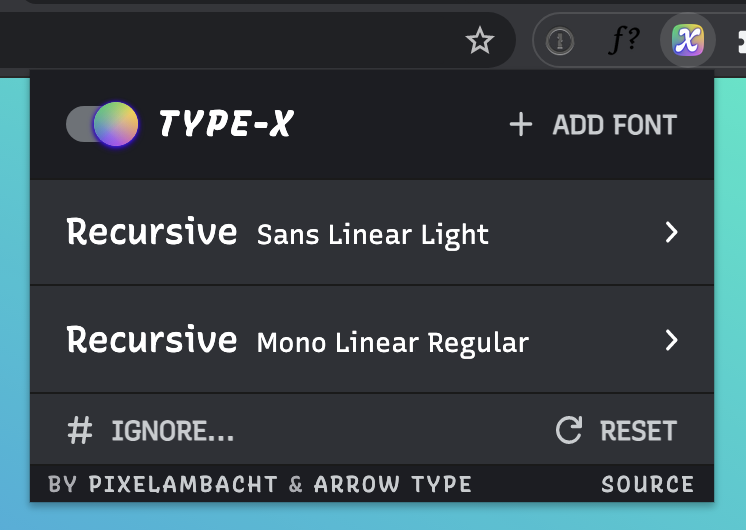
However, it might be even better if we treated these overrides a bit more like "layers" (in the Photoshop/Sketch/Figma sense), with the ability to have user-editable names per override.
This way, instead of only labeling the layer based on the font style it contains, it could be named for the purpose it has. In the default setup, the top override could be labeled "Heading + Body" with the small text Recursive [Inherit Page Styles] and the lower override could be labeled "Code" with the small text Recursive Mono Linear Regular.
I can see main two options to make this editable:
- Just add a
contenteditableattribute to the main title span. I don’t think this is that disruptive to users opening/closing the override options – they can still do that by clicking anywhere else in that area - Add a bit of UI, like a "pencil" icon that would allow editing of the layer name.