PS1 scripts compatibility with default Windows PowerShell 5.1 (Windows 10/11) #950

Description

Current Limitation
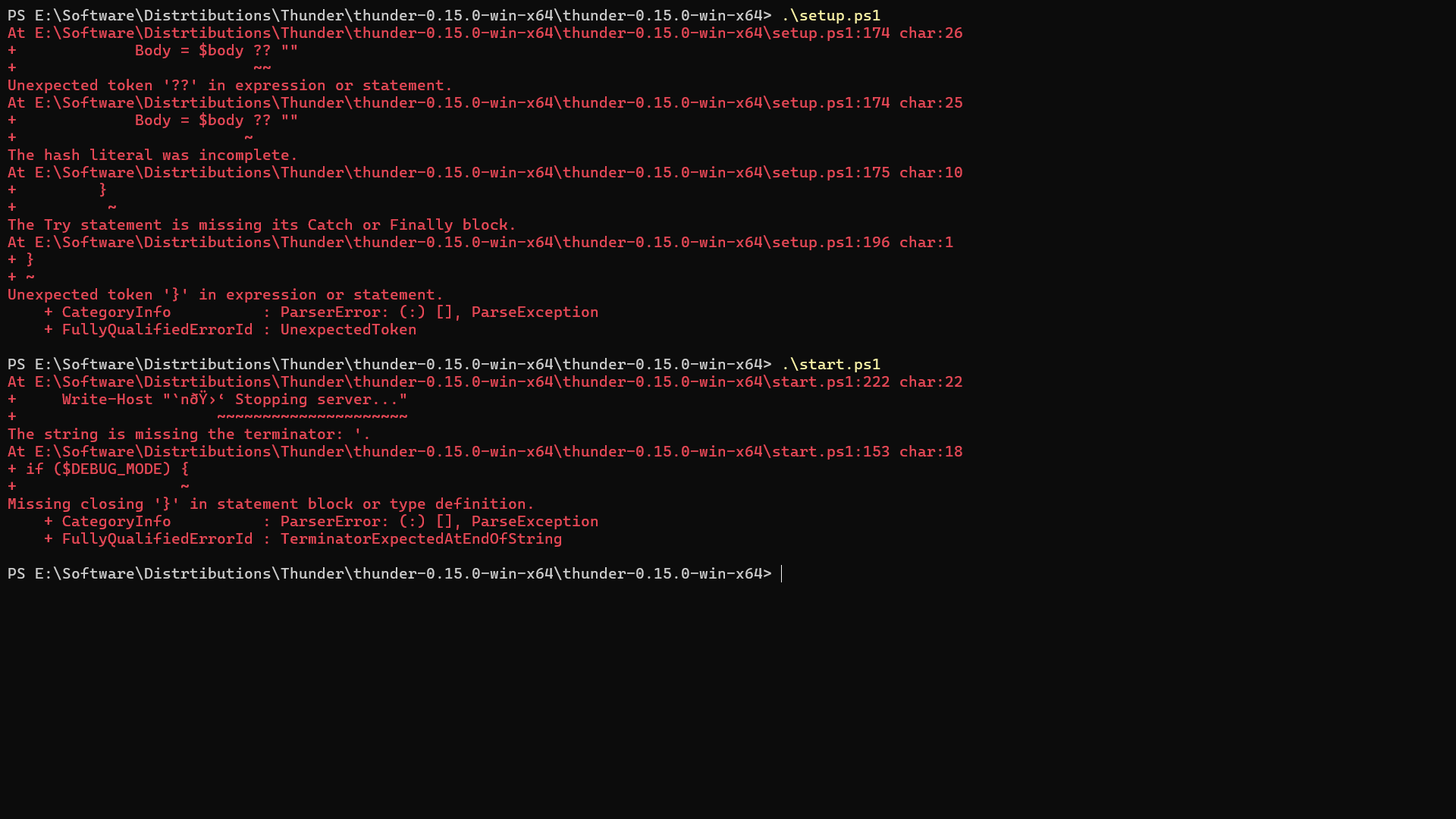
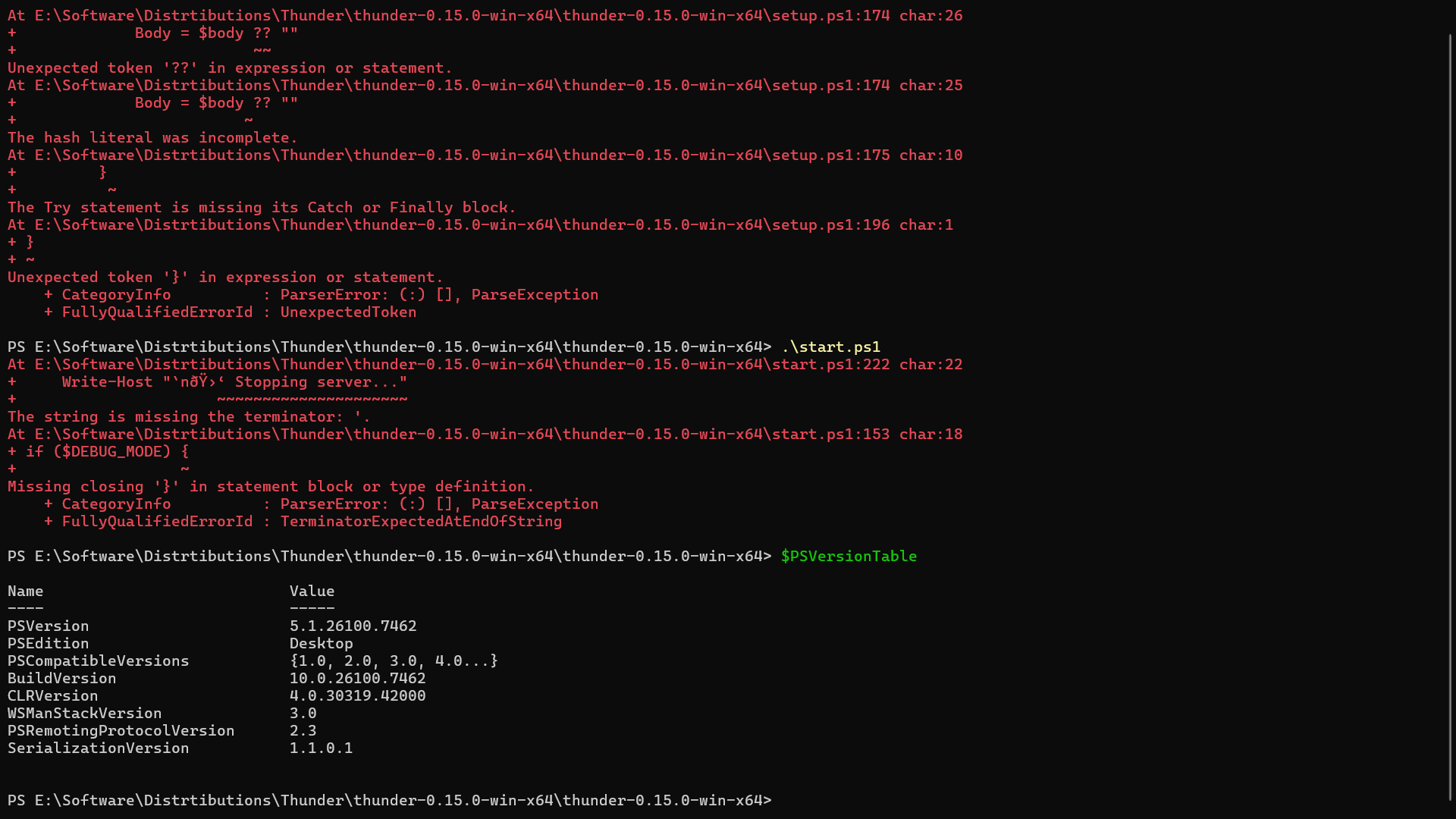
The setup.ps1 and start.ps1 scripts currently encounter compatibility issues when run on the default Windows PowerShell 5.1 (pre-installed on Windows 10/11).
Observations
-
Syntax Errors: The scripts use modern syntax (like the null-coalescing operator ??) supported only in PowerShell 7+.
-
Encoding Issues: PowerShell 7 handles standard
UTF-8files correctly. However, PowerShell 5.1 misinterprets the encoding (reading as ANSI/Windows-1252), causing "mojibake" (corrupted characters) in logs and regex parsing errors unless the file encoding format is manually changed toUTF-8 with BOM.
Importance
As per official documentation, "Microsoft is no longer updating Windows PowerShell with new features". Windows PowerShell 5.1 is the final version of the legacy shell and is no longer receiving new features. Consequently, users on standard Windows installs cannot run these scripts without separately installing PowerShell 7+.
Observed Environment
OS: Windows 11
Shells: Windows PowerShell 5.1 & PowerShell 7.5.4
Suggested Improvement
Since the scripts are designed for modern PowerShell (pwsh), add a version check at the top of the scripts to detect if the user is running the older Windows PowerShell (5.1). If detected, gracefully exit and prompt the user to install PowerShell 7+.
Version
v0.15.0