Write a Blog Post: Using Goose with OpenAI 🦢 #37


Description

Write a Blog Post: Using Goose with OpenAI 🦢
Goose is your on-machine developer agent, automating engineering tasks seamlessly within your IDE or terminal. Guided by you, it can intelligently assess your project's needs, generate code modifications, and implement changes on its own.
Learn more about Goose in our documentation.
Once your content is merged, it will be featured on our Community Content site!
Example clips
regularmarkdowneditor.1.mp4
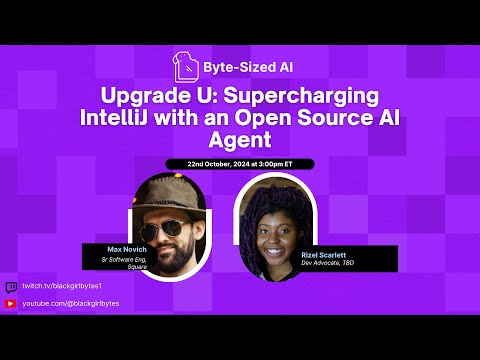
upgrade-u-supercharging-intellij-with-an-open-source-ai-agentmp4-156132.mp4
🚀 Goal
Write a blog post explaining how to effectively use OpenAI as a provider with Goose. Help others understand how to configure OpenAI, select models, and make the most of this integration.
🤝 How You Can Contribute
Write about things like:
- Setting up OpenAI with Goose
- Configuring your API key
- Choosing the right models
- Best practices and tips
- Performance optimization
- Cost management strategies
- Real-world examples
- Creative use cases
🔑 Tasks and Acceptance Criteria
- Write a blog post about using OpenAI with Goose
- Host your blog post on your preferred platform (dev.to, Medium, personal blog, etc.)
- Add your content to the
content/content.jsonfile - Create a pull request with your changes
Your contribution in content.json must include:
{
    "type": "blog",
    "thumbnail": "./img/your-thumbnail.png",
    "title": "Your Blog Post Title",
    "link": "https://linktoyourblog.com",
    "contributor": "Your Name"
}
🌟 Resources
Full episodes on Goose to understand more

Getting Started
- Comment ".take" on this issue to get assigned
- Fork the repository and create a new branch
- Write your blog post
- Submit a PR with your content.json addition
- Wait for review and address any feedback
Questions?
If you have any questions or need clarification, please comment on this issue!
Happy writing! 🦢