██████╗ ██╗███╗   ██╗ █████╗ ██████╗ ██╗   ██╗██████╗  ██████╗ ████████╗███████╗
██╔══██╗██║████╗  ██║██╔══██╗██╔══██╗╚██╗ ██╔╝██╔══██╗██╔═══██╗╚══██╔══╝██╔════╝
██████╔╝██║██╔██╗ ██║███████║██████╔╝ ╚████╔╝ ██║  ██║██║   ██║   ██║   ███████╗
██╔══██╗██║██║╚██╗██║██╔══██║██╔══██╗  ╚██╔╝  ██║  ██║██║   ██║   ██║   ╚════██║
██████╔╝██║██║ ╚████║██║  ██║██║  ██║   ██║   ██████╔╝╚██████╔╝   ██║   ███████║
╚═════╝ ╚═╝╚═╝  ╚═══╝╚═╝  ╚═╝╚═╝  ╚═╝   ╚═╝   ╚═════╝  ╚═════╝    ╚═╝   ╚══════╝
- Powerfull system menu (SUPER + U)
- System wide themes
- Aesthetic widgets powered by ewwii
- Auto-install script (designed for Arch-based distros)
- Git based update system
- Riftbar (GTK4 waybar alternative written with rust)
- ewwii (GTK4 and feature-fulll rewrite of eww)
- Walker (GTK4 applicaton launcher and dmenu alternative written with rust)
- Hyprland (Modern compositor with the looks)
Click to extend
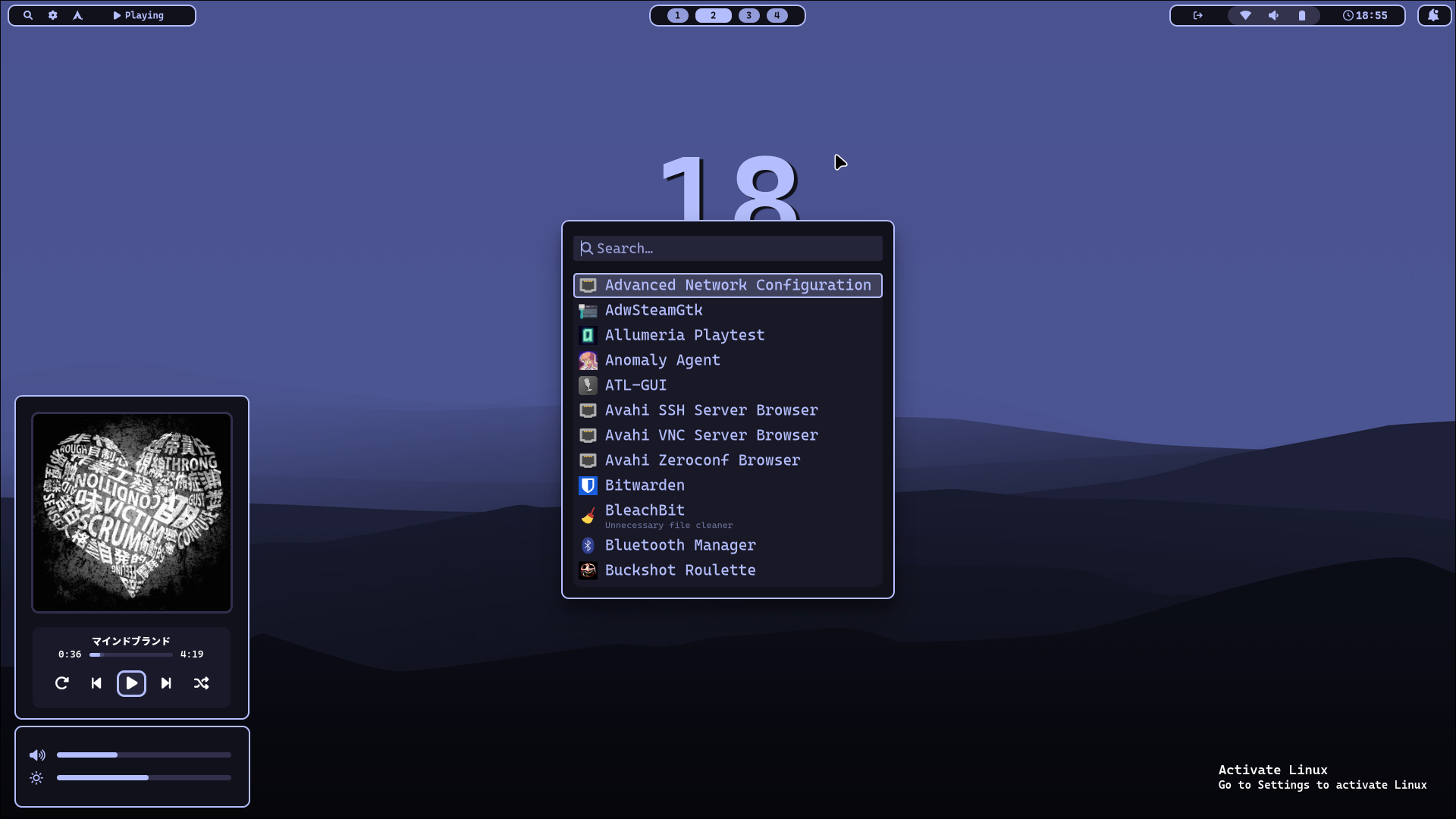
🔍 Walker
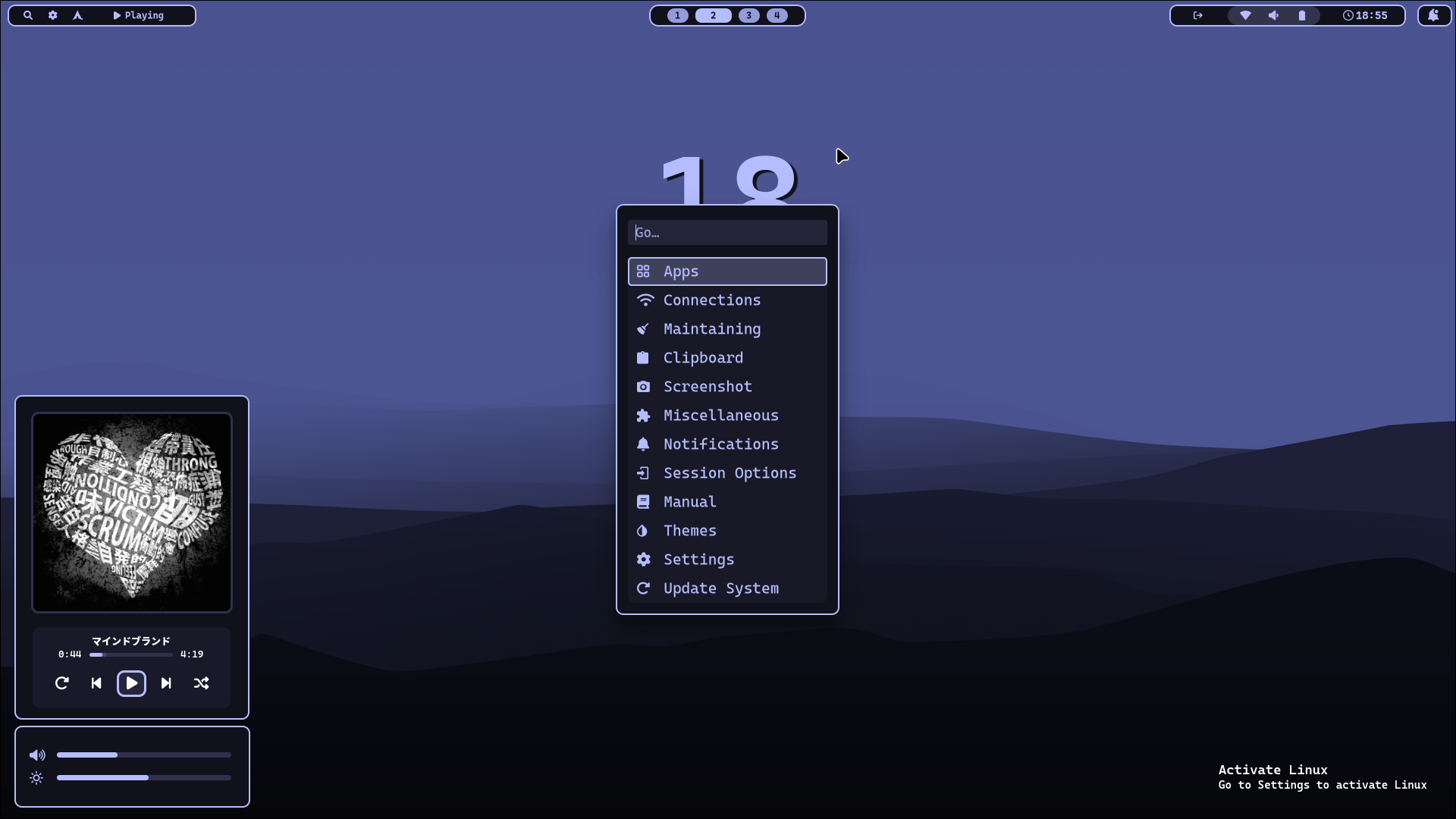
⚙️ System Menu
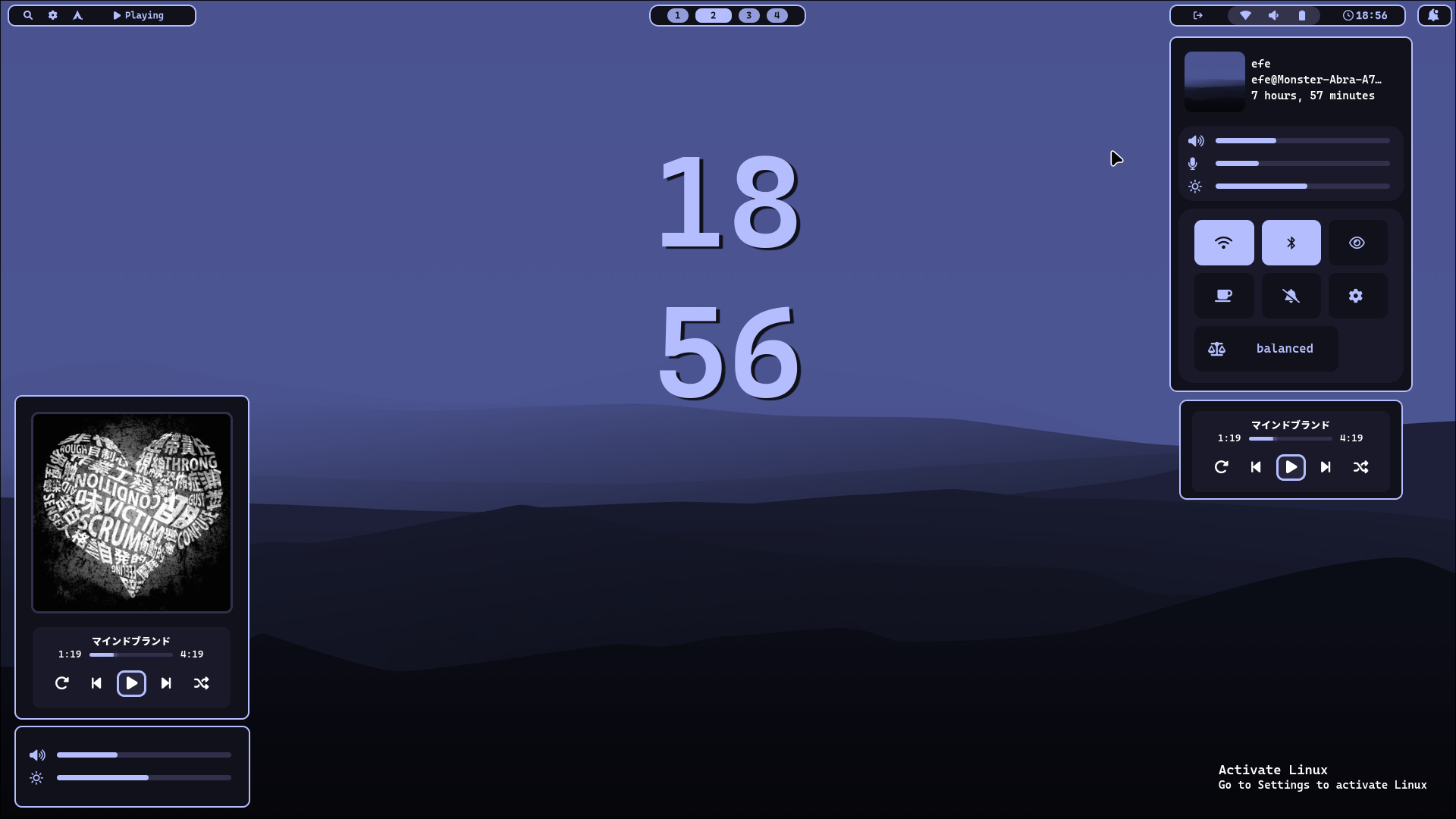
🚀 Quick Settings (Powered by ewwii)
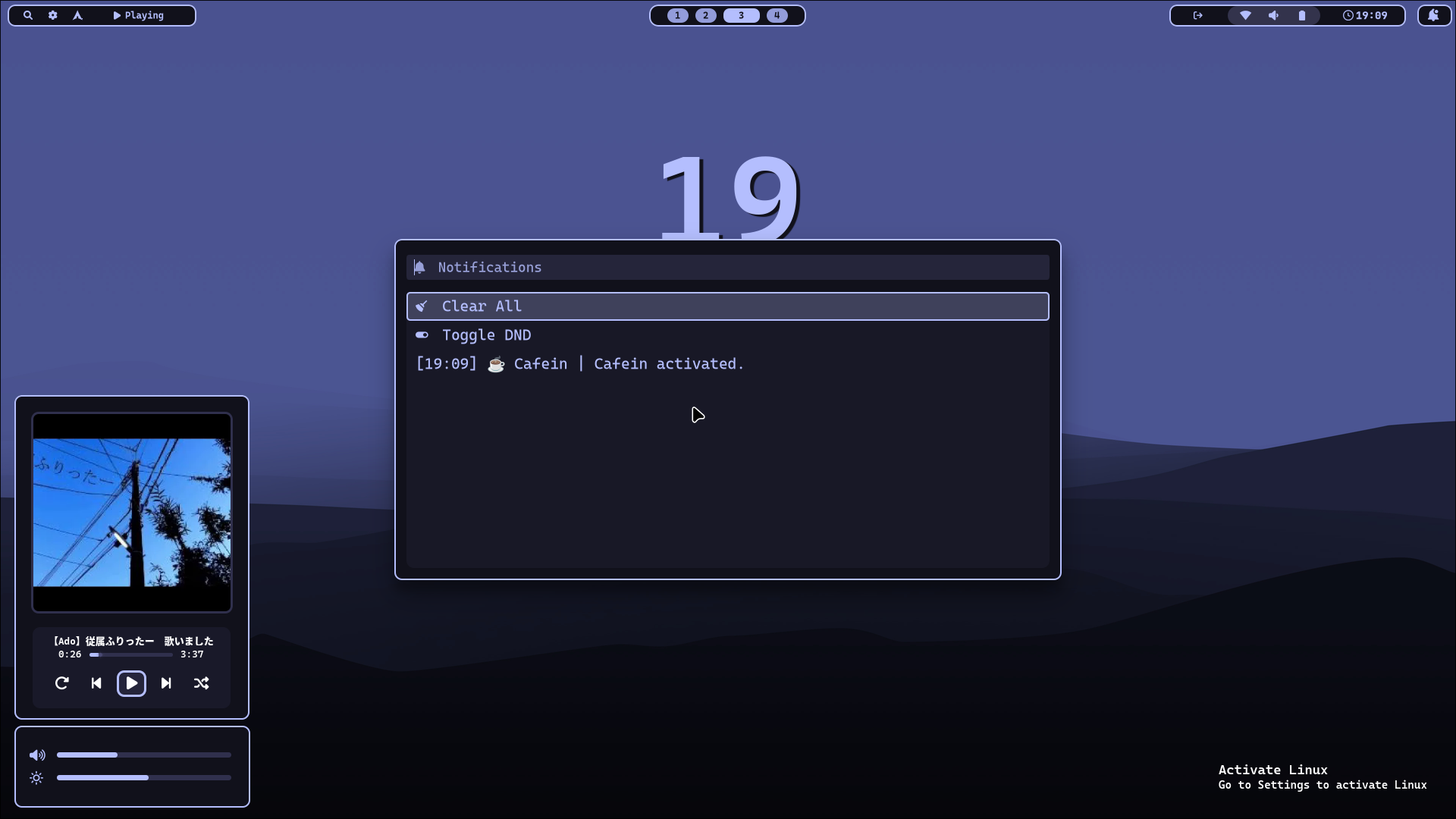
🔔 Notification Menu
🌐 qutebrowser
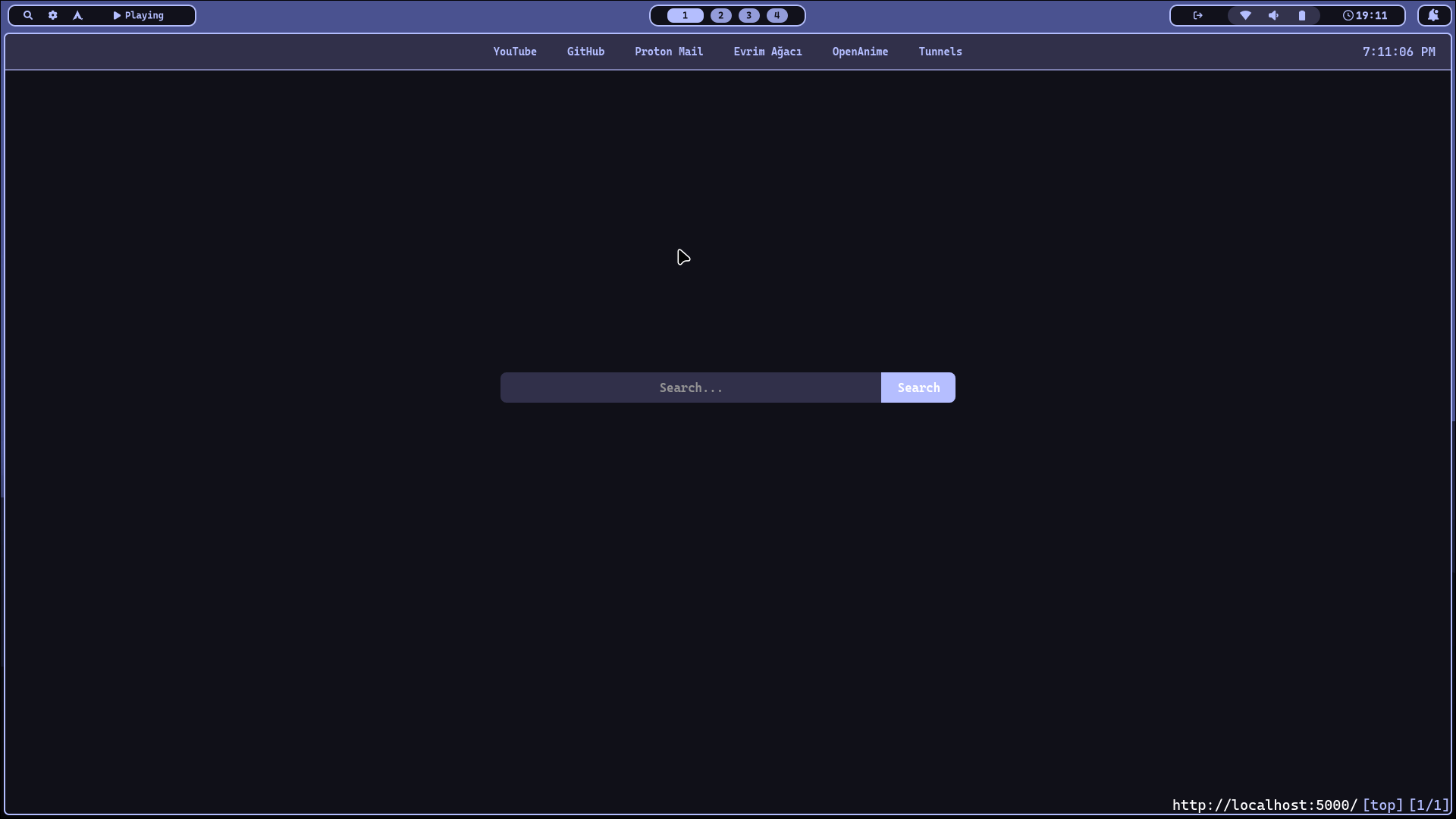
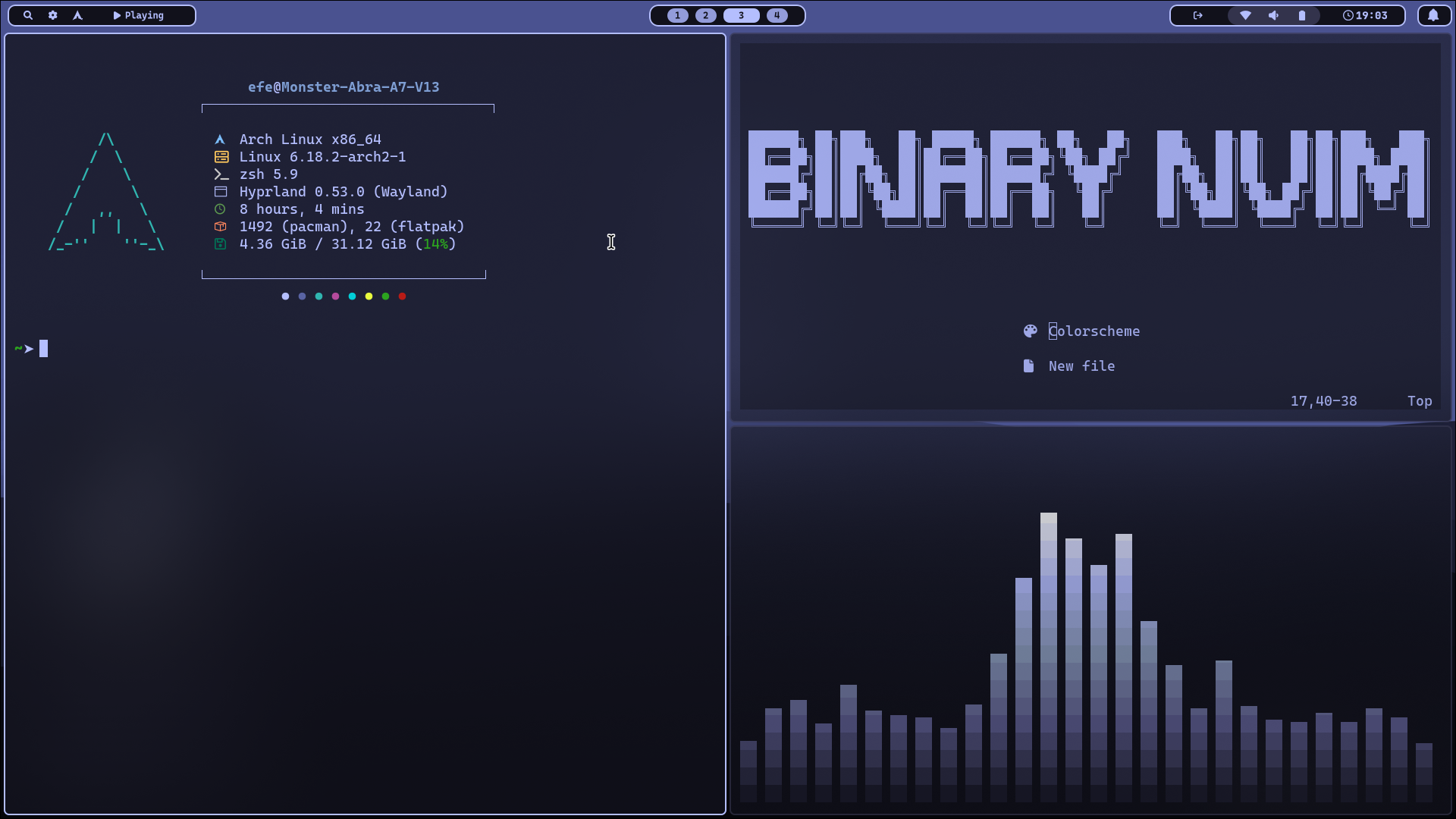
⌨️ Terminal Applications
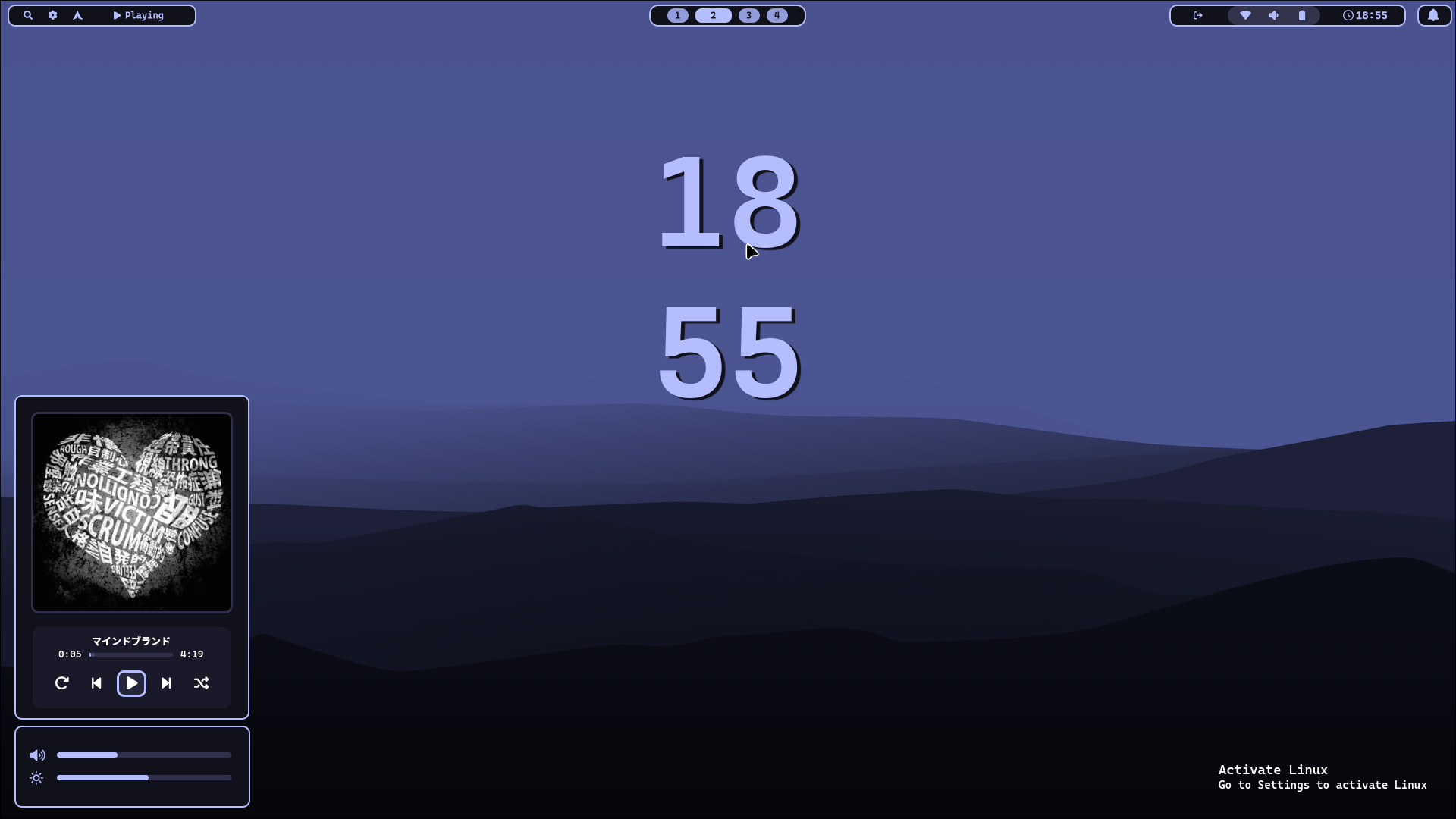
💻 Desktop Widgets (Powered by ewwii)
Recommended base: Arch Linux or Arch-based distro (EndeavourOS, Manjaro, etc.).
Optional/hardware:
- NVIDIA users: proprietary
nvidia-dkmsoften required. - Ensure
multilibenabled on Arch if you need 32-bit libs for some apps.
Warning
Using Chaotic AUR is highly recommended!
Run this command to install:
curl -fsSL -o install.sh https://raw.githubusercontent.com/BinaryHarbinger/binarydots/main/install.sh && chmod +x install.sh && ./install.sh
Warning
I don't really recommend installing manually or using with non-Arch based distros. BinaryDots uses some patched packages from AUR. Install script uses symlinks for most of the configuration files. Without symlinks scripts will break.
» Compile or install all applications in PACKAGES file.
» Put repository in your home directory as Dotfiles
» Symlink all folders under config to ~/.config/
» Run bash ~/Dotfiles/bin/change-theme -c Binary