- Introduction
- Features
- Architecture
- Folder Structure
- Tech Stack
- Local Setup
- Deployment & DevSecOps
- Environment Variables
- Contributing
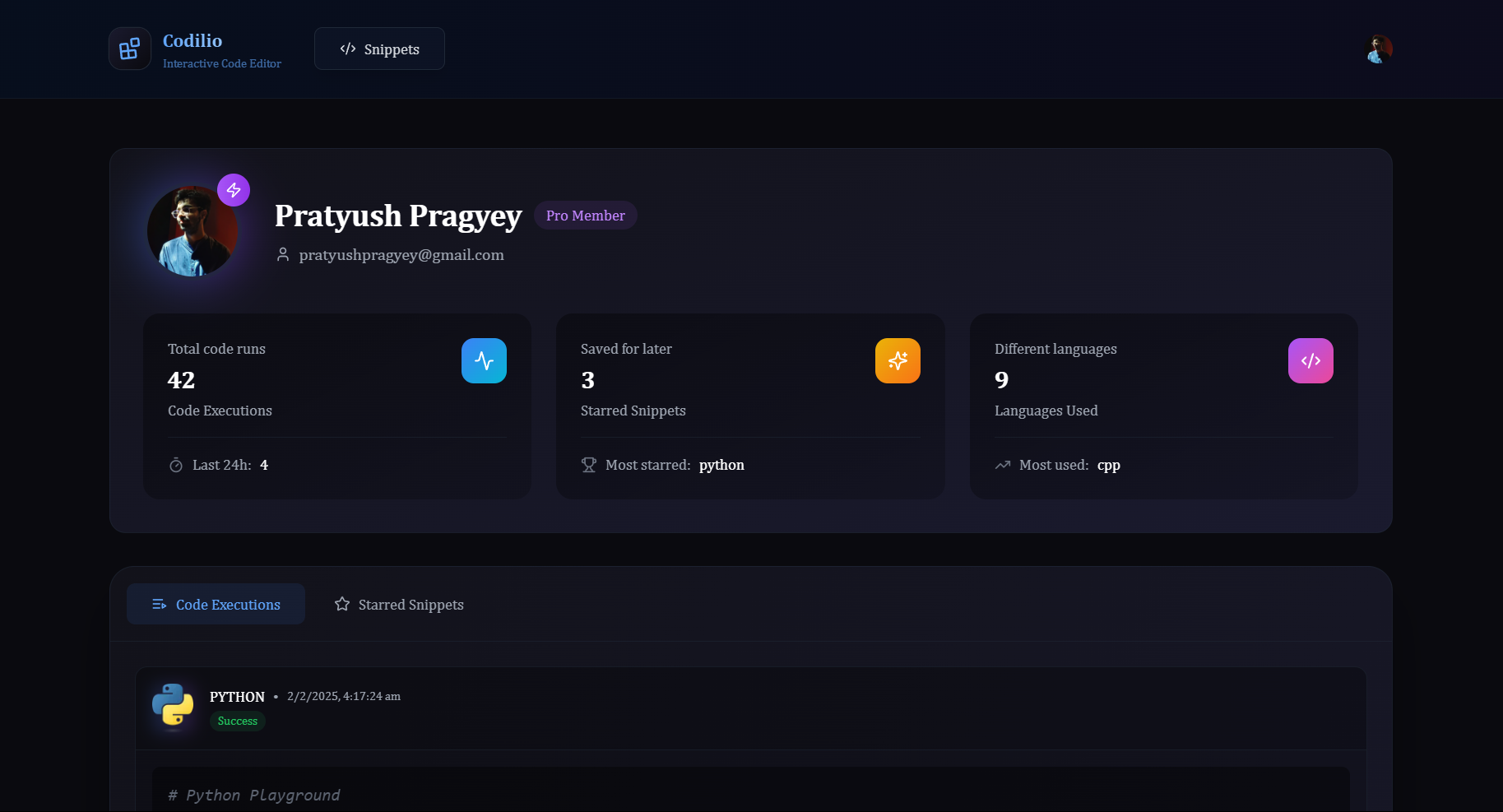
Codilio is a modern SaaS platform for code execution and sharing. Users can run code in JavaScript for free and unlock 9 more languages with a small fee. The platform provides a rich profile, snippet sharing, starring, and commenting system, all with a focus on security and scalability.
- Free JavaScript code execution
- Premium access to 9 more languages (Python, C++, Go, Java, etc.)
- Profile dashboard: Track code runs, favorite language, saved snippets, and stats
- Snippet sharing: Share code with others via unique links
- Star & save: Star snippets for quick access
- Commenting: Discuss and review code snippets
- Pro subscription: Unlocks premium features via LemonSqueezy integration
- Secure authentication: Clerk integration for user auth
- Real-time database: Convex for fast, reactive data
- Responsive UI: Built with Next.js, TailwindCSS, and Monaco Editor
Frontend:
- Next.js (React) with App Router
- TailwindCSS for styling
- Monaco Editor for code editing
- Clerk for authentication
Backend/Serverless:
- Convex for real-time database, queries, and mutations
- Convex functions for business logic (code execution, snippet management, comments, stars, etc.)
- LemonSqueezy for payment and subscription management
DevSecOps & Deployment:
- Docker for containerization
- Kubernetes manifests for scalable deployment
- Jenkins CI/CD pipelines for build, test, security, and deployment
- Trivy and OWASP Dependency Check for security scanning
- SonarQube for code quality analysis
- DigitalOcean for cloud infrastructure (via Terraform)
codilio/
├── src/                # Frontend (Next.js, components, pages, hooks, store, types)
├── convex/             # Convex functions, schema, and backend logic
├── public/             # Static assets (images, icons)
├── kubernetes/         # K8s manifests (deployment, service, secrets)
├── terraform/          # Infrastructure as Code (DigitalOcean, firewall, droplet)
├── gitops/             # GitOps Jenkinsfile for CD
├── Jenkinsfile         # Main CI/CD pipeline
├── Dockerfile          # Docker build instructions
├── docker-compose.yml  # Local Docker orchestration
└── ...
- Frontend: Next.js, React, TailwindCSS, Monaco Editor, Clerk
- Backend: Convex (serverless DB & functions), LemonSqueezy (payments)
- DevSecOps: Docker, Kubernetes, Jenkins, Trivy, OWASP, SonarQube
- Cloud: DigitalOcean (via Terraform)
- Node.js 20+
- npm
- Docker (for containerized setup)
git clone https://github.com/Eyepatch5263/codilio.git
cd codilio
npm install
npm run dev
# App runs at http://localhost:3000git clone https://github.com/Eyepatch5263/codilio.git
cd codilio
docker compose up
# App runs at http://localhost:3000- Stages:
- Validate parameters
- Workspace cleanup
- Clone code
- Trivy filesystem scan (container security)
- OWASP Dependency Check (dependency vulnerabilities)
- SonarQube code analysis & quality gate
- Build Docker image
- Push to Docker Hub
- Deploy via Docker Compose (local) or Kubernetes (cloud)
- Trigger GitOps pipeline for CD
gitops/Jenkinsfileupdates K8s manifests with new image tags and pushes to repokubernetes/contains:codilio-deployment.yml: Deployment & Service for appsecrets.yml: K8s secrets for environment variables
terraform/provisions DigitalOcean droplets, firewall, and SSH keys- Secure by default: only required ports open, SSH key-based access
- Trivy: Container vulnerability scanning
- OWASP: Dependency vulnerability scanning
- SonarQube: Code quality and security analysis
- Clerk: Secure authentication
- K8s secrets: All sensitive data via secrets, not in code
Set these in .env.local (for local) or in K8s secrets (for production):
NEXT_PUBLIC_CLERK_PUBLISHABLE_KEYCLERK_SECRET_KEYCONVEX_DEPLOYMENTNEXT_PUBLIC_CONVEX_URLCLERK_WEBHOOK_SECRETLEMON_SQUEEZY_WEBHOOK_SECRET
- Fork the repo & create a feature branch
- Make your changes (with tests if possible)
- Open a PR with a clear description
- Ensure all CI checks pass