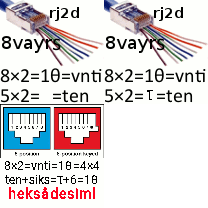
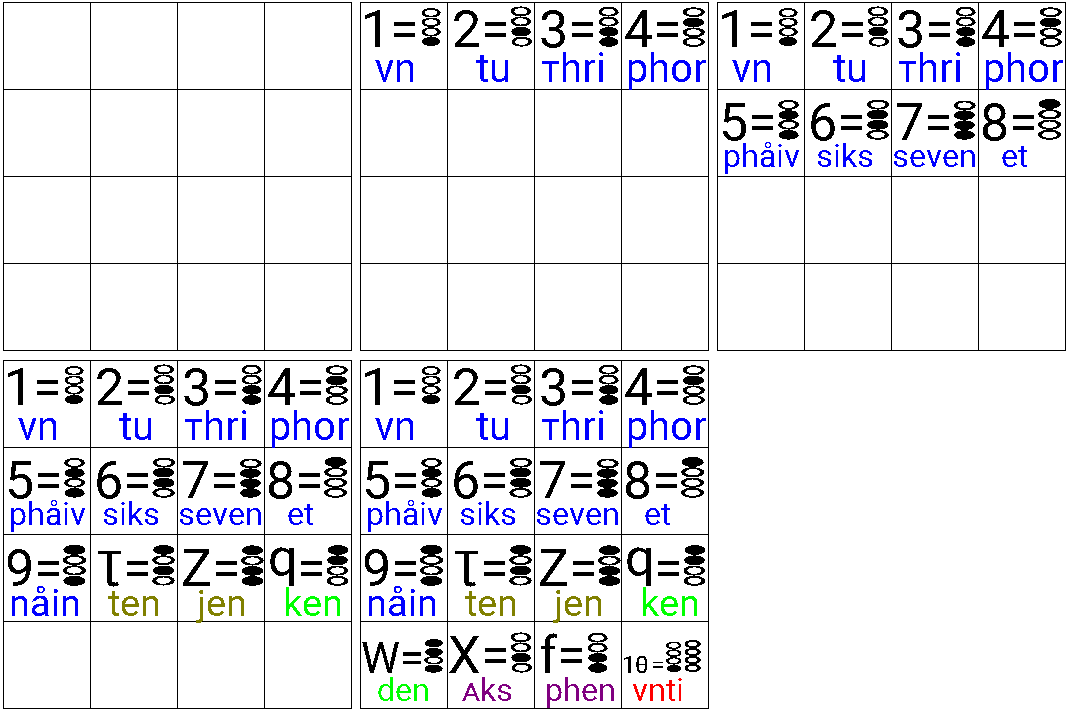
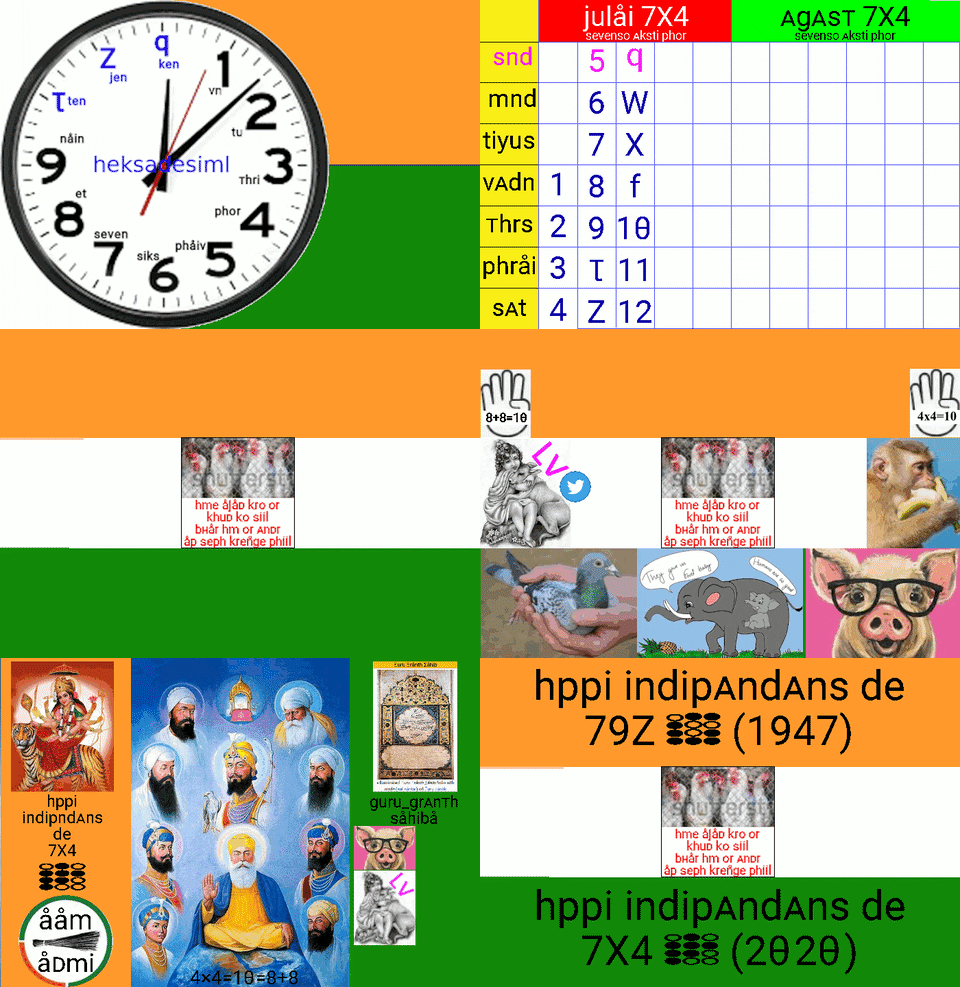
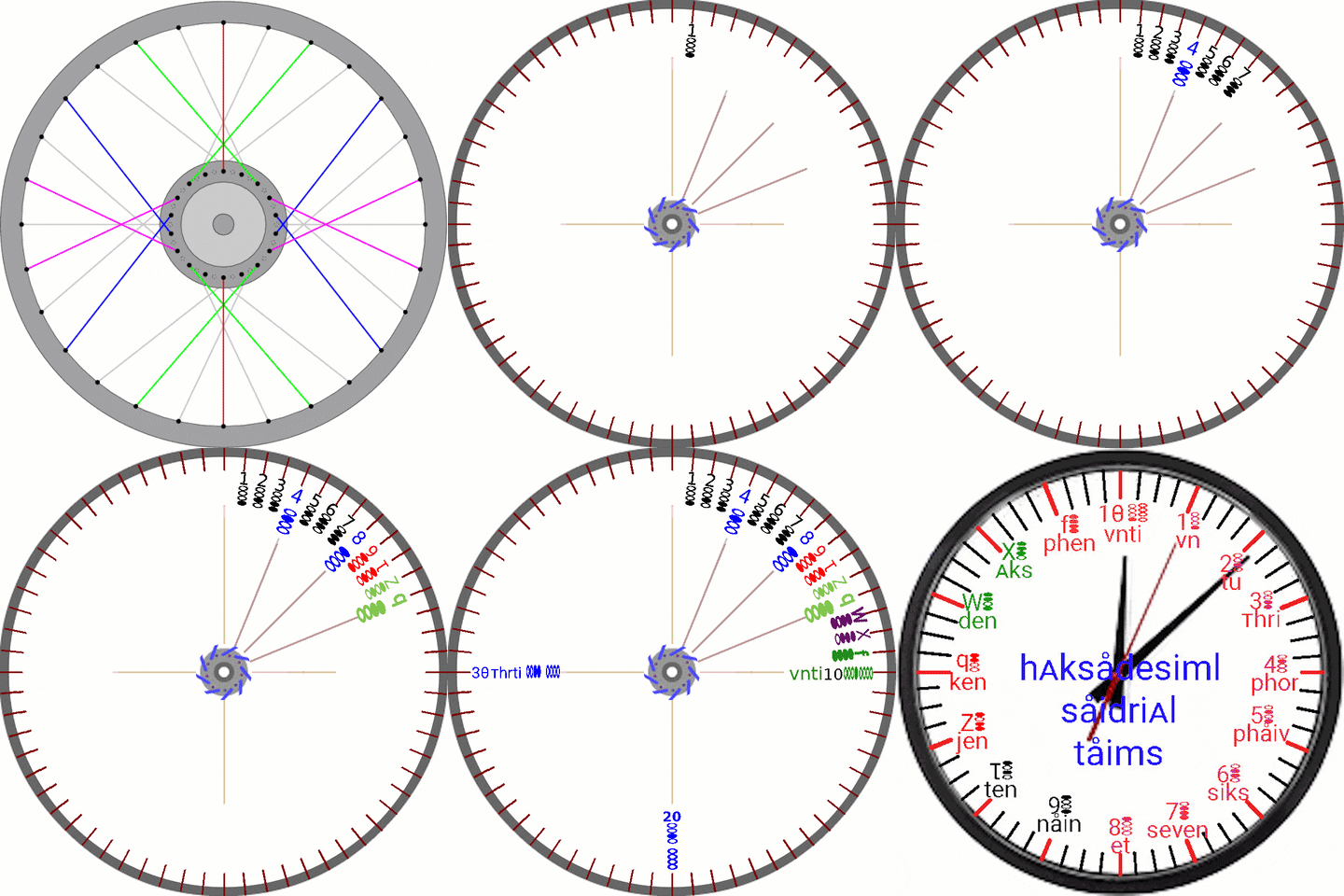
roboto810s.ttf font aur hpop kibord install krne ke steps is prkar h:
-
google play store me jae Aur custom font installer app zFont search kre Aur install kre.
yh app custom font ko install krne me kam aaTi h. -
android mobile me roboto810s phont daunload kre , sev kre , Aur khole. ye Apne ap zFont ke saTh khulegi.
- "SET" button Dbae , Apne phone ka model select kre ( jaise ki xiomi ).
- method 1 (old) select kre. ok Dbae. Font pej khul jaega.
- system font me jae Aur roBoto810B pr klik kre.
- Apply btn klik kre.
- reboot btn klik kre.
- reboot hone Tk inTjar kre.
- reboot hone ke baaD phone ki skriin pr sb kuch roboto810s phont me likha hoga.
- roboto810b me A->: , B->; C->< ; D->= ; E->> ; F->? hoTa h.
- isliye aap ? < > = ; : Dekhkr glAT na smjhe. yh sHi h.
-
Ab hpop_heks.apk ko Android mobile me daunlod krke Aur open kre. INSTALL btn Dbae.
-
open kre.
- st input mATHAd btn klik kre
- hpop selekt kre
-
Ab apke phone me hpop keyboard ke saTh roboto810s.ttf instal ho gye h.
-
Ab aap Apne kisi DosT ke phone me bhi ye install kre Aur phir ek Dusre ke saTh roboto810 me :
- hinDi
- Telugu
- Tmil
- mlyalm
- gujraTi
- mrathi
- bfgali
- orriya
- pnjabi :. gujraxi ;. heksadesiml nmbrs
me ek Dusre ko messaging kr skTe h.
---------------- kuch Aur important liNks ----------- 3. font can be edited using fontforge open source softveyr.
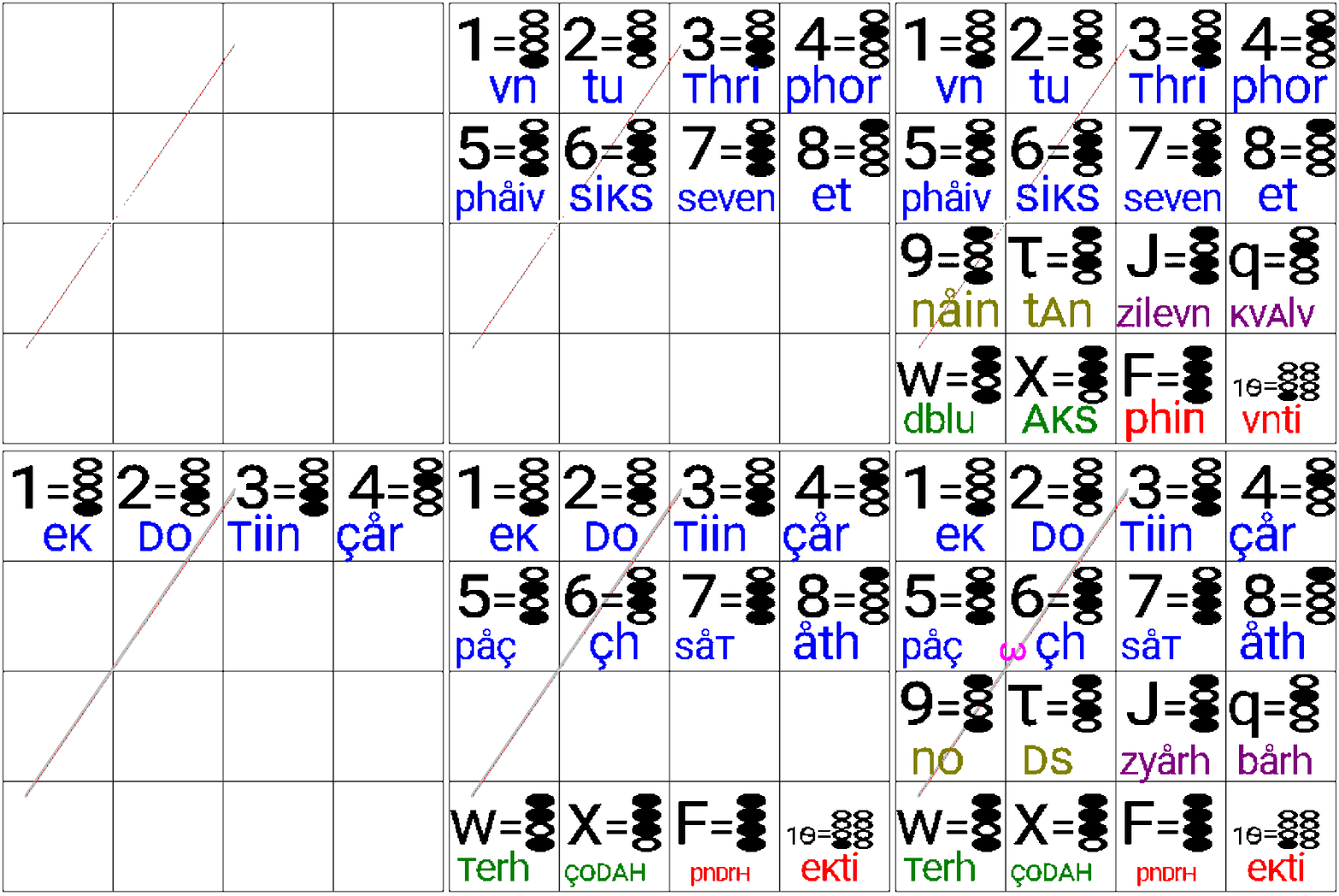
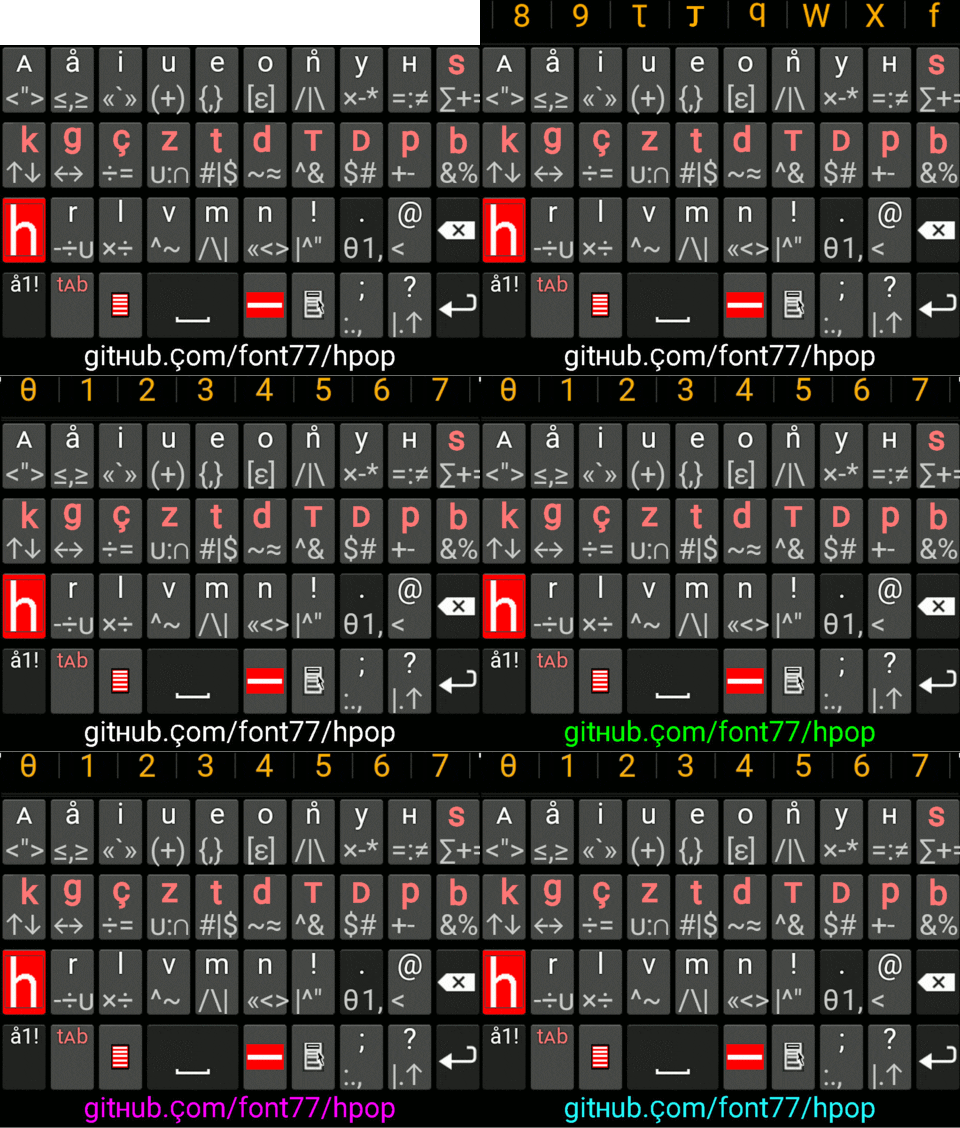




it siims vi shud kaunt on phiNgArs & yuj Thmbs tu sho & haid.

photos & qnimesqns bilo
vidiolist hbord vidio heksmqxhs2 giphyvidio
haski_8_10 midori braujr project viwh heksifglish button "h"
midori braujr viwh heksifglish button vith 'h' label.
vhen user press this button , tekst on current vebpage gets changed as in bilo steps :
- all capital case gets changed to small case: A-Z -> a-z ( like cntr+u in notepad++)
- all f, q, w, x, z gets changed as : f->ph , q->k , w -> v , x->qks, z->j
- all :;<=>? gets changed as : -> A , ; -> B , < -> C , = -> D , > -> E , ? -> F
- page gets refreshed but phonts gets changed to roboto810s.ttf
- onli phur smal_kes roboto_heks_jk/zk/jq/zq phonts heksifglish
- minu kiij tu suport mintos ( minu tri opretifg sistm)
- phfksnl minu ki
- objqkt minu ki
- qndqrskor is gud phur programifg. kqmql_kes & qpqr_kes not gud
- GZ not weyr. riplesd bai gud simbqls phur modqrn programifg lqfgyuejis laik html5 javaskript templet_programifg
- heksadesiml nmbrs
- gitHb ripojitri
- [roboto phonts daunlod qur instal kre][roboto heksbin phonts]
- vk
- tmblr
- liNkdin
- sos
- blogspot
- rAdit
- lifkdin artikl