An android app for interactive remote control of a DeskCNC milling machine.
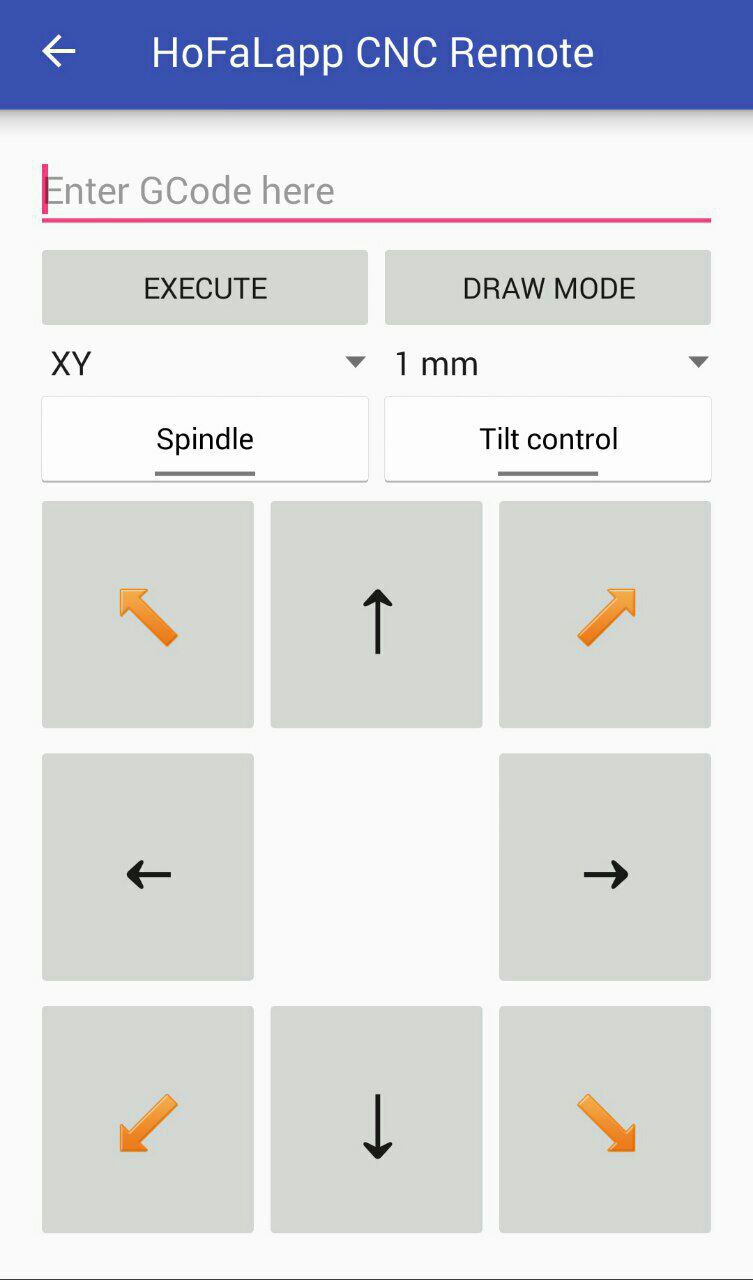
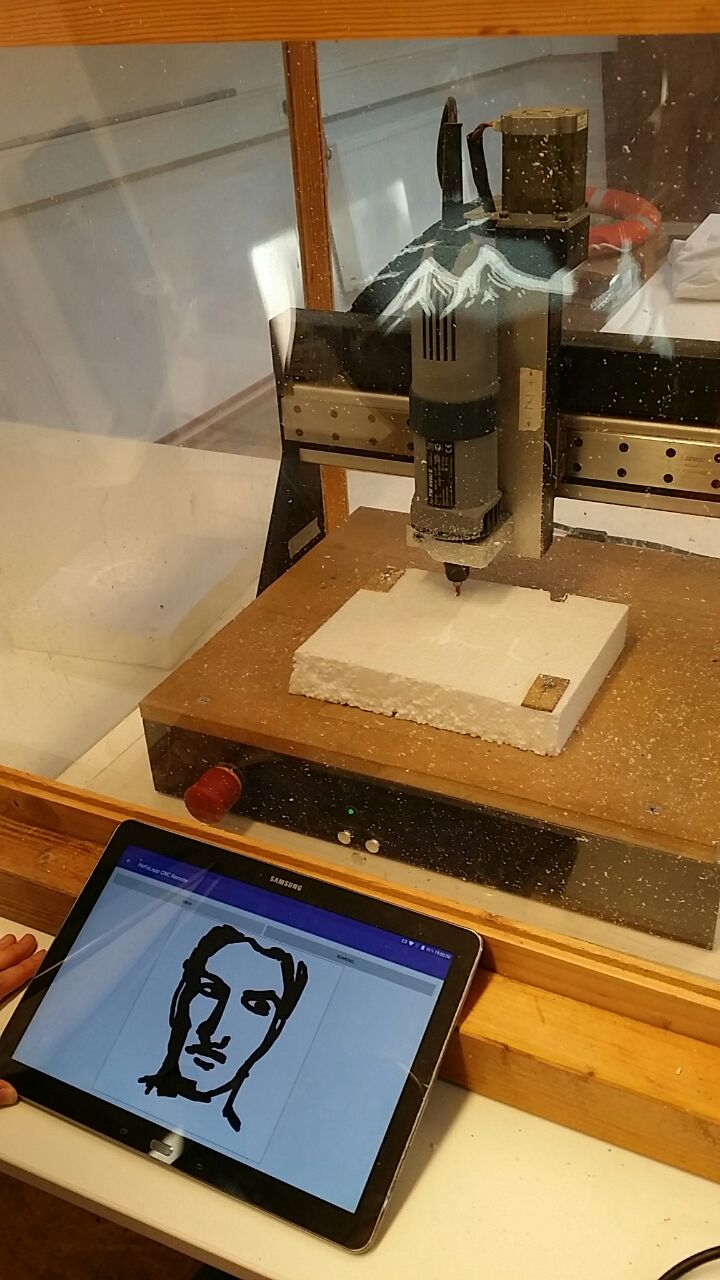
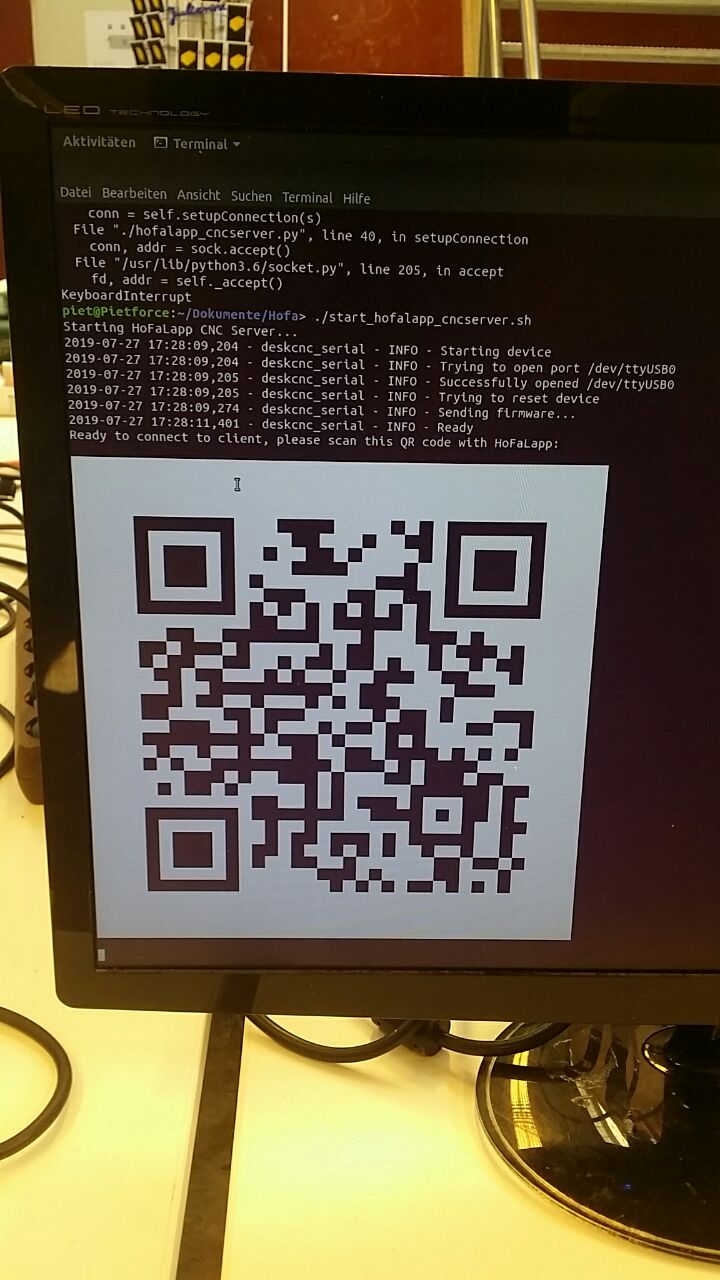
- Automatic network configuration and connection setup between android phone and CNC device host, local IP adress is transfered to the phone via QR code.
- Works offline, without internet connection
- Arbitrary G-Code commands can be entered directly on the phone, they are executed by the CNC device
- Remote control mode with GUI, buttons on the phone are used to move the milling tool manually
- Tilt control mode, where the gravity sensor of your smartphone determines the movements of the machine
- Interactive graphical mode where you draw on your touchscreen, and the CNC machine moves the tool accordingly
t_video5323737462336390102.mp4
- This in in an early alpha state and highly unstable
- Install app-release.apk on your phone
- On the milling host machine you need Python 3; required modules: pip install pyqrcode
- Install deskcnc_serial
- If
deskcnc_serial.pyis not in the same folder, doexport PYTHONPATH=$PYTHONPATH:path-to-deskcnc_serial - Connect the CNC device to the host machine and run hofalapp_cncserver.py (e.g.
python hofalapp_cncserver.py [your-ip] 1337 COM1) to start the server - On Linux you can use start_hofalapp_cncserver.sh to detect your own local IP automatically
- For a debug mode (to test the app without a CNC device), simply do
./hofalapp_cncserver.py [your-ip] 1337 none - Make sure that your phone is in the same wifi / local network / VPN as the host machine, and that no firewall blocks direct connections to the host
- Start the app on the phone (username does not matter), scan the QR code displayed on the host
- Use buttons or draw mode to control the machine (in debug mode the G-Code commands which would be executed are printed to the terminal on the host machine)
- The coordinate plane in which you draw movements (XY-plane, or XZ or YZ) has to be defined before entering draw mode.
- Very important: The third coordinate / the position of the tool in the dimension in which you do not draw (for instance the Y position of the XZ drawing plane), has to be defined (by positioning the tool there) also BEFORE entering draw more.