Bring authentic CRT vibes back to your MAME experience! This setup combines BGFX screen chains with ReShade shaders for customizable scanlines, brightness, and image effects. Perfect for retro gaming enthusiasts who want that classic arcade look.
Im not claiming to be an expert on the visuals/colors it just looks decent to me.
- CRT-style scanlines & glow
- Brightness & image tuning
- Includes crt-geom-deluxe chain as a ready-to-use preset
- Optional CRT-Royale (ReShade) for extra realism (heavy on performance)
MAME .268+ (recommended)
Dedicated GPU or modern onboard graphics
Windows with Direct3D 10/11/12 support
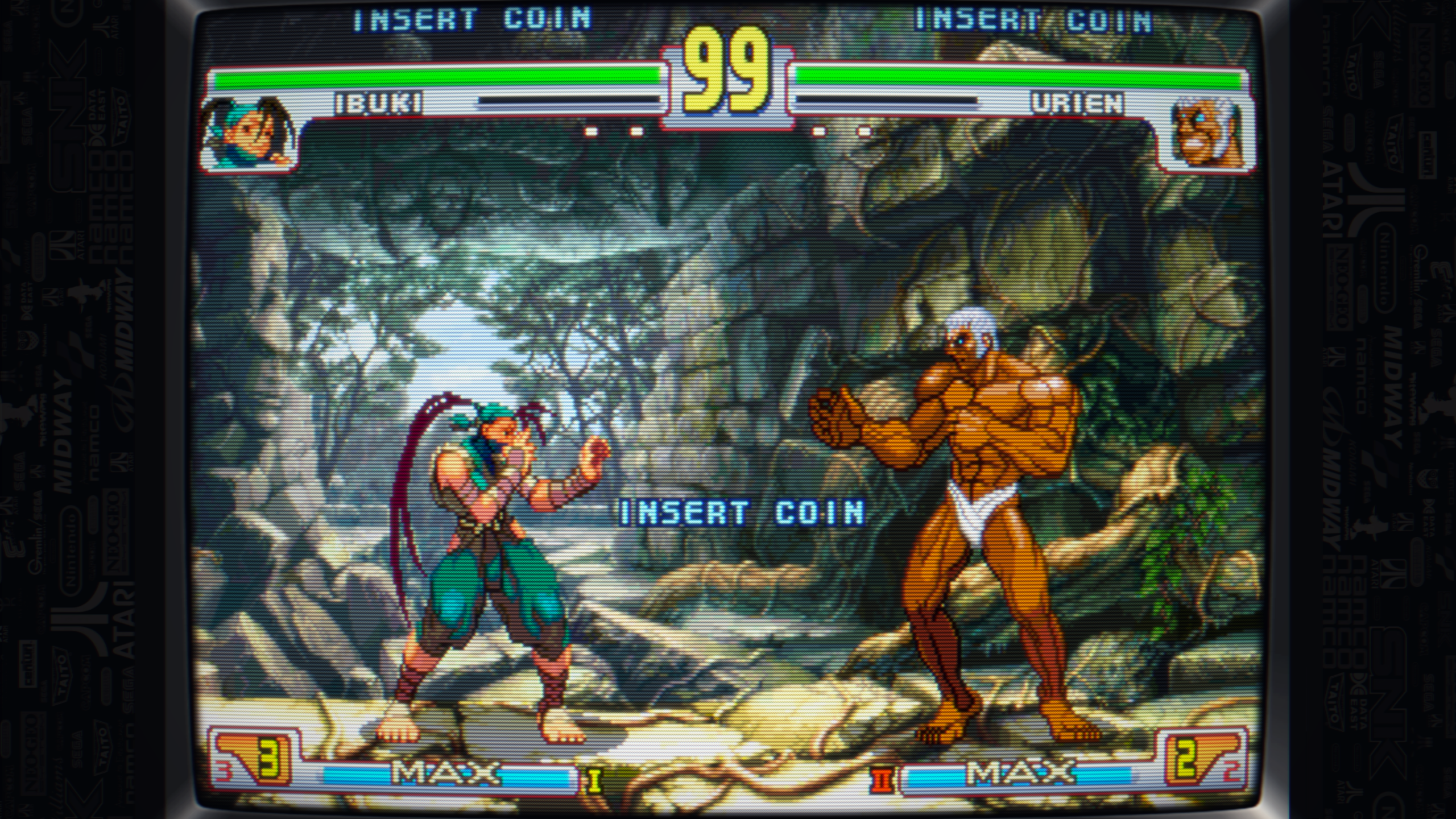
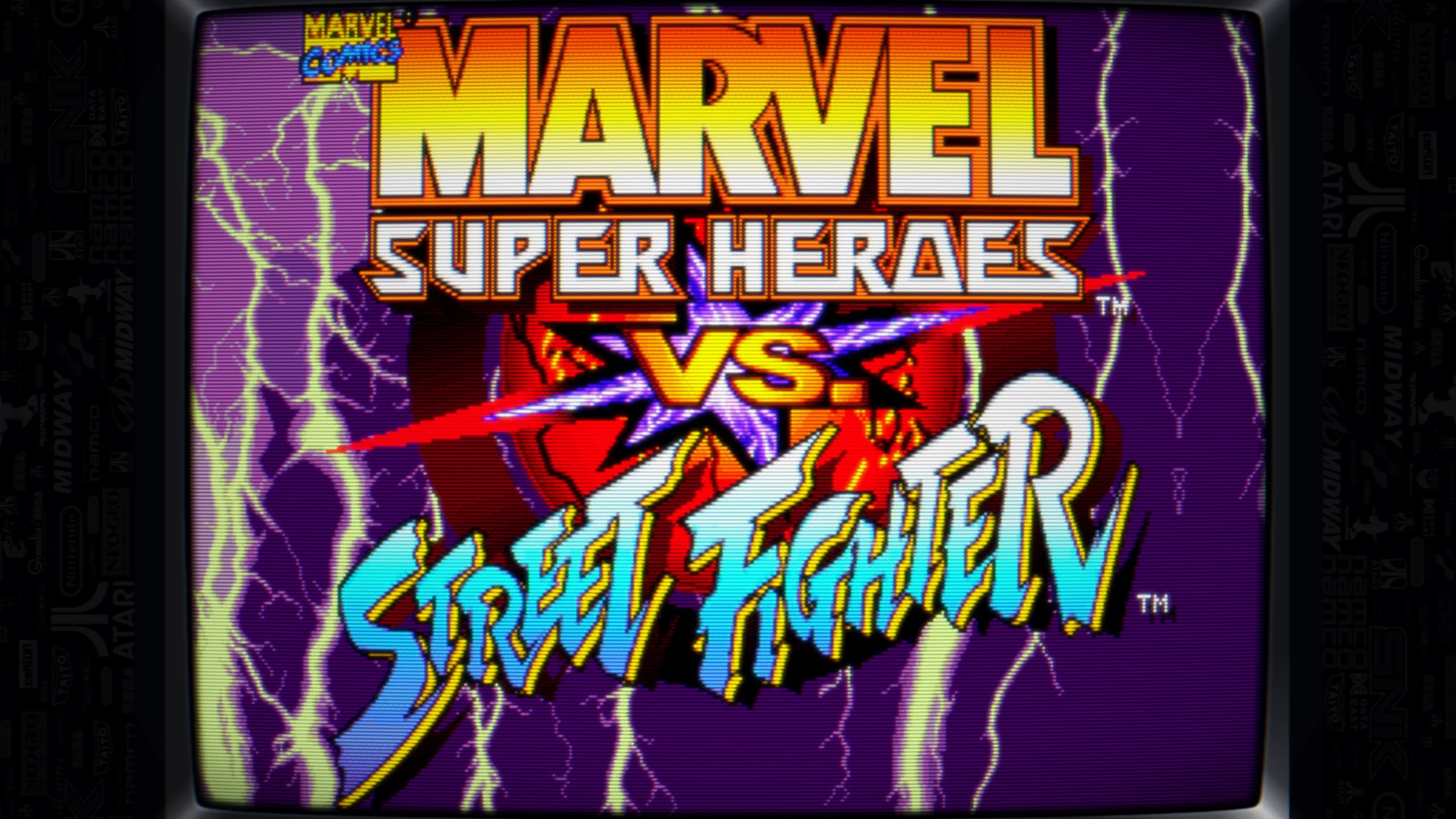
Download crt-geom-deluxe.json.
Place it in: mame\bgfx\chains
Edit your mame.ini (or frontend settings) to enable:
OSD VIDEO OPTIONS
video bgfx
BGFX POST-PROCESSING OPTIONS
bgfx_screen_chains crt-geom-deluxe
Backup your MAME folder
Download ReShade
Run installer → point to mame.exe
Choose Direct3D 10/11/12
Install all default shaders, *install the extra shader crt_royal-reshade by akgunter.
When “Succeeded!” close installer
📥 Download here - Standard
📥 Download here - CRT_Royal disable mask in bgfx settings, TAB(Slider Control) in-game.
Press Home to open the ReShade menu in-game Load the preset
Place file in mame\reshade-shaders 
In ReShade settings, DPX strength and Levels black point will have a big effect on the image.
Adjust brightness/contrast in the Mame tab menu(Slider Control) if too bright in some games, good default Street Fighter II CE e.g. Brightness .970, Contrast 1.1, Gamma .800
These settings depend on your monitor settings
Uses Delta 4x2.rgb mask in BGFX → subtle, natural RGB pattern
All settings are kept lightweight to balance performance & visuals
Extra tweaking available via Mame in-game TAB → Slider Control and ReShade Home key.
