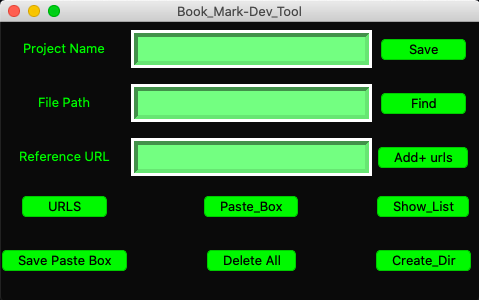
My start to a simple yet helpful widget design to improve workflow and organization when it comes to personally managing your local development process.
Meant to be a quick and easy way to neatly store and grab useful info.
It's main purpose is to aid in keeping track of which projects you are working on from day to day and their specific details.
What you named them, which directory, filepath, what articles or documents are you pairing with them,
what valuable snippets have you come across while probing the internet? This is all part of procedure and it can get rather messy,
so the widget gives you a fast UI to a nice consolidated place to store and compartmentalize all these goodies.
Run the widget to access any of these details when you need them. Makes picking up where you left off more manageable.
Instead of juggling multiple current tasks in your head and keeping a mental roladex of all the things you
closed, opened, named, read, when and where you left them 🤔(this could get tiring..)
Why not automate this balancing act?
After you save a project, you can now add as many web addresses as you need to onto your reference materials. Just fill in the project name field and enter the new url into the references field. "Add-URLS" button will parse through your entries file for the matching project name, then append the additional links onto your references.
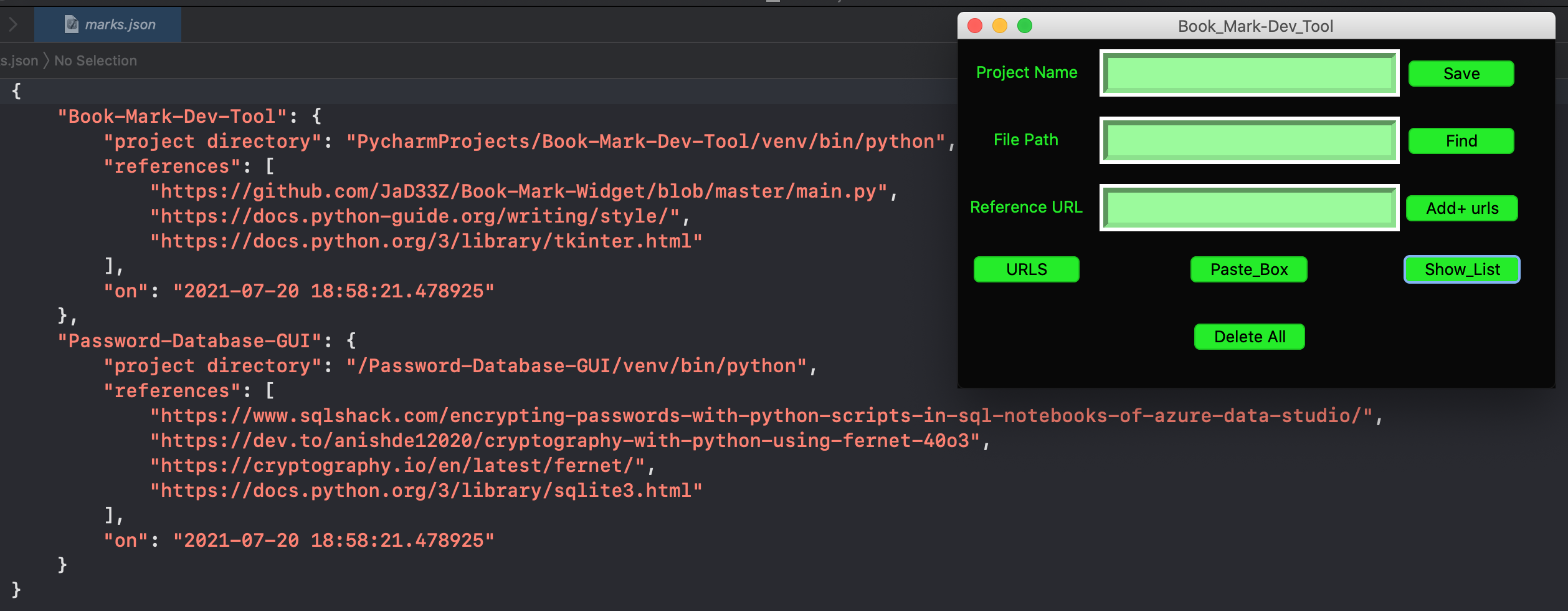
You can store your bookmark files seperately in their own directories inside the app. So if you want to start a new bookmark file you can still keep the old ones. Click the "Create_Dir" button and you will be prompted in the terminal for input. Give a name to the new directory and file. (You don't have to add a meta tag, it automatically gets saved as a json file.) If you would like to save to an existing directory or file (or same directory - new file, either or,) just type the name of that directory and file, and it will write the updated info to that file and store in the specified directory.
Save your paste_box.txt file to a specific directory Compartmentalize clip board notes that go with each separate project You'll be prompted in the terminal with a list of available folders within the app to choose from Pick a folder to store the file in
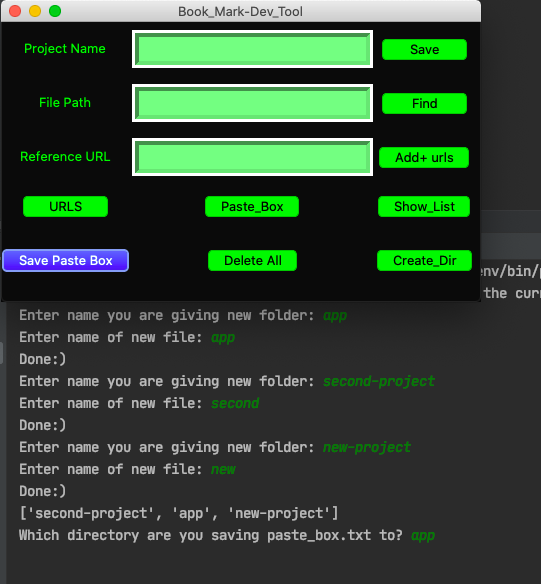
Fill in the text fields to make an entry in the Book Mark Widget. Saves the date and time along with the entry.
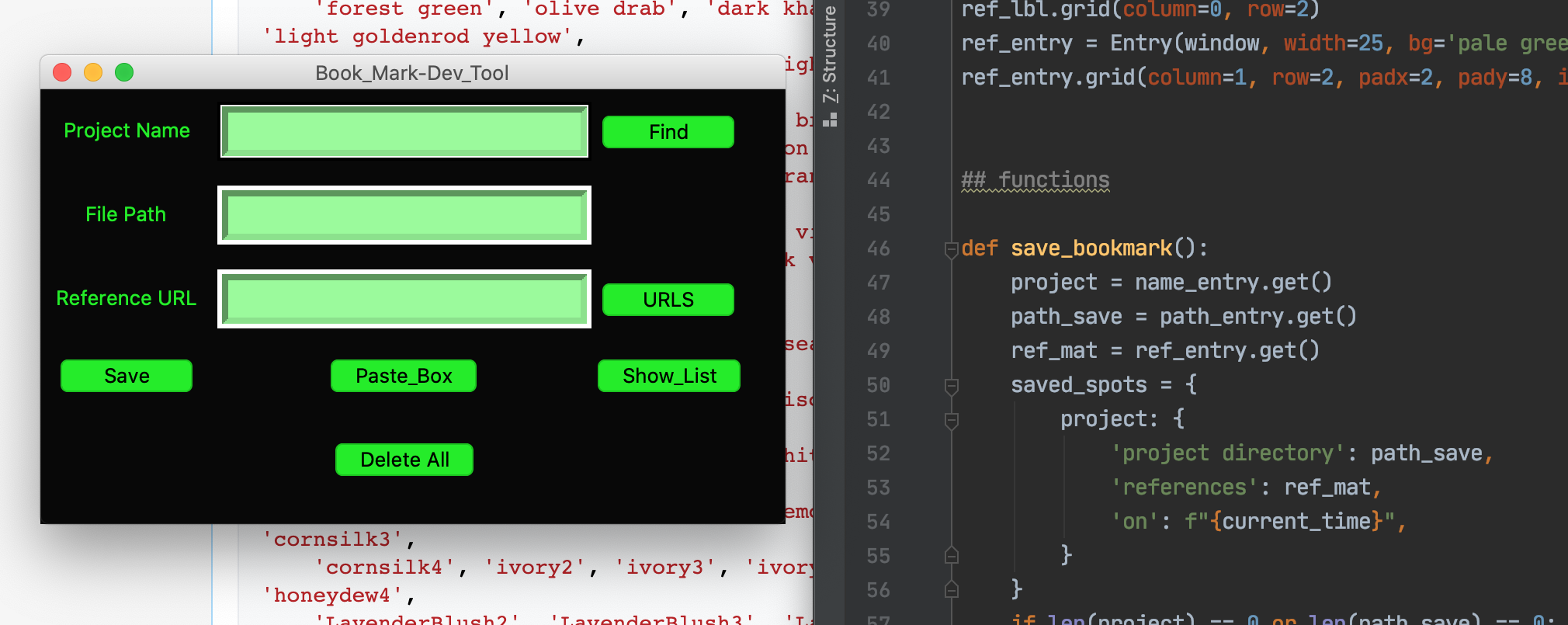
Project names with links to associated reference materials.
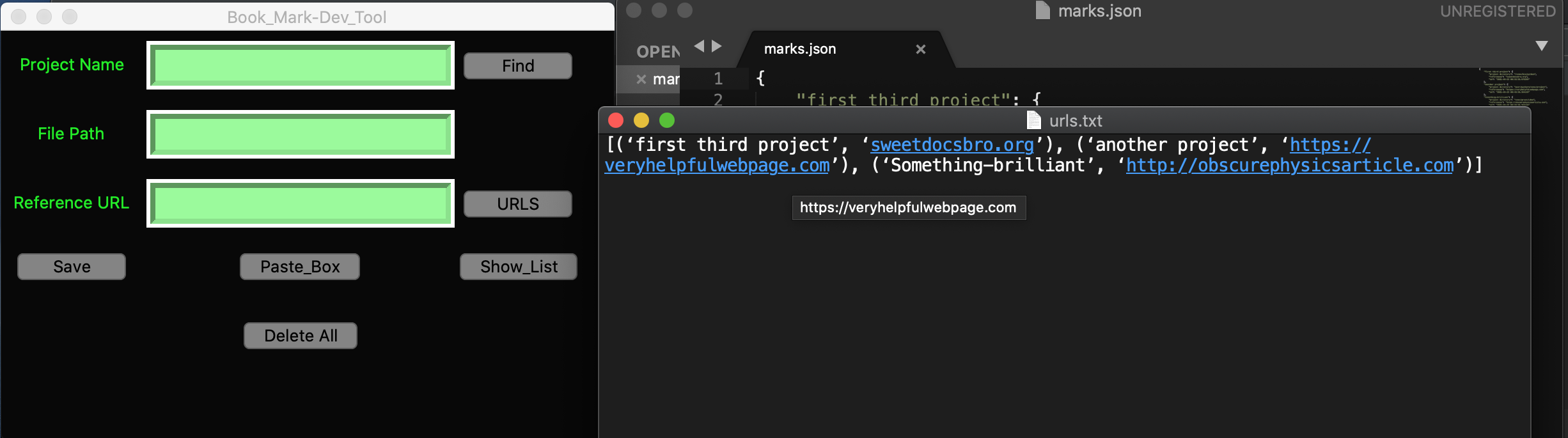
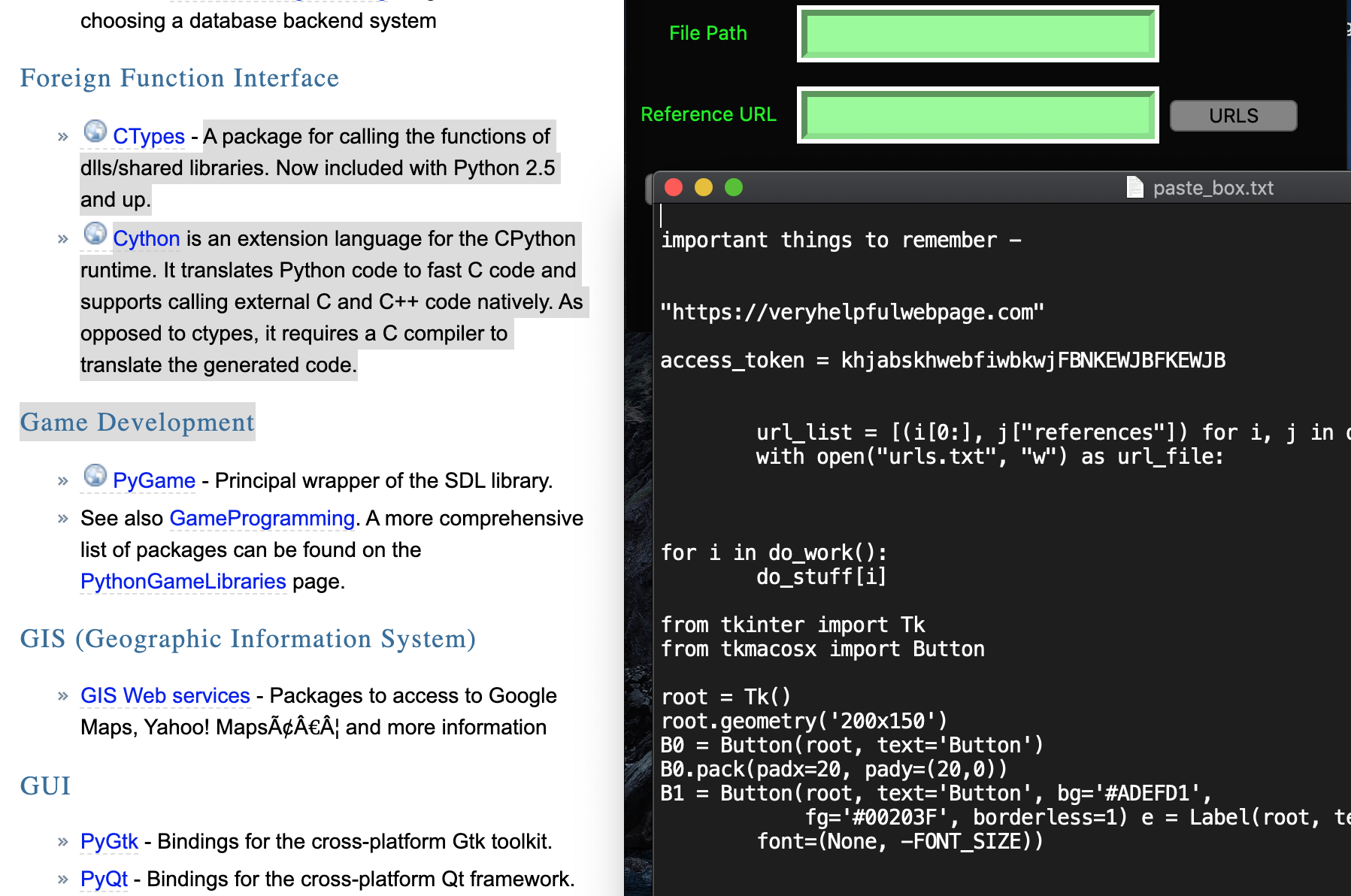
Spare place to jot down notes, copy/paste any useful info for safe keeping and future access.
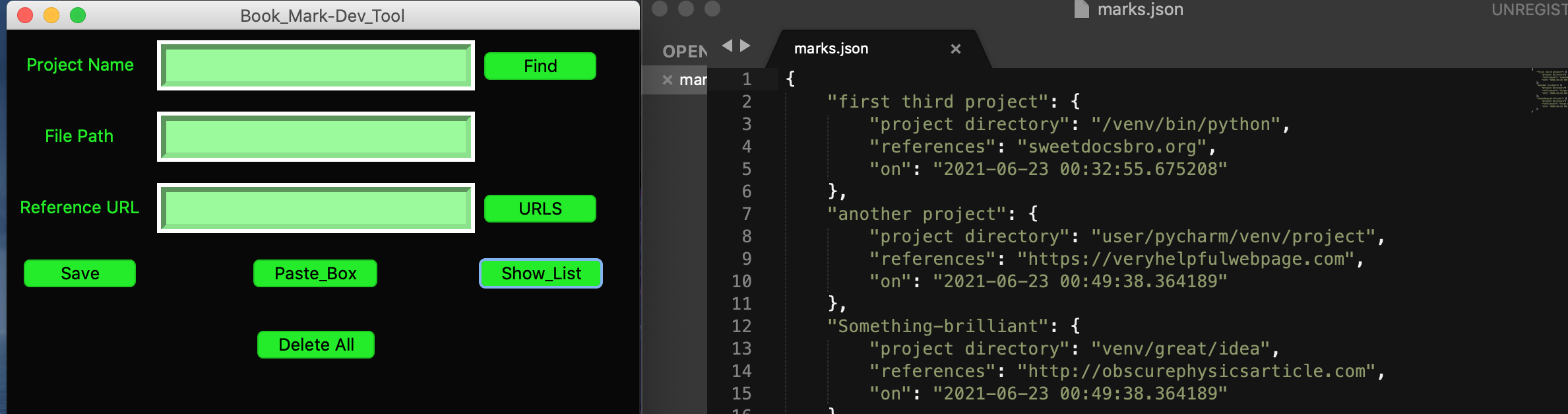
Simplify keeping track of the details. View all of your recently saved items.
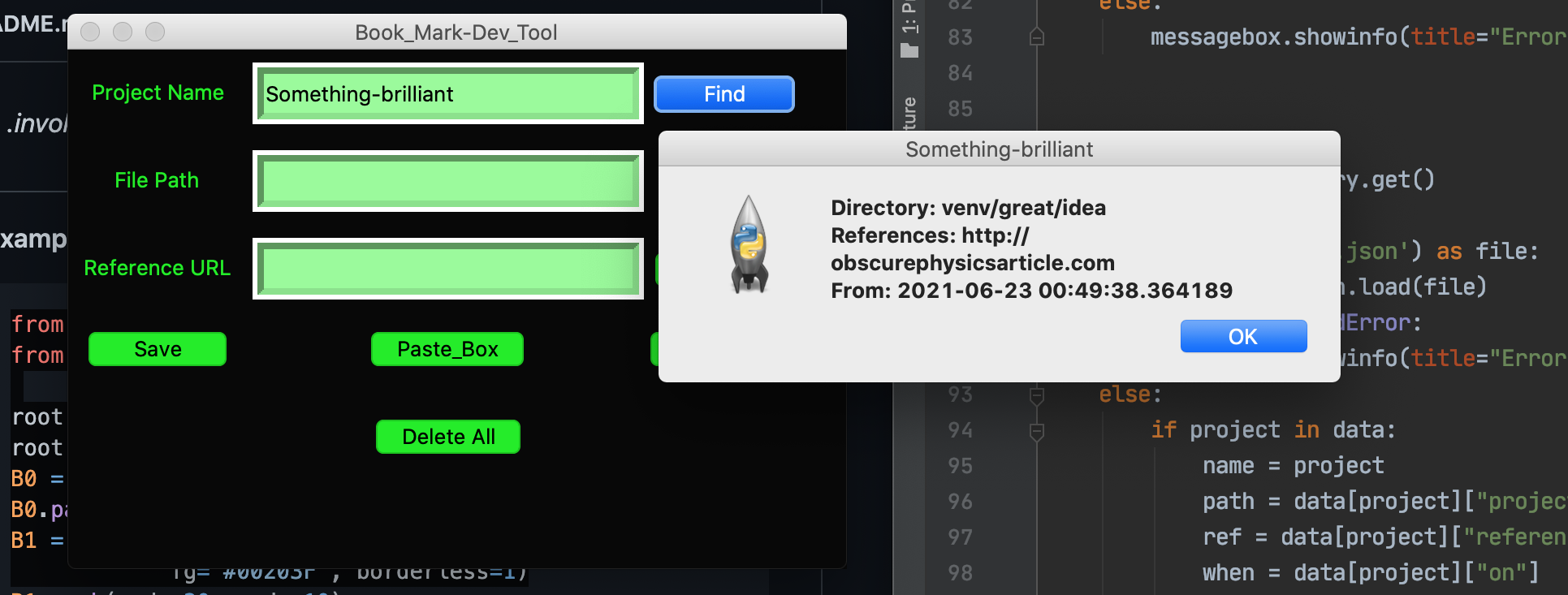
Search for individual project names in your recent work load. Get it's info!
To run this app: Clone or download the zip file and open.
From terminal:
$ cd path/to/Book-Mark-Widget-master
start and activate virtual env to install packages
$ python3 -m venv venv
$ source venv/bin/activate
$ pip install -r requirements.txt
and run to start widget
$ python3 main.py
When program is run and entry is saved it will automatically generate 3 files within the Book-Mark-Widget directory.
- A 'marks.json' file where the main list is saved. (will be opened with your default text editor)
- A 'urls.txt' file containing a list of (project names, urls) tuples.
- And a 'paste_box.txt' file that will open with the widget where you can manually add or delete it's contents.
There is only 2 packages to be installed, just for additional widget/buttons styles for mac os. If you don't need these packages, comment them out in the imports. (note - You might have to modify some of the color names afterward.) The other packages imported are built ins and tkinter should still accept the same commands.