In the past I spent a good amount of years as a chef and working in the food service industry in general. This app is something I
designed based off a personal method I preferred for tracking inventory along with cost/profit amounts.
The basic formula of the process is, take the total cost of an item (however you purchase it wholesale.. case, box, bunch, etc.)along with it's
bulk weight and break it down into cost per ounce of said item. Ounces are a good standard measure for food service items. They are small
enough to keep track of any precise amount used in a recipe yet easily converted to heavier measures, solid objects and fluids alike.
It's a common mistake in a food service environment to lose track of spending or get a false idea of what your profit gains actually are.
Small amounts can constantly go unaccounted for, with a few cents slipping through the cracks everytime
it adds up substantially and leads to big losses. To run a profitable restaurant, the ideal margin is
to keep food costs between 28% and 35% of revenue. If you can assure you are within those boundaries
for every dish that's listed on your menu, then you are in good shape. You have real representations of your numbers to keep record of.
So with this method you get an accurate guage of what each ingredient actually costs per the amount used in the recipe for each dish.
This method can be quite tedious and time consuming though. E-Z Chef Cost Pro automates this process,
doing all the math while storing every item into inventory, making it quick, easy, accessible and manageable.
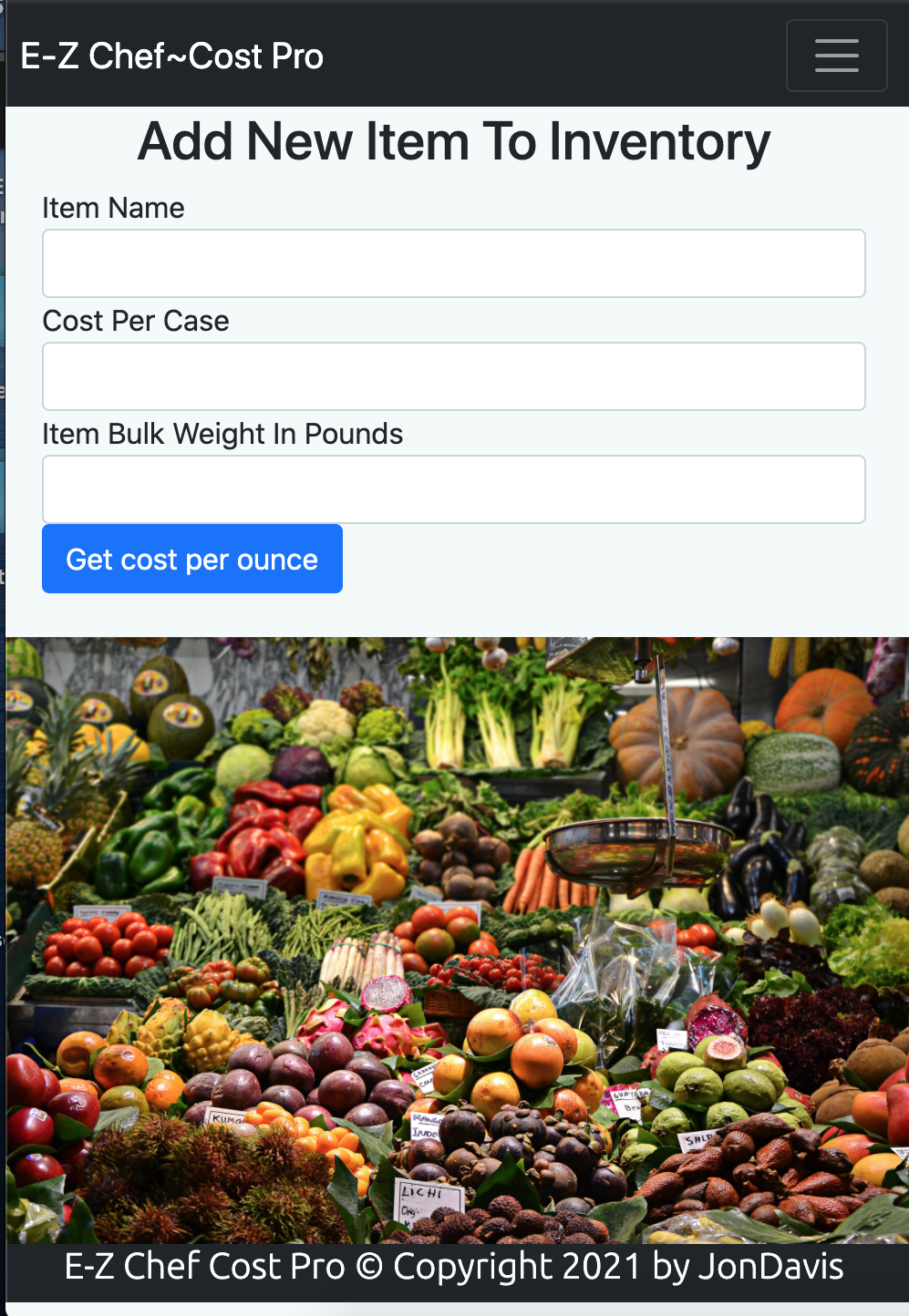
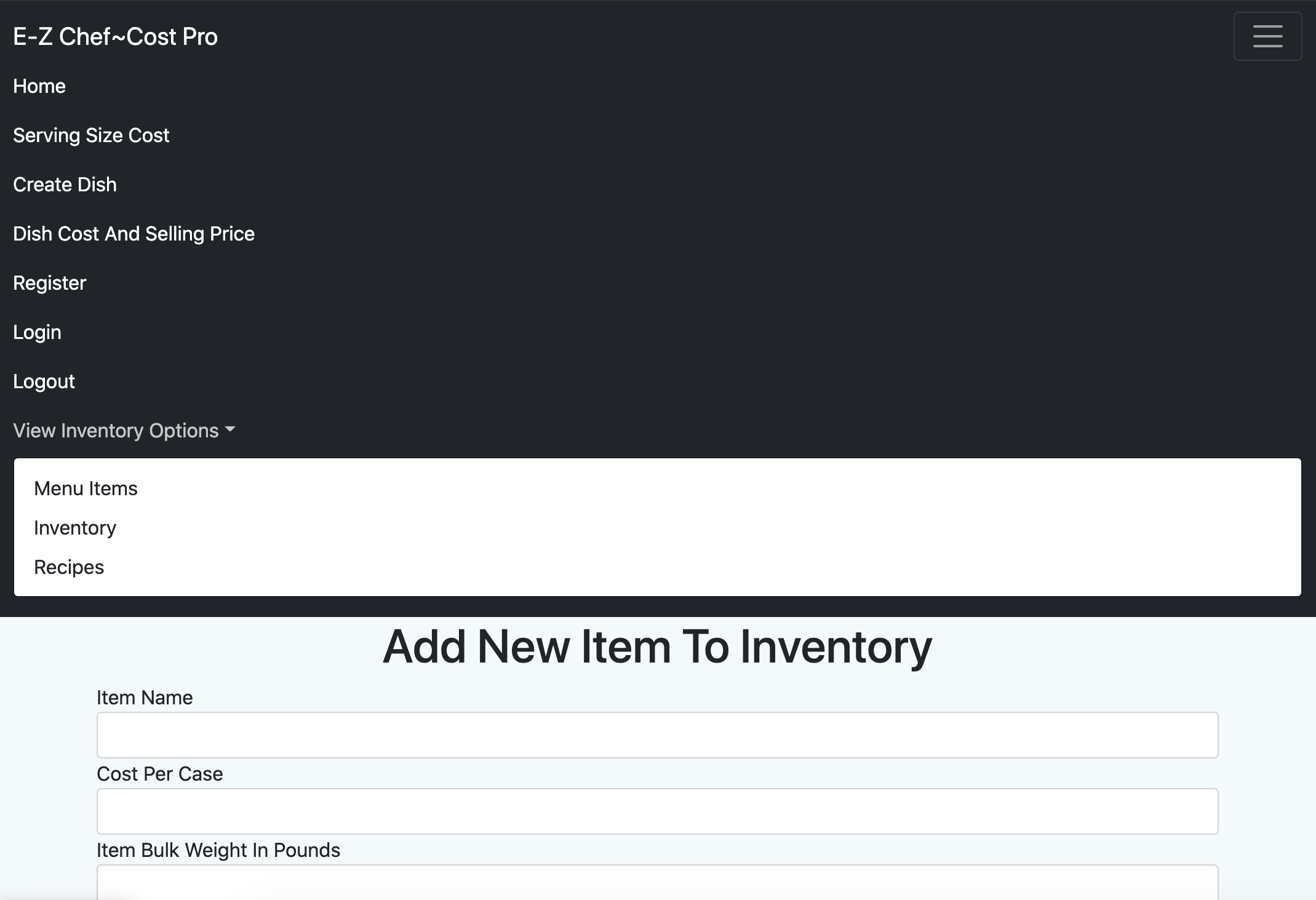
Enter the name of food item, it's cost per case, and bulk weight of the item. EZ Chef will show you the results of that item's cost per ounce, while simultaneously storing the item (along with it's cost per ounce) into the database.
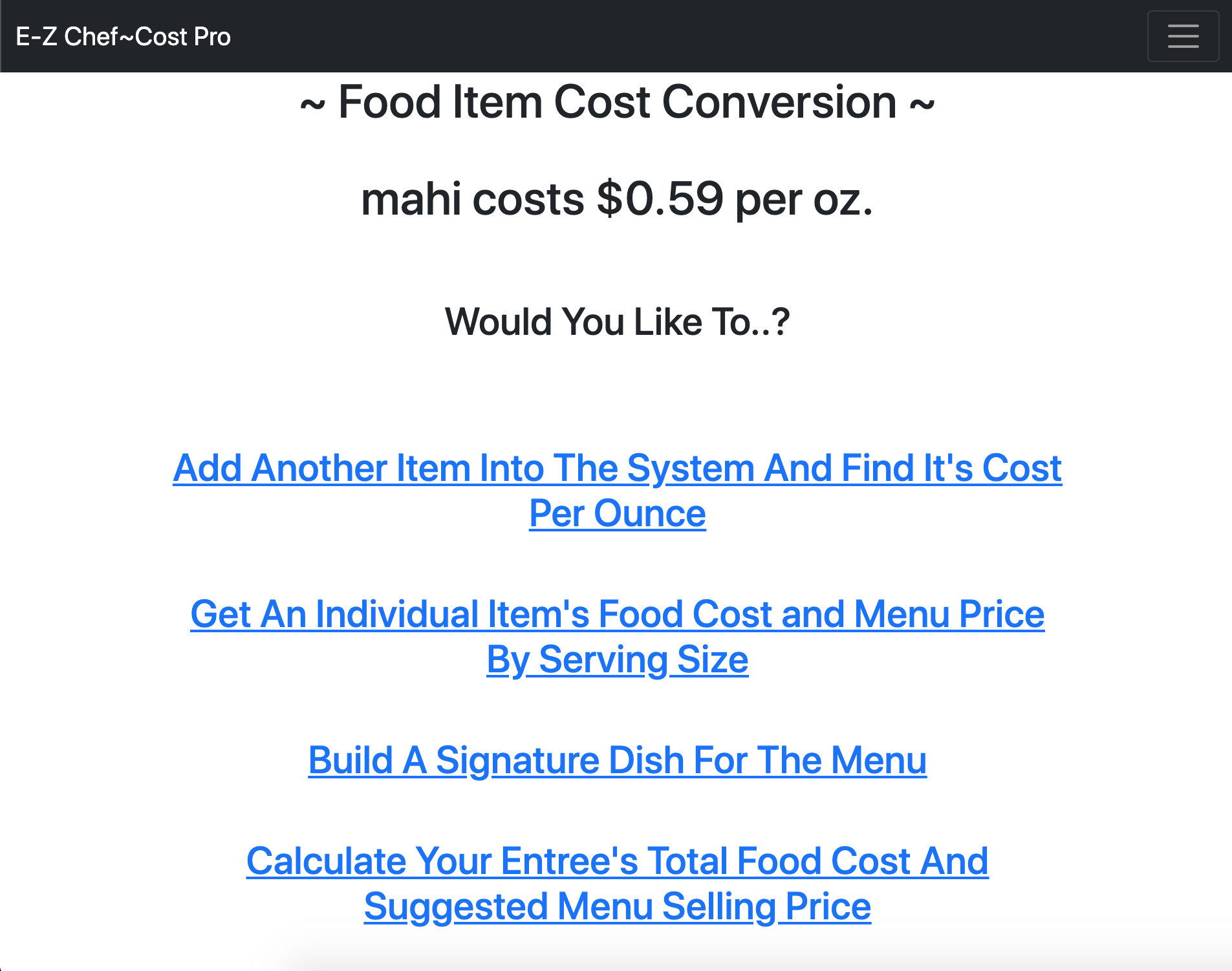
Enter name of any item, the serving size in ounces of item, and it returns the foodcost
along with the suggested selling price for that single item at the specified portion size. Intended for getting
an idea of serving size and price range when building a dish before it goes on the menu. Or for single items as a side,
lunch portion compared to a dinner size, etc.
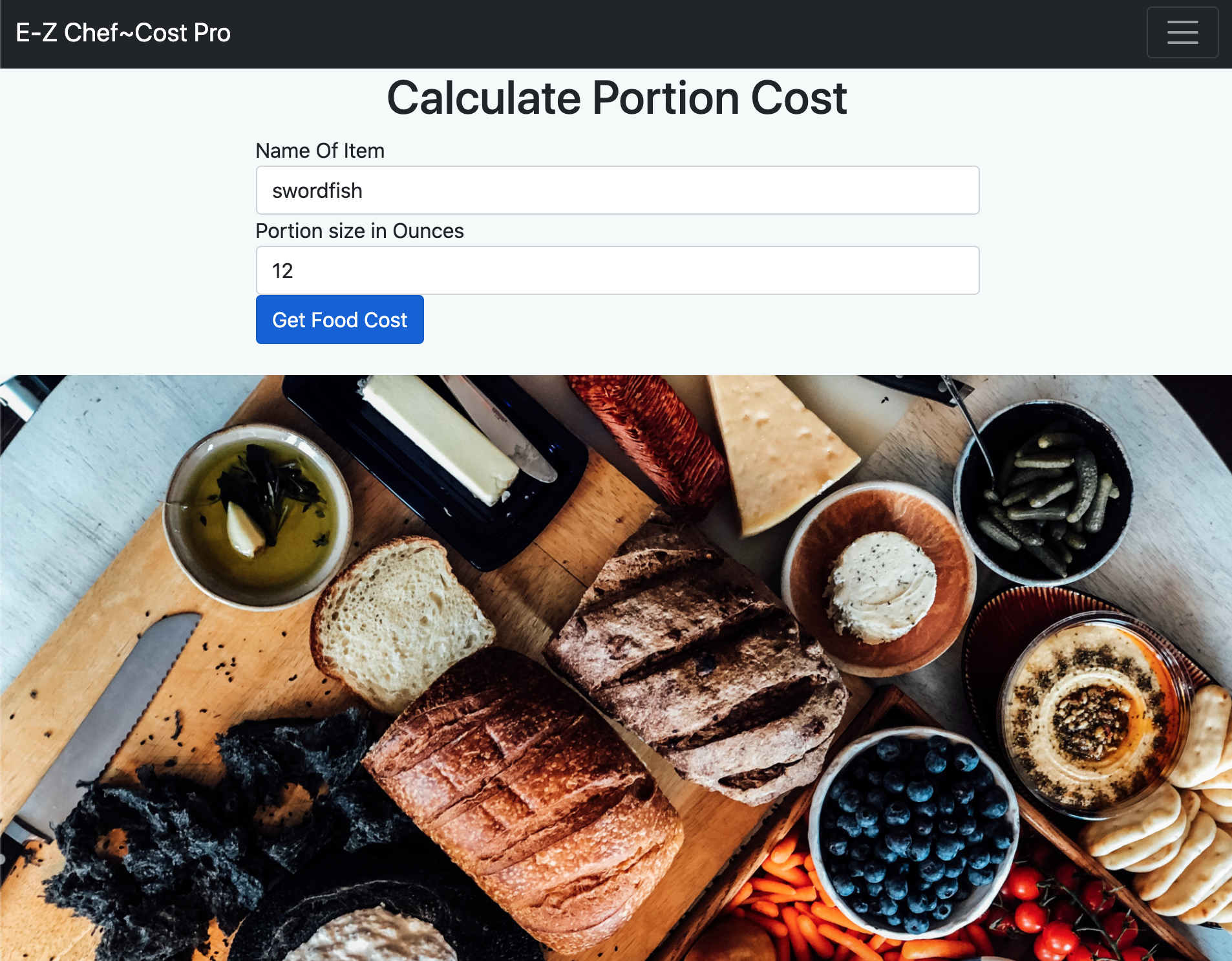
Name your Menu item and add each ingredient with the amount of that ingredient you wish to add to your dish. When you've added everything you want click on next page.
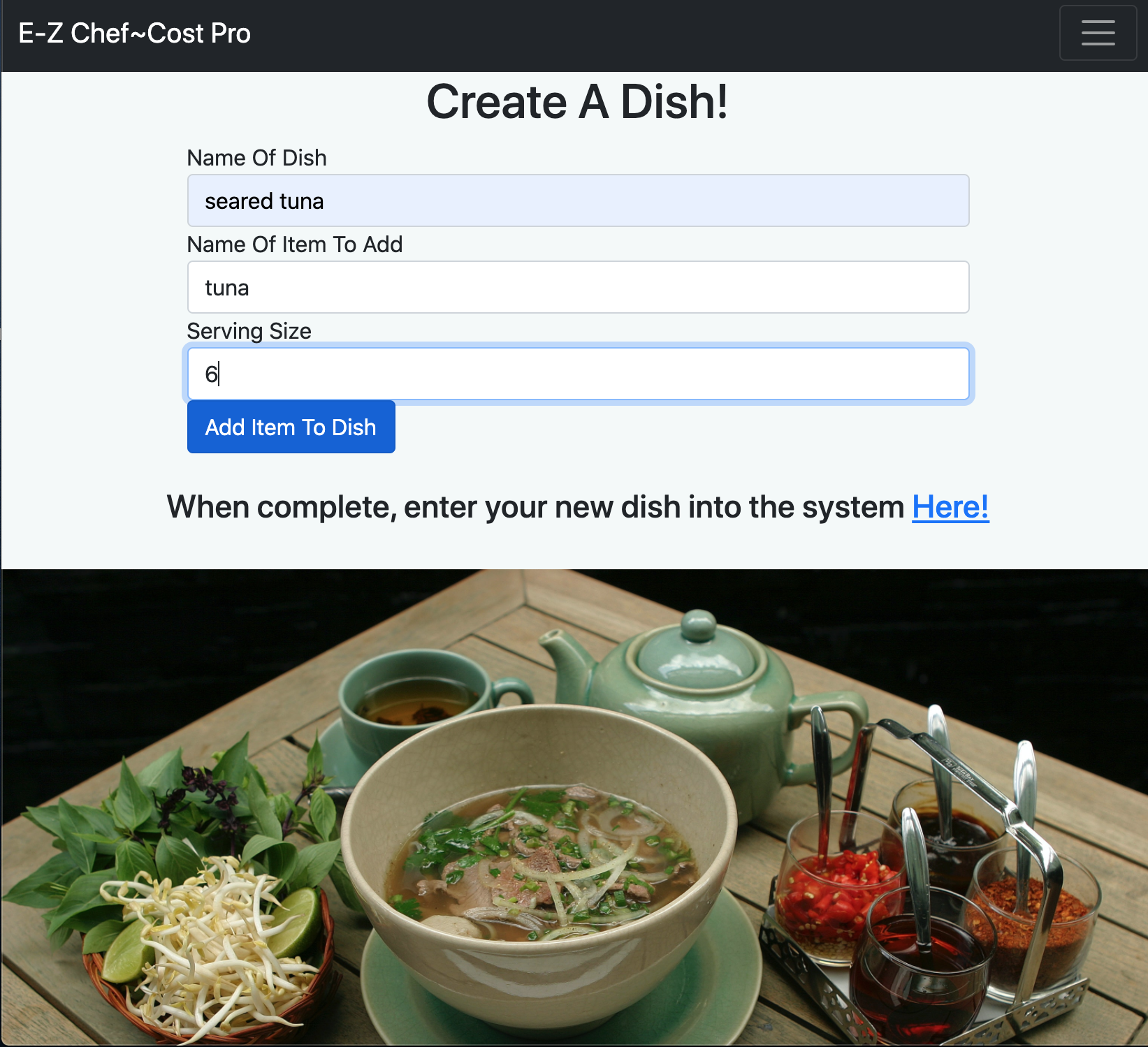
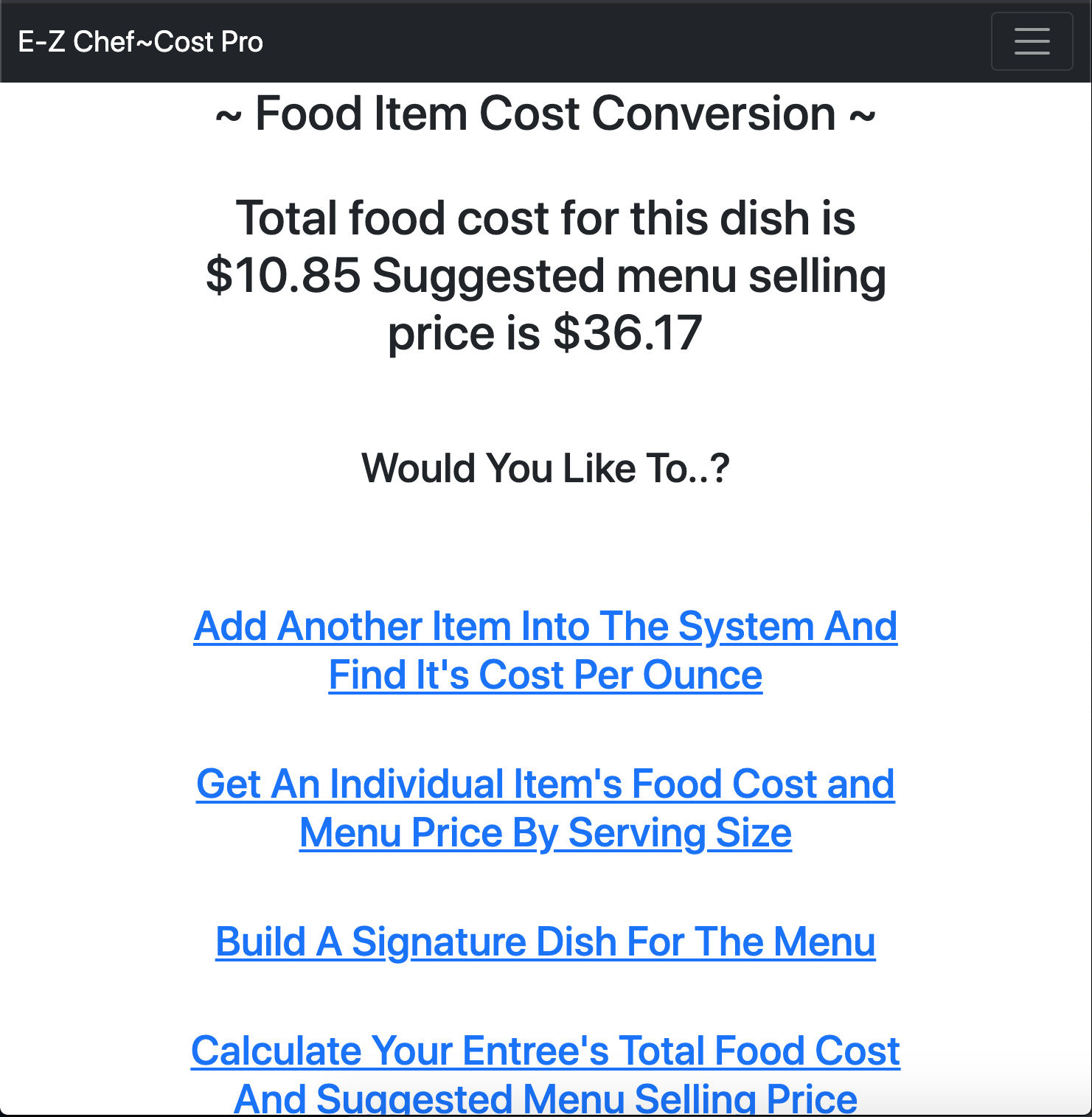
Enter the name of your newly created dish and it will return total food cost of completed dish and it's menu price. Your dish, it's ingredients, cost and price will be entered into the database.
Dropdown Tab: At any time you can view what is currently in your system.
View a list of all Dish-Names currently on the Menu with their selling price.
View a list of all items that are currently in the inventory with their cost per ounce per item.
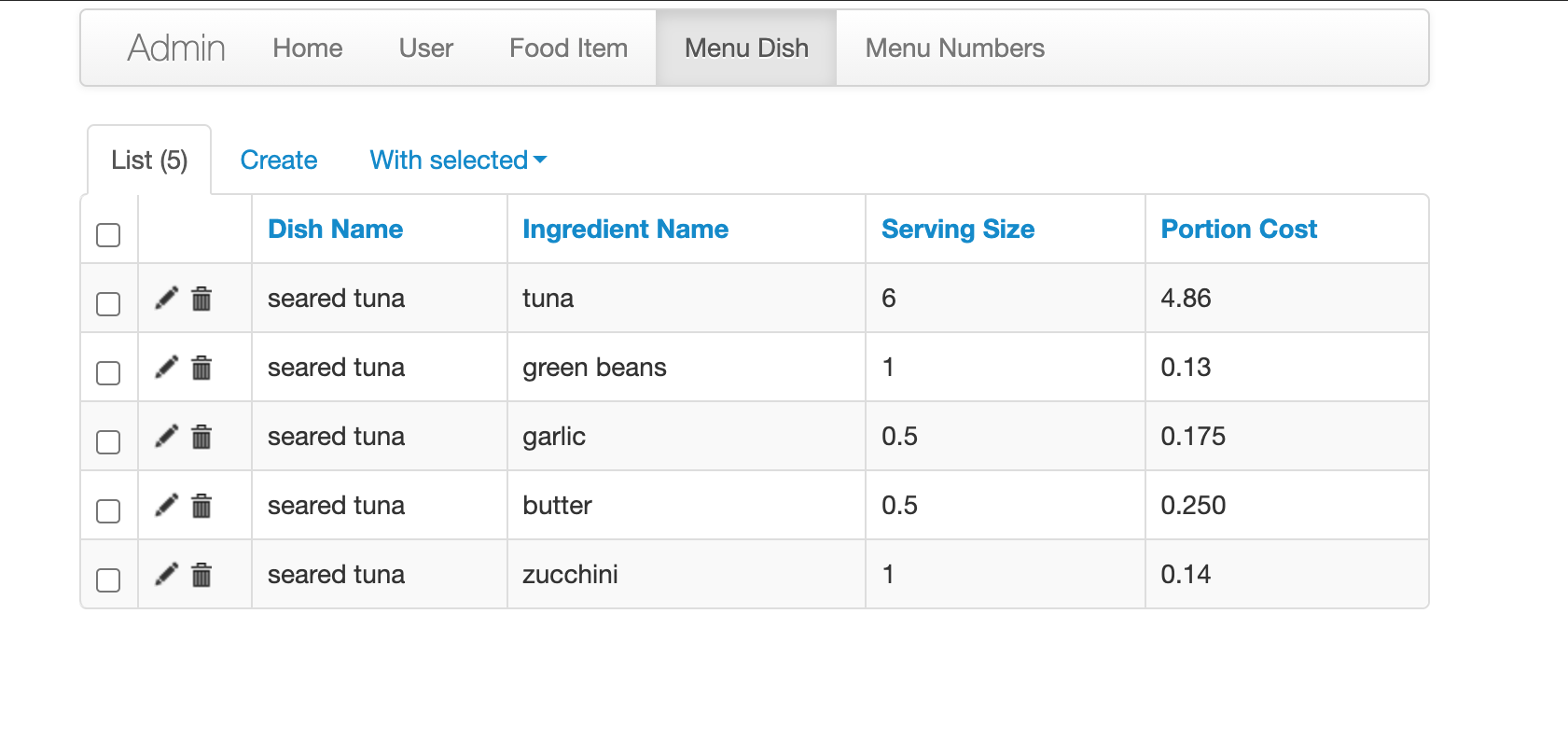
Enter a Dish-Name and it returns the searched Dish along with a list of all it's ingredients.
Users must register then can login and out.
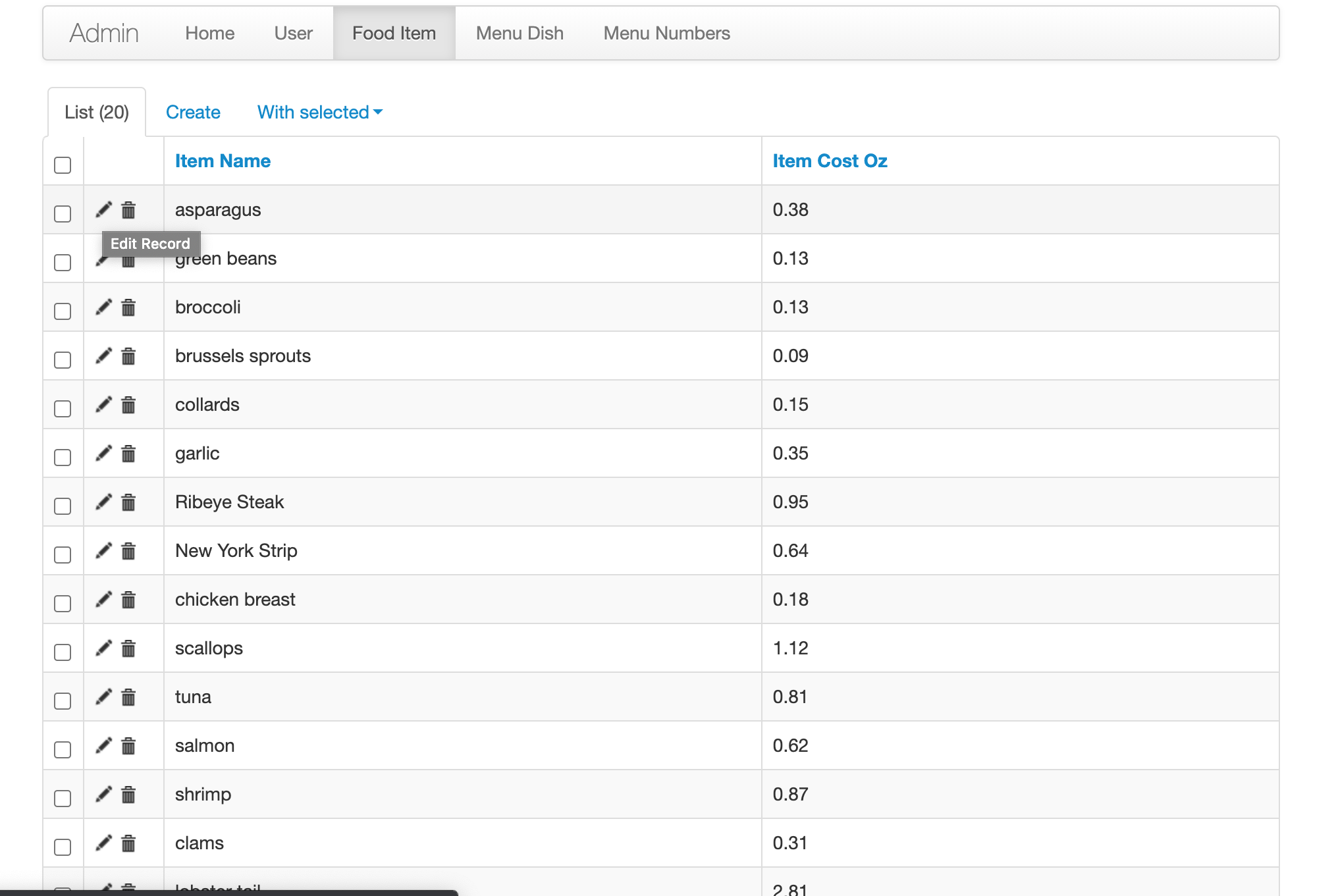
E-Z Chef also has an admin page to manage/modify/add/delete Users, and Inventory items in the database from a convenient backend GUI. Users' Passwords are hashed and salted so none are viewable even in the app's admin page. To access the admin interface you must enter through the browser by 127.0.0.1:5000/admin
- note - You must be registered and logged in first or attempting to enter admin will produce an error page.
- App is currently configured so that only the registered user with "id = 1" in the database can fully access the admin interface.
class MyModelView(ModelView):
  def is_accessible(self):
    if current_user.id == 1:
      return True
    else:
      return False
To change or extend admin access to other users you can simply modify this code above. For example:
ADMIN_ID_LIST = [1,2,3,4,5]

class MyModelView(ModelView):
    def is_accessible(self):
        if current_user.id in ADMIN_ID_LIST:
            return True
        else:
            return False
TO RUN APP: Clone repository, or download as zip file. Open folder in your prefered code editor or IDE. The file to run this app is main.py. In your browser go to 127.0.0.1:5000 and it will be running on local host.
Or from terminal-
Navigate to app's current directory:
$ cd Ez-cost-chef-pro
Create virtual environment for app:
$ python3 -m venv env
Activate your virtual environment:
$ source env/bin/activate
Installs all of the required packages to run this app inside your virtual environment:
$ pip install -r requirements.txt
This command runs the app:
$ python main.py
When app is running go to 127.0.0.1:5000 in your browser to view and interact with the app.
To stop app's server from running on local host:
$ control c