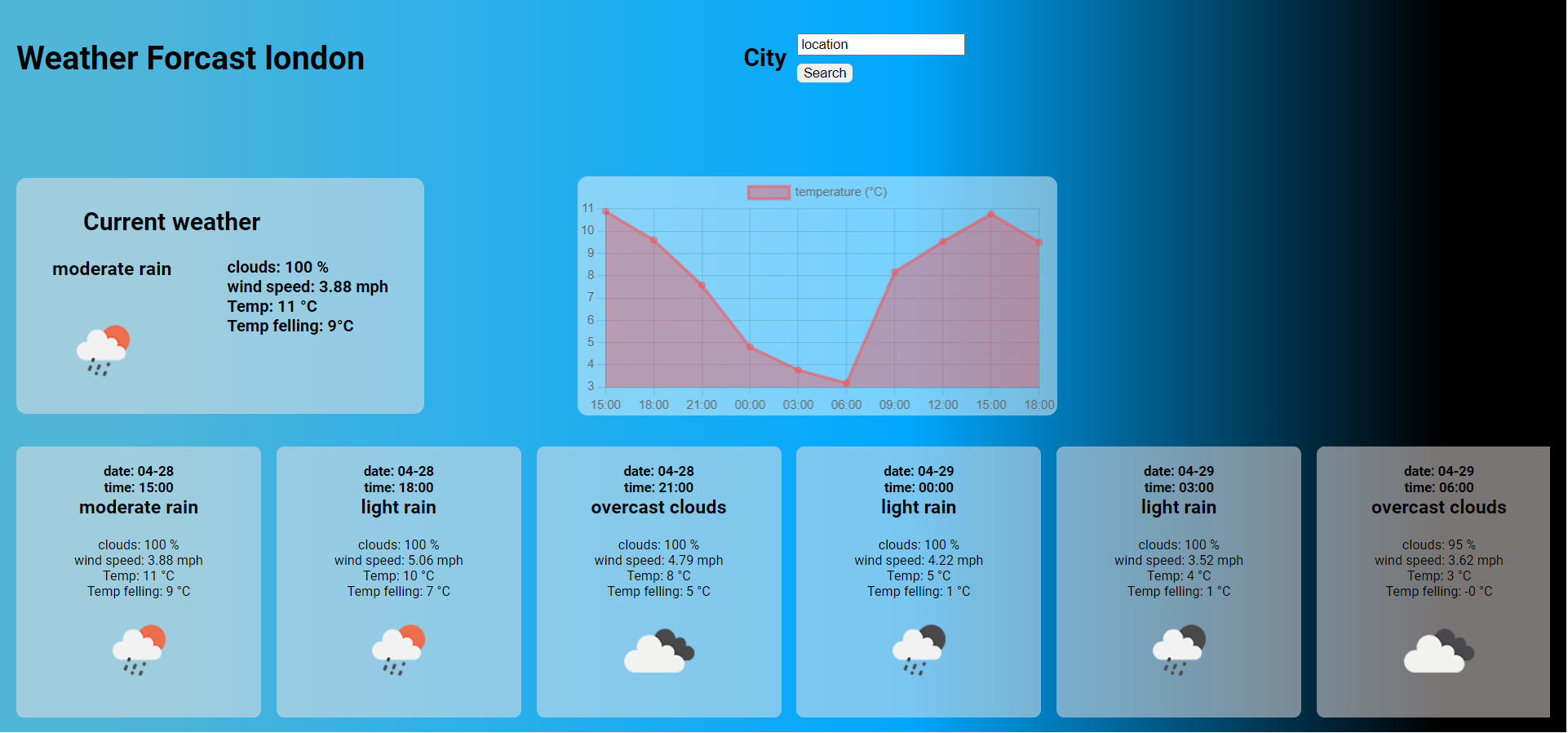
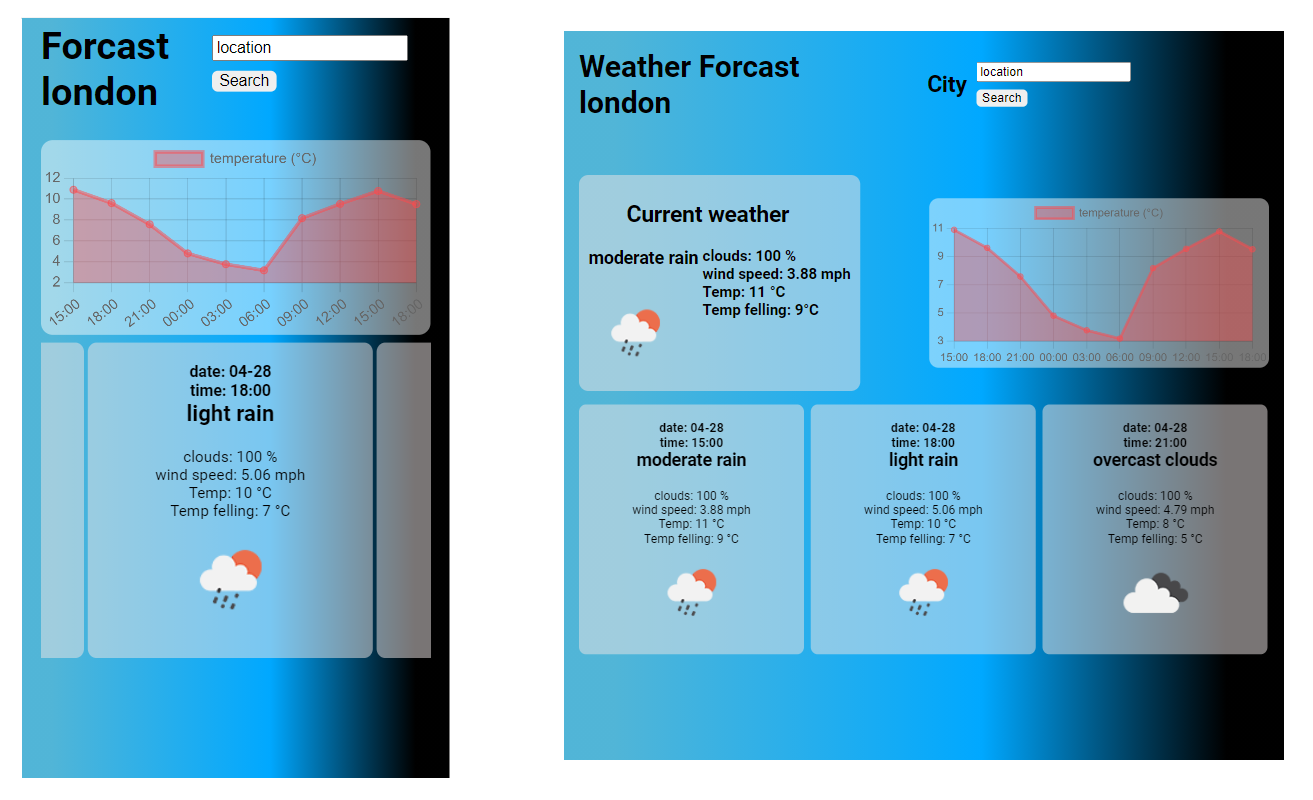
It is a small exercise where you can see the weather forecast in different locations, in real-time and also what the weather will be like for the next few hours or days.
The data was sourced from the OpenWeatherMap API, which is free and provides a good amount of data, including icons, temperature, wind speed, etc. Therefore, you will need a Key to be allow to use the API, so if you want to use this app you must go to https://openweathermap.org/ and create an account to get you presonal and private key.
This app was built in a short time, which means there is a lot to improve, such as:
- style.
- use your gps location to render the forecast where you are at the moment.
- testing.
- store locations that are interested to the user.
- filter the data by time.
- clicking a card and get more information at that exact time.
Additionally, it should be better to show the data in shorter periods because in three hours it can have significant changes.
There is a file in the root folder called dataMode.json, this file does not do anything but it is how the data fetched from the api looks like, so its a great toole to consider what else can be improved.
- Download or clone it
- Open the project in any code editor, for example, Visual Studio Code
- Open terminal and go to the "my-app" folder namely 'weather-> client -> my-app' and run npm install in your terminal. This will install all the dependencies you will need
- In the src folder my-app 'weather-> client -> my-app -> you will find another readme file, where explain in details how to make the react libary works'
- Now you can run npm start, as a result, react will run on port http: //localhost: 3000, but if you are using that port, check-in your terminal which port react has selected (most likely http:// localhost :3001)