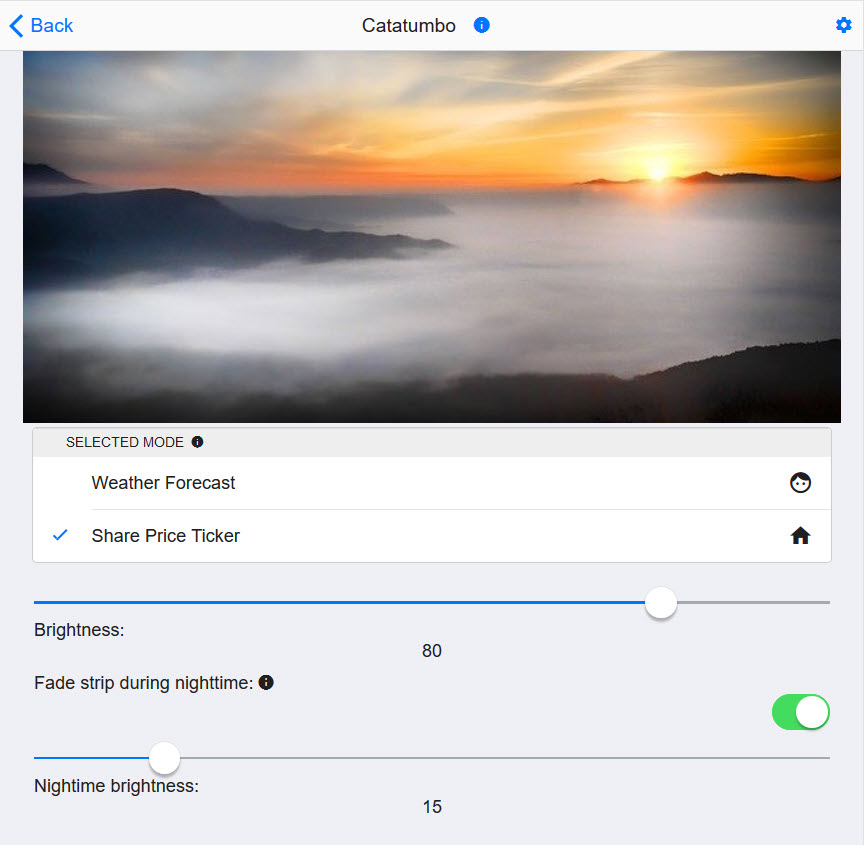
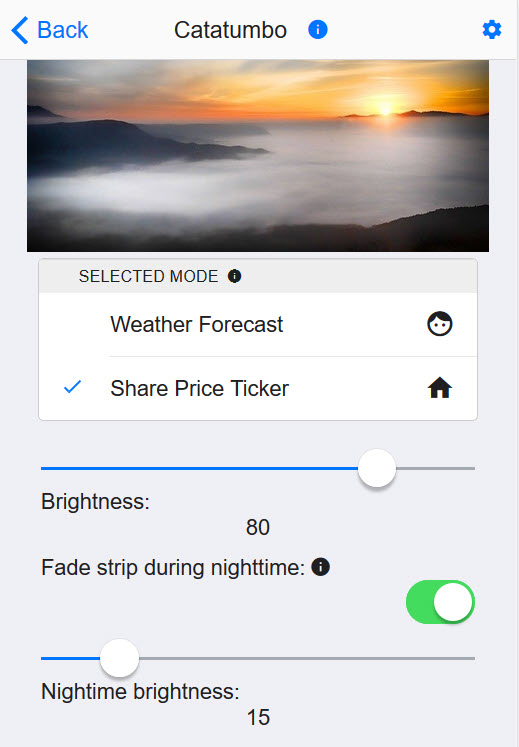
This is the web frontend for the Catatumbo Backend. The configuration and enriched data of the LED strip can be visualized on your mobile. Catatumbo Web App is a reactive web application that runs on all platforms. Whether you are running on Android or on iOS, the web application will render like a native application.
By default the application is available via HTTP under port 4200 of your local network address on which the Catatumbo backend is running.


This project was generated with Angular CLI version 9.1.0.
Run ng serve for a dev server. Navigate to http://<IP_of_your_catatumbo_device>:4200/. The app will automatically reload if you change any of the source files.
Run ng generate component component-name to generate a new component. You can also use ng generate directive|pipe|service|class|guard|interface|enum|module.
Run ng build to build the project. The build artifacts will be stored in the dist/ directory. Use the --prod flag for a production build.
Run ng test to execute the unit tests via Karma.
Run ng e2e to execute the end-to-end tests via Protractor.
To get more help on the Angular CLI use ng help or go check out the Angular CLI README.