
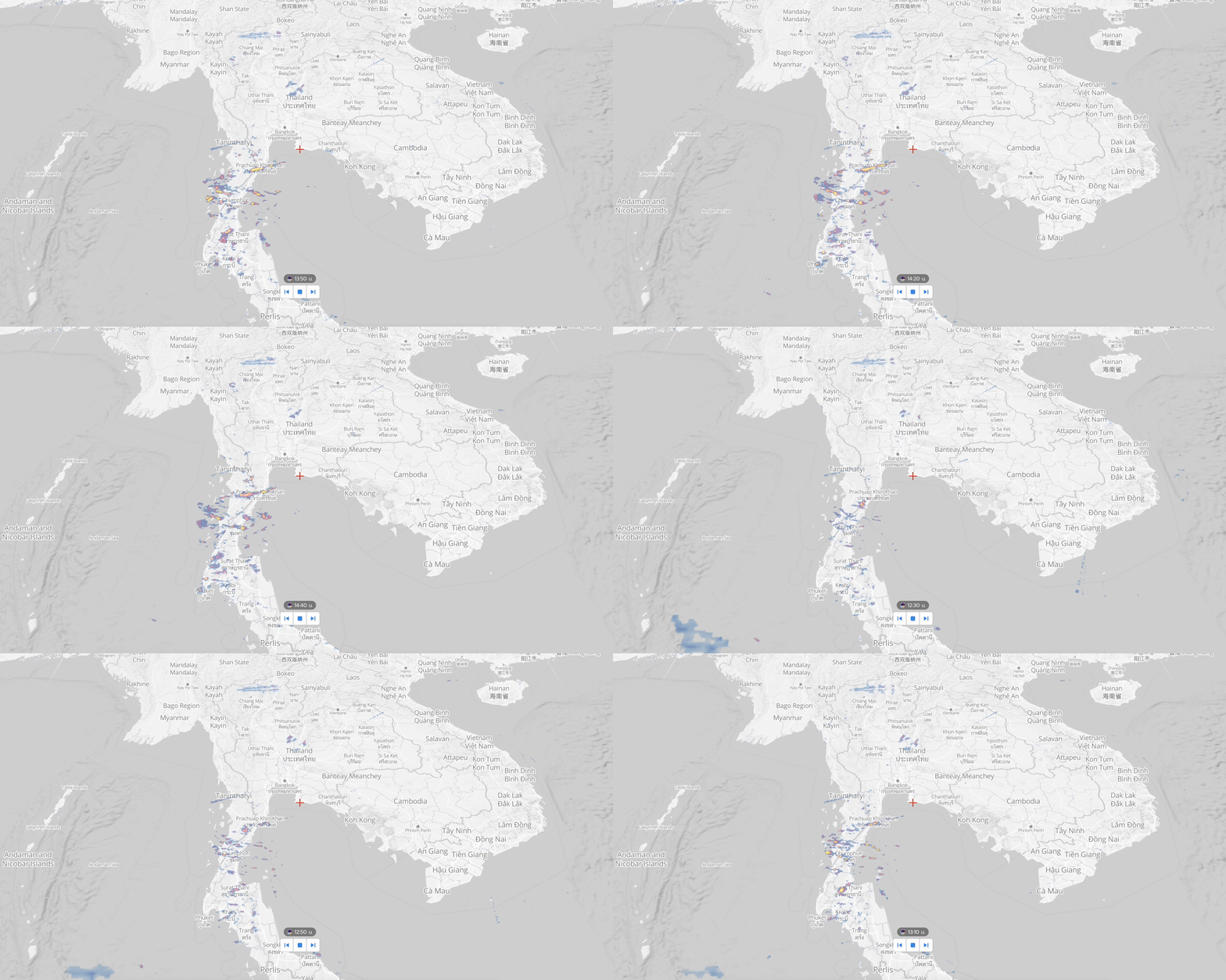
This plugin integrates RainViewer’s weather radar data with the Longdo Map JS API, allowing you to display real-time precipitation radar directly on your maps.
To begin, you’ll need a Longdo Map API key.
Once you have your API key and have cloned this project, register the key in your index.html file.
STEP 1 : Loading the API Code Libraries Using the following script within tag
<script src="https://api.longdo.com/map/?key=[YOUR_KEY_API]"></script>Step 2: Initialize the Map Create a longdo.Map object with JavaScript:
var map;
function init() {
  map = new longdo.Map({
    placeholder: document.getElementById('map')
  });
}
Step 3: Complete HTML Structure Include the map container and use onload to initialize the map:
<body onload="init();">
  <div id="map"></div>
</body>STEP1: Import rainradar.js into html file.
<script src="./lib/rainradar.js"></script>STEP2: Create the Rain Radar Layer
var rainRadar = new RainRadar(map, options);map : Map object (Required). options : Initial setup your rain radar (optional). Example
var rainRadar = new RainRadar(map, {
  opacity: 0.5,               // Opacity level
  color: 4,                   // Radar color scheme
  locale: 'th-TH',            // Display locale
  tileSize: 256,              // Tile size (256 or 512)
  timeDisplay: 'timeradar',   // Element ID to display time
  smooth: 0,                  // Blur effect (0 = off, 1 = on)
  snow: 1,                    // Show snow (1 = yes, 0 = no)
  speed: 2000                 // Animation speed (ms)
});setOpacity(value) // Set layer opacity (0 - 0.9)
setColor(value) // Set radar color scheme
setLocale(locale) // Set display locale (e.g., "th-TH", "en-US")
rainNext() // Show next radar frame
rainBack() // Show previous radar frame
rainNow() // Display current radar frame
playAnimation(speed) // Toggle radar animation, optional speed (ms)
reload() // Reload radar data
clearLayers() // Clear all radar layersvar map = new longdo.Map({
placeholder: document.getElementById("map")
});
var rainRadar = new RainRadar(map, {
opacity: 0.5,
color: 2,
tileSize: 256,
speed: 500,
timeDisplay: 'timeradar'
});
function next() {
rainRadar.rainNext();
}
function previous() {
rainRadar.rainBack();
}
function radarNow() {
rainRadar.rainNow();
}
function changeOpacity(e) {
const val = e.target.value;
rainRadar.setOpacity(val);
}
function play() {
const playButton = document.getElementById('play');
const isPlayed = rainRadar.playAnimation();
playButton.innerHTML = isPlayed ? 'Stop' : 'Play';
}
function clearLayer() {
rainRadar.clearLayers();
}