A snake game written in Python using the Pygame library.
Download the Python 3 installer package from the official website and install it, if not installed previously.
Run the following in the terminal to install the Pygame library
pip3 install pygameDownload the source code from the repository and run the file just as any other Python script (.py) file.
python3 Snake\ Game.py
The difficulty variable can be changed with the values provided in the comment to set the difficulty level.
The rest of the code is properly commented and self explanatory. Tweaks can be made to change the play style or visuals of the game.
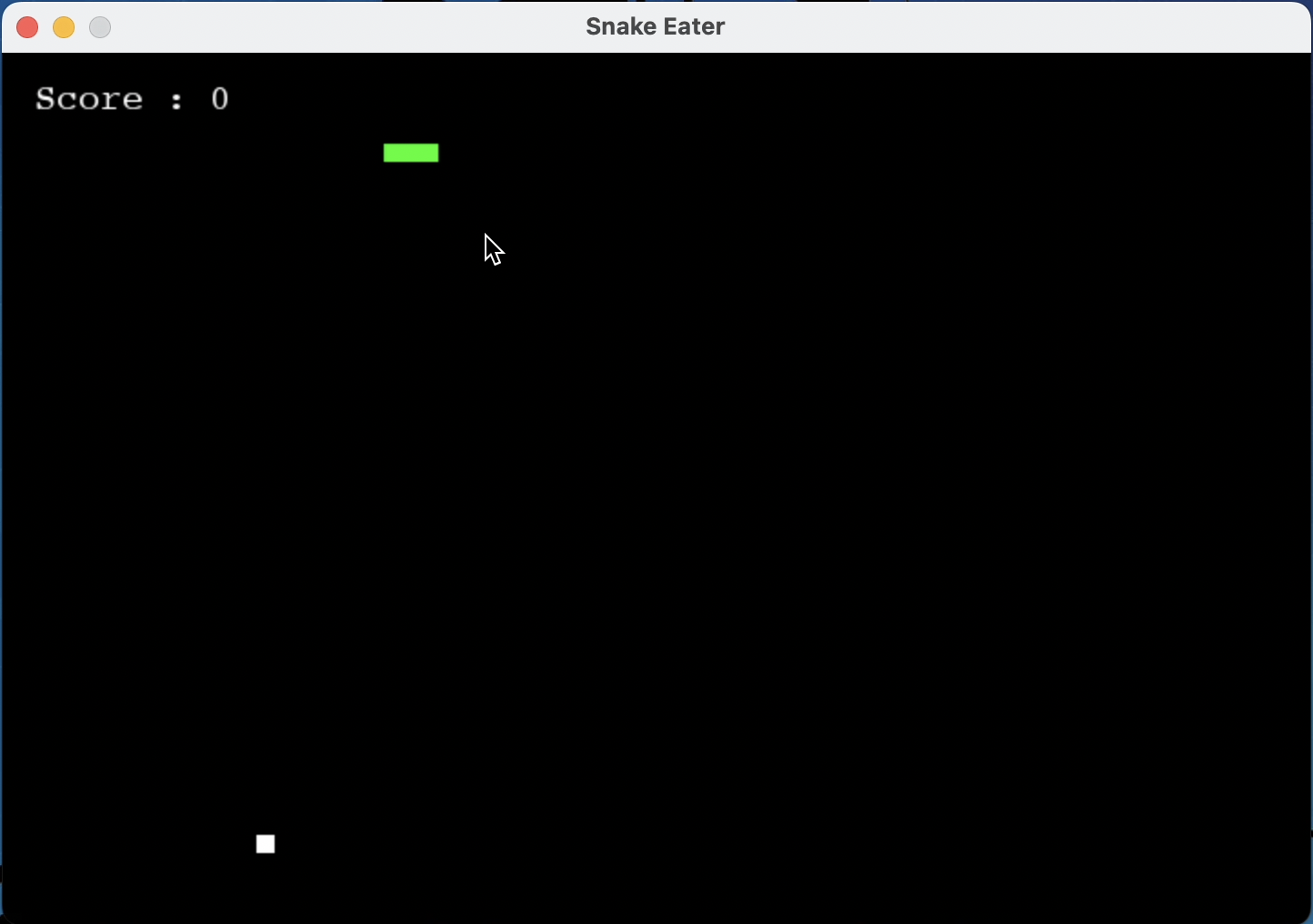
- As soon as the game starts, the score will be initialised to zero, which can be viewed at the top left of the game.
- A snake and a ball will be visible
- The directions to move in the game are as follows
-
Right->right arroworD
-
Left->left arroworA
-
Down->down arroworS
-
Up->upwards arroworW
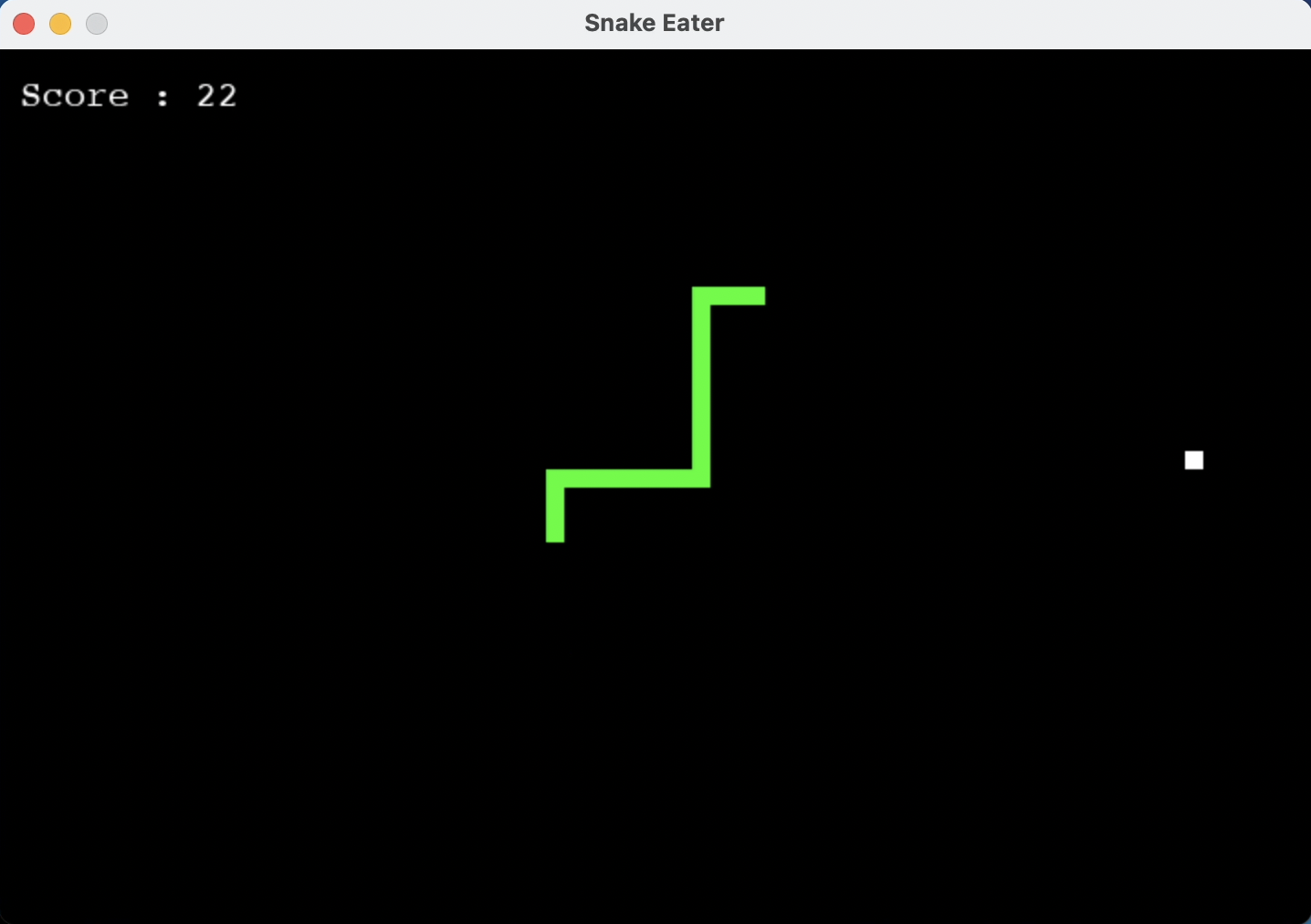
- As the snake eats the ball, its size and score get increased.
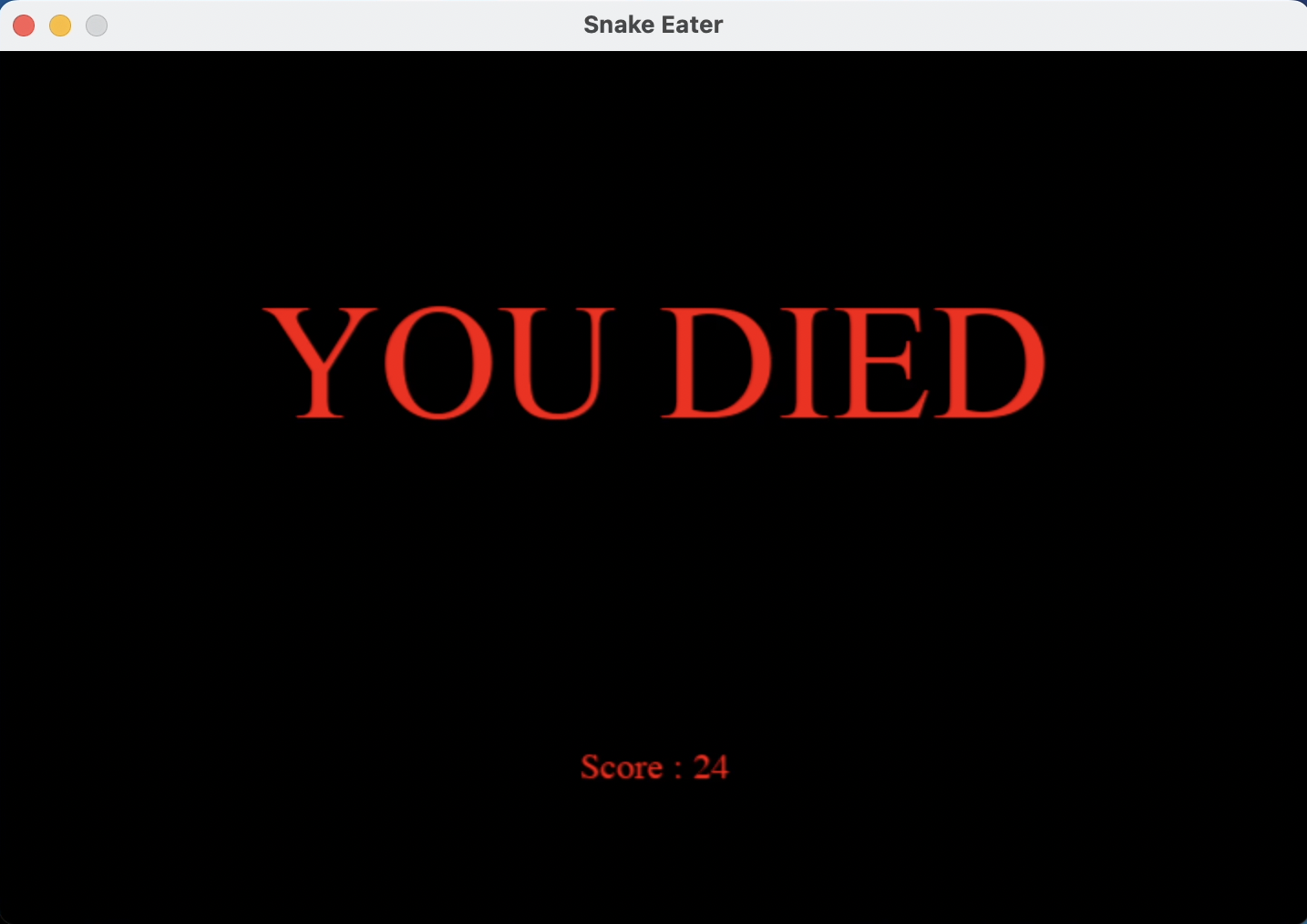
- Touching to the walls leads to the death of the snake and hence the games haults displaying the score.
Here are few screenshots or initial, intermediate and the terminated stages.
- Game Starts
- Game in progress
- Game Over