


Seamlessly blend Ubuntu’s renowned stability with the clean, modern GNOME desktop and its default applications.
Gnomify Ubuntu is a script that transforms Ubuntu into a near-vanilla GNOME experience, replacing Ubuntu’s customizations and non-GNOME applications with the official GNOME interface and apps. This project is perfect for users who want the reliability of Ubuntu paired with the simplicity and elegance of upstream GNOME.
- GNOME enthusiasts who want a true GNOME experience on Ubuntu.
- Minimalists seeking a clean, distraction-free desktop.
- Tinkerers who want to avoid Snap, Ubuntu ads, and telemetry.
- Anyone who prefers Flatpak and Flathub over Snap.
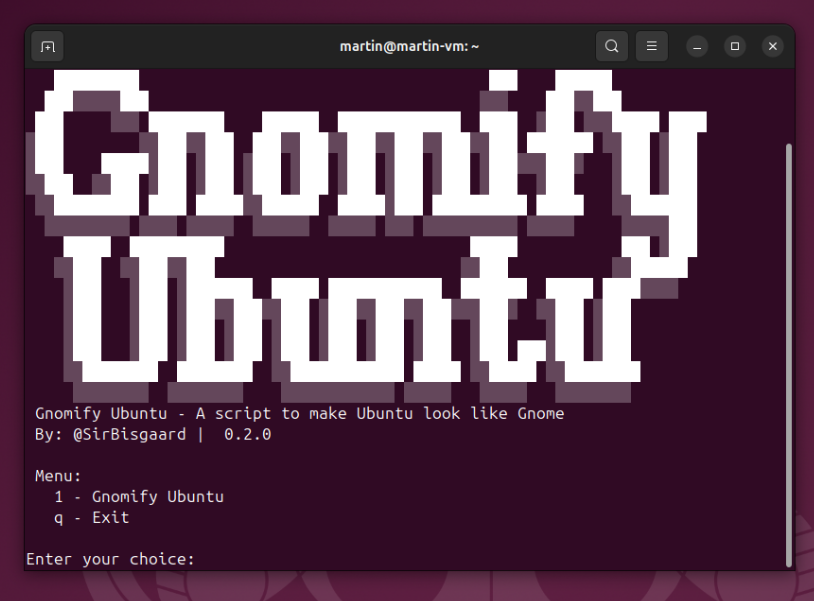
This is how the script's main menu looks when you run it. You can choose to install Gnomify Ubuntu, or exit the script:
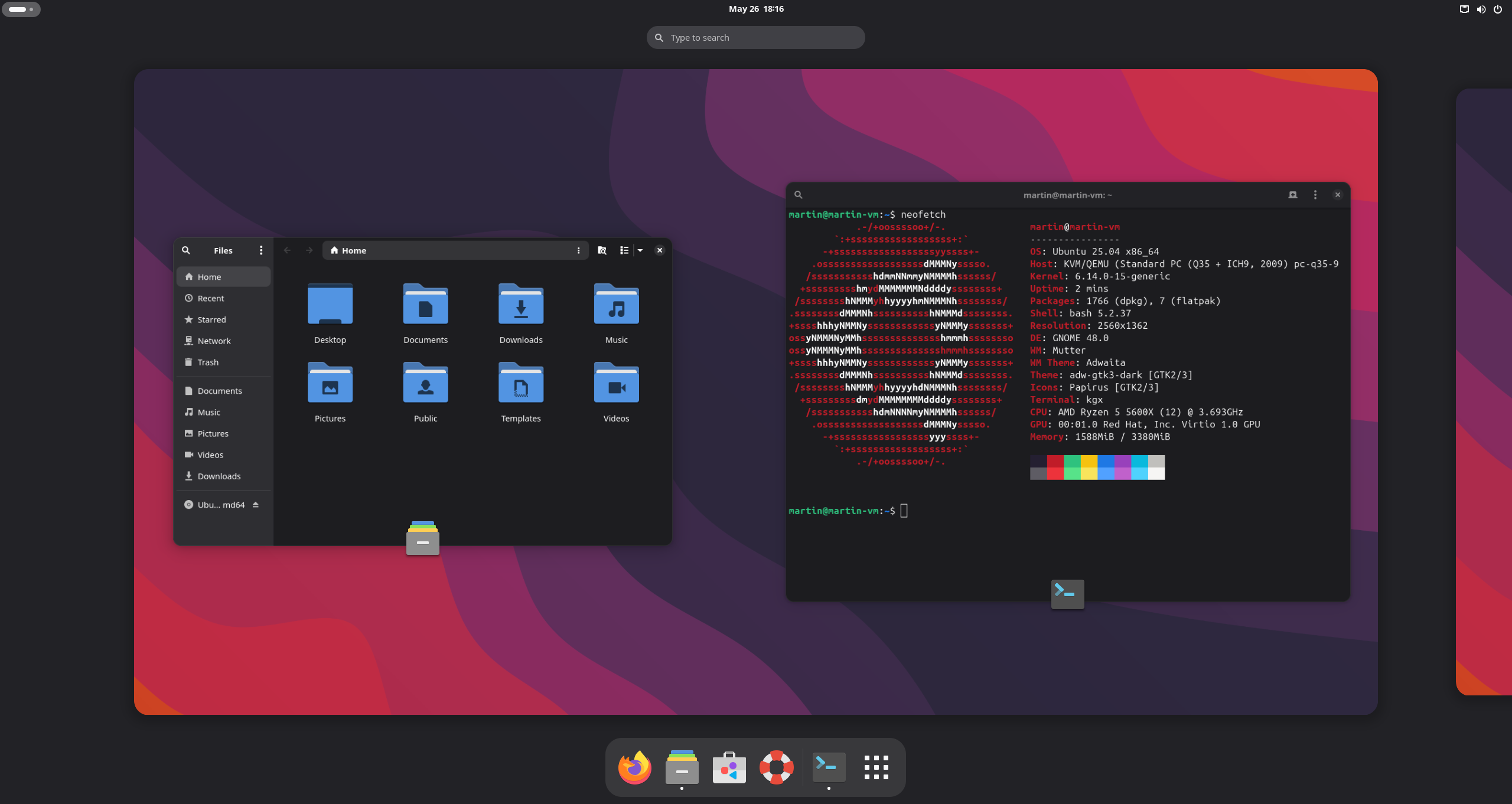
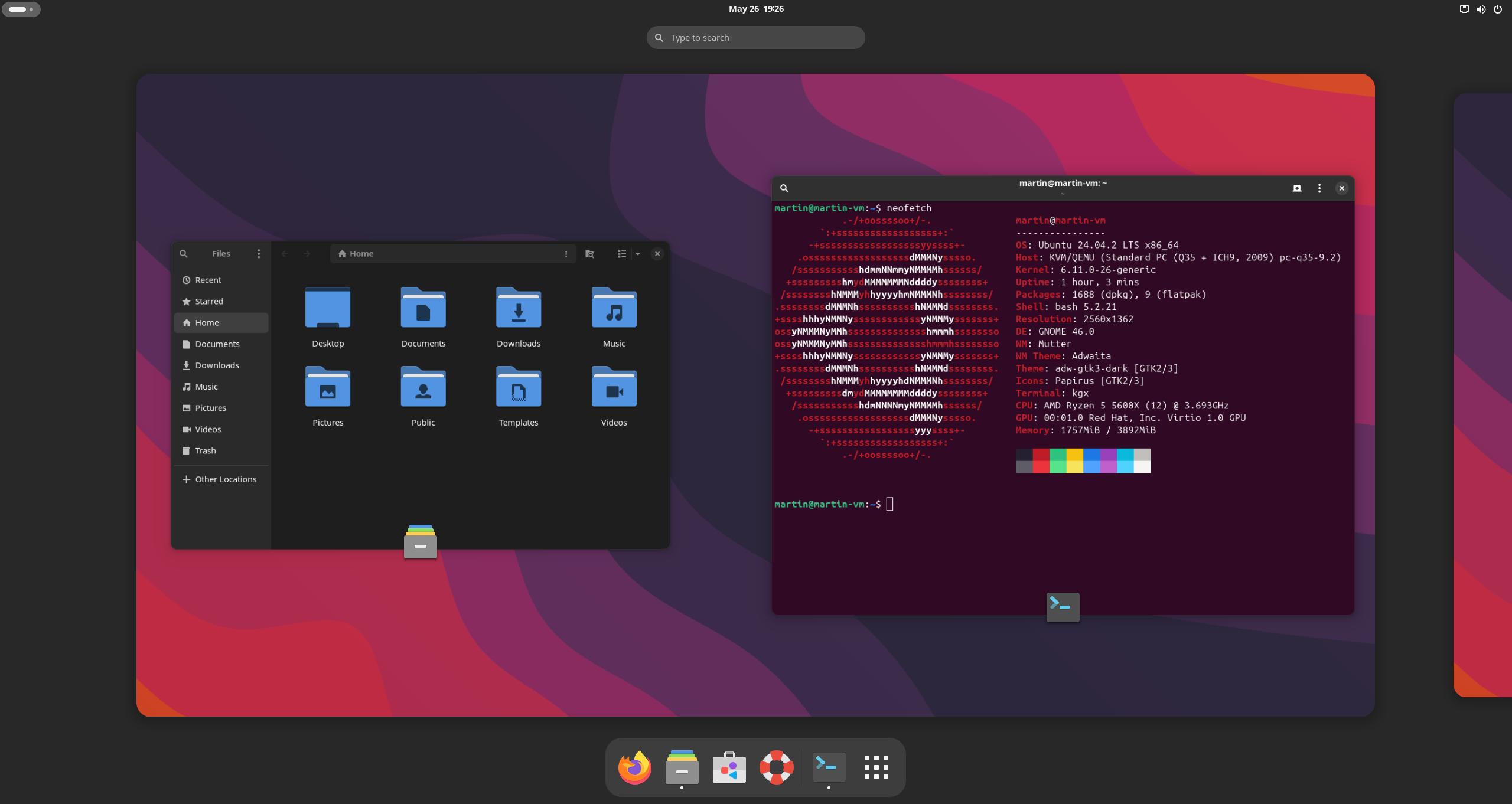
Here are screenshots of the desktop after running Gnomify Ubuntu on different versions of Ubuntu. The desktop features the Papirus icon theme, Adwaita/Libadwaita themes, and a clean GNOME interface.
Ubuntu 25.04 Desktop
Ubuntu 24.04.2 LTS Desktop
- 🚫 Removes Ubuntu Desktop and related none GNOME apps
- 🚫 Removes Snap and all Snap packages
- 🖥️ Installs GNOME Desktop (session, backgrounds, tweaks, etc.)
- 🛠️ Installs GNOME Core apps (see script for full list)
- 🌐 Installs Firefox directly from Mozilla’s official repository
- 🏪 Installs Flathub for access to thousands of Flatpak apps
- 🎨 Enables Papirus & adw-gtk3 theme for a modern feel
- 🌙 Enables dark mode and other defaults for a great start!
- 📦 Updates with Ubuntu throught their updater
- 🧹 Cleans up after itself for a tidy system
Recommended: A fresh install of Ubuntu, and preferably with third-party repositories and additional media formats enabled during installation.
-
Open a terminal and run:
sudo bash -c "$(wget -qO- https://raw.githubusercontent.com/SirBisgaard/Gnomify-Ubuntu/master/gnomify-ubuntu.sh)" -
Check the version number:
The script should display the version number listed in the script header. -
Ubuntu crrash report:
If you see a message about Ubuntu crash reports, you can safely ignore it. This is a known issue with the script and does not affect functionality. -
Reboot your computer after the script completes.
⚠️ Use this script at your own risk.
It makes significant changes to your system.
This script has been tested on the latest Ubuntu releases to ensure compatibility and stability. Below are the versions confirmed to work:
| Distro | Status |
|---|---|
| Ubuntu 25.04 | ✅ |
| Ubuntu 24.04.2 LTS | ✅ |
Q: Can I customize what gets installed or removed?
A: Yes! The script is modular—edit gnomify-ubuntu.sh to suit your needs.
Q: Is this reversible?
A: No. The changes are significant. Back up your data before running.
Q: Does this work on Ubuntu flavors (Kubuntu, Xubuntu, etc.)?
A: Only tested on standard Ubuntu. Use at your own risk on other flavors.
Q: Is adw-gtk3 updated automaticly?
A: No, you will have to update it manually, an I hope to add this in the future.
- Created by @SirBisgaard
- Inspired by @polkaulfield / ubuntu-debullshit
- Thanks to dev @ adw-gtk3 for the Adwaita GTK3 theme
- Thanks to GNOME and Ubuntu for their amazing work!
📄 License
Enjoy your clean GNOME desktop! 🎉