I did this project under the coding club IIT Guwahati.
- Javascript
- CSS
- HTML
- menifest.json : menifest file for the chrome extension.
- mainpopup.js : this file contains baisc working of popup.
- clock.css,block.css ,alarm.css are take care of postion of diffrent blocks.
-
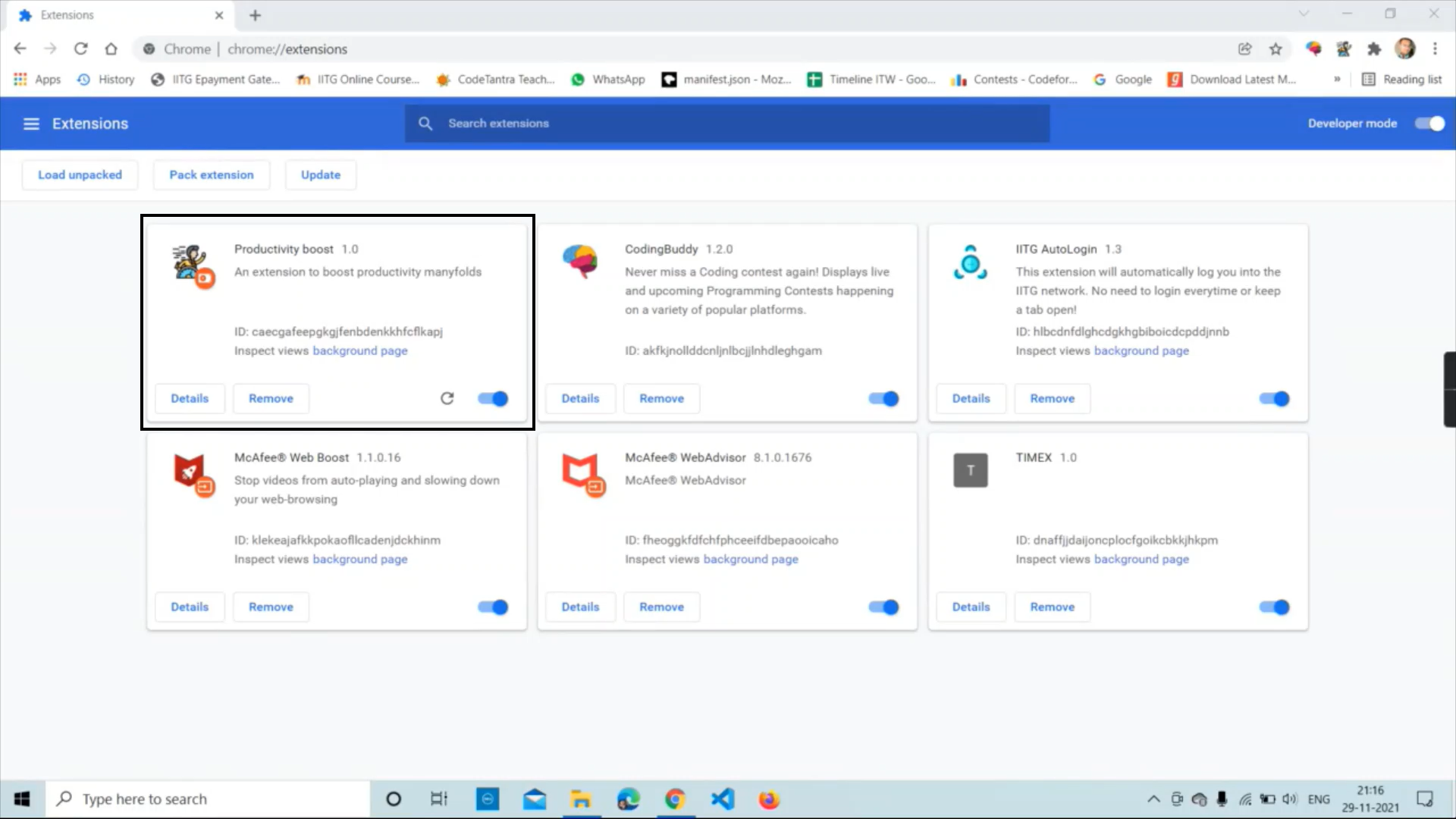
First, you have to load it.
-
After loading this chrome Extention, it looks like.
-
Now you need to click on the icon of the chrome extension then it will generate a popup
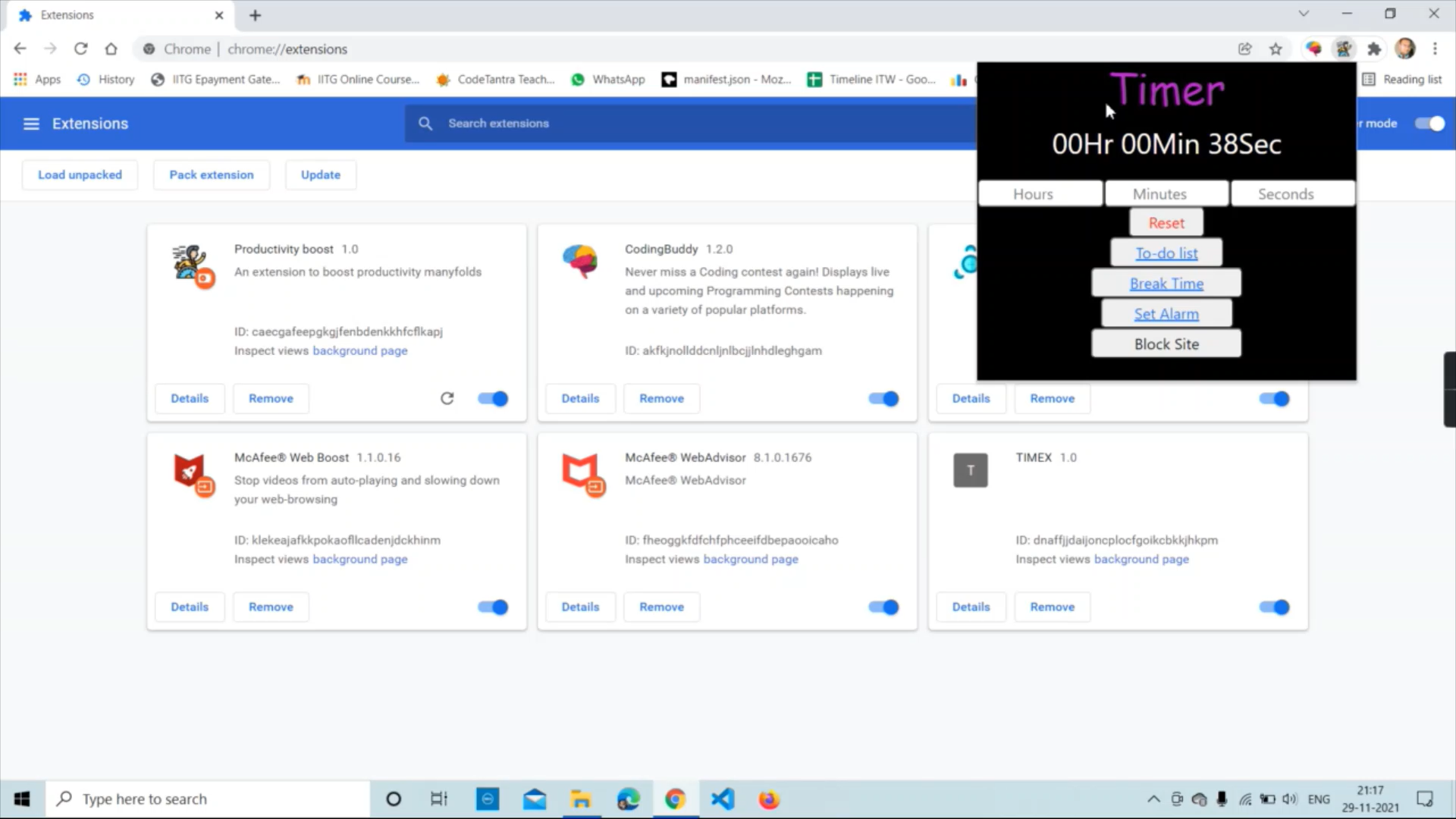
- There are 4 sections
- To-do list
- Break Time
- Alarm
- Block site
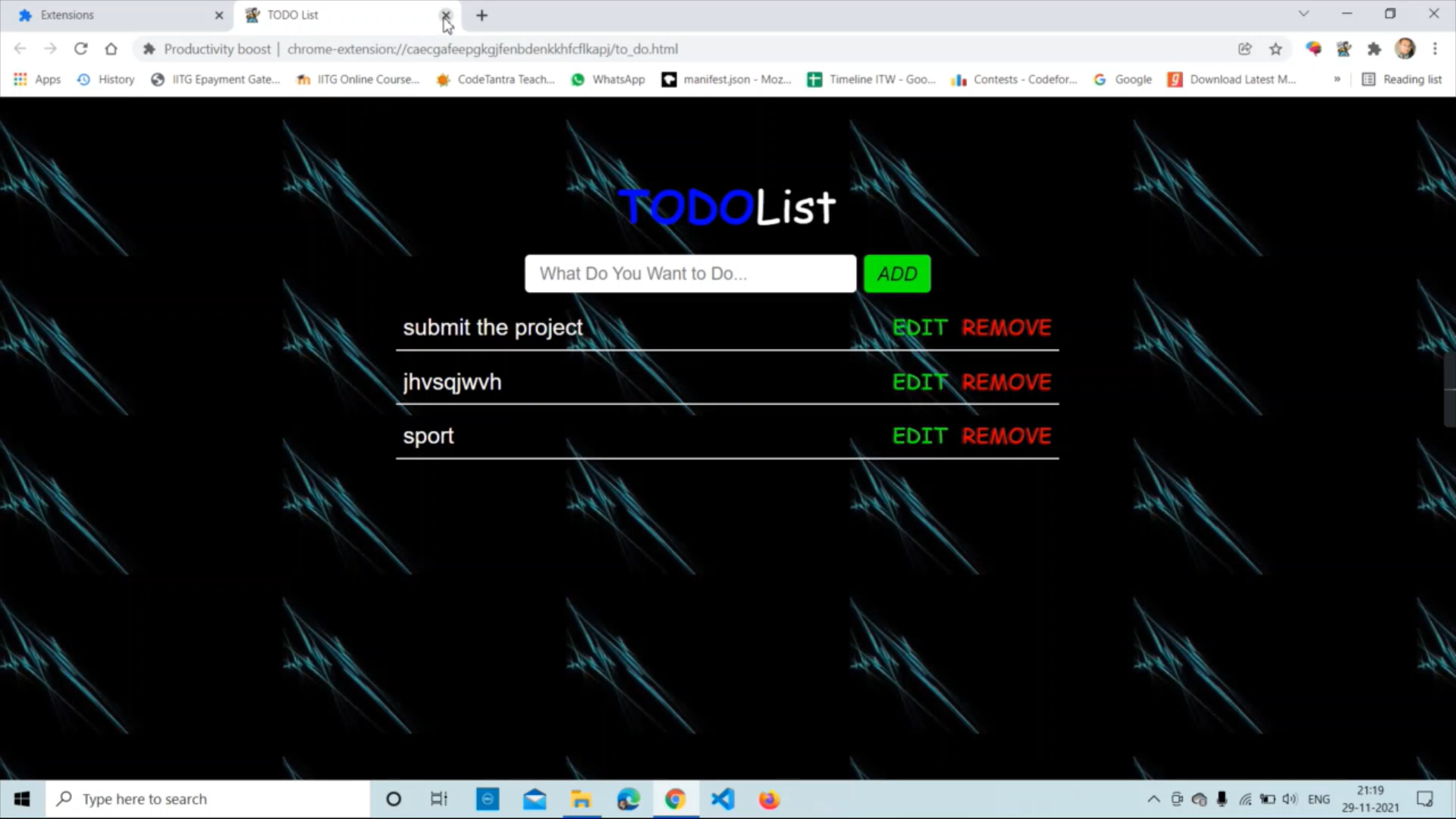
- To-do list: Here, you can add your Task, and meanwhile, you can edit them after completing your Task; you can remove them from here by clicking the remove button.
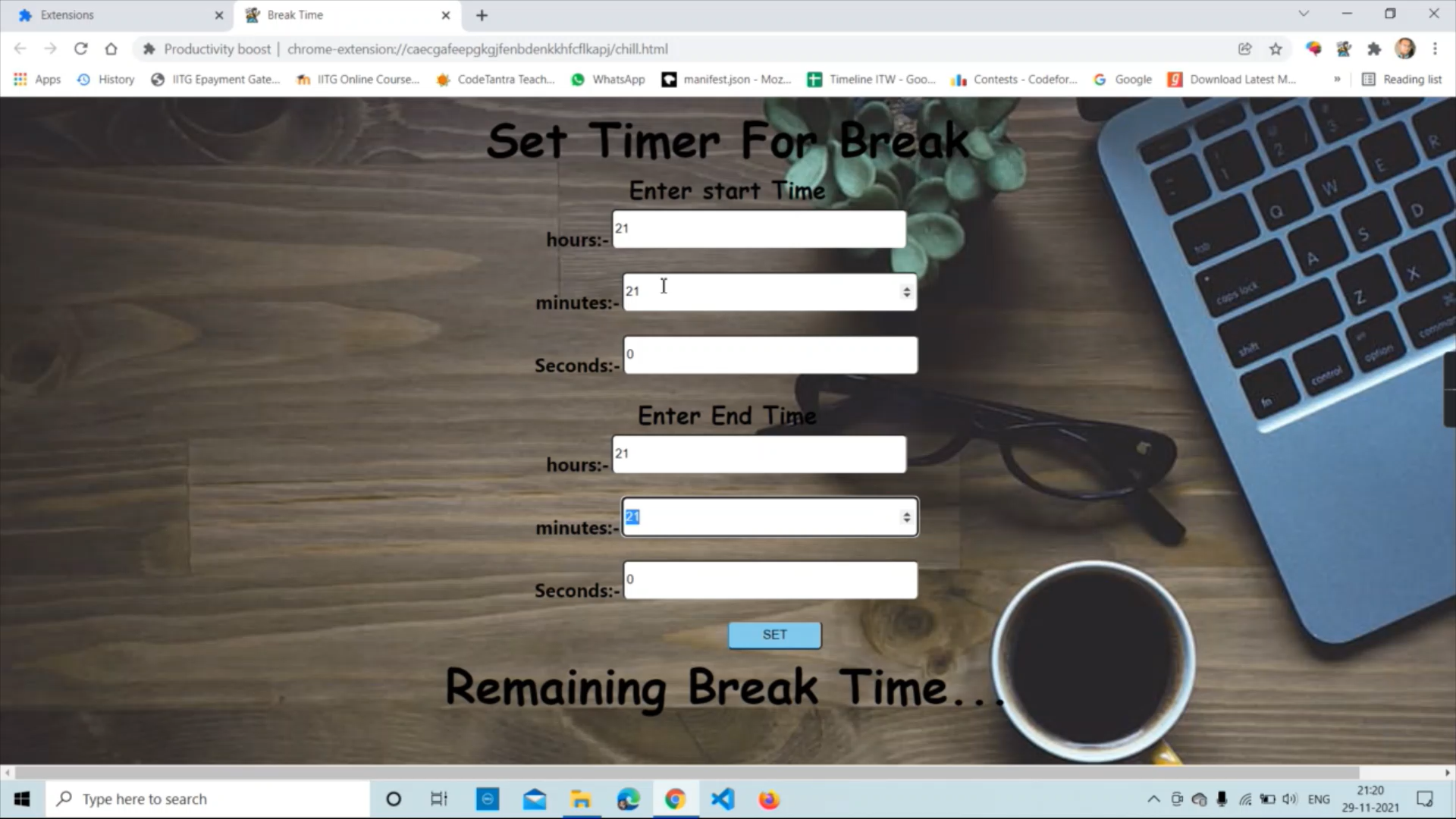
- Break Time: Set the Break time according to you, and it will give you a notification before 5 min of the break, and during the break time, everything will be blocked on your chrome.
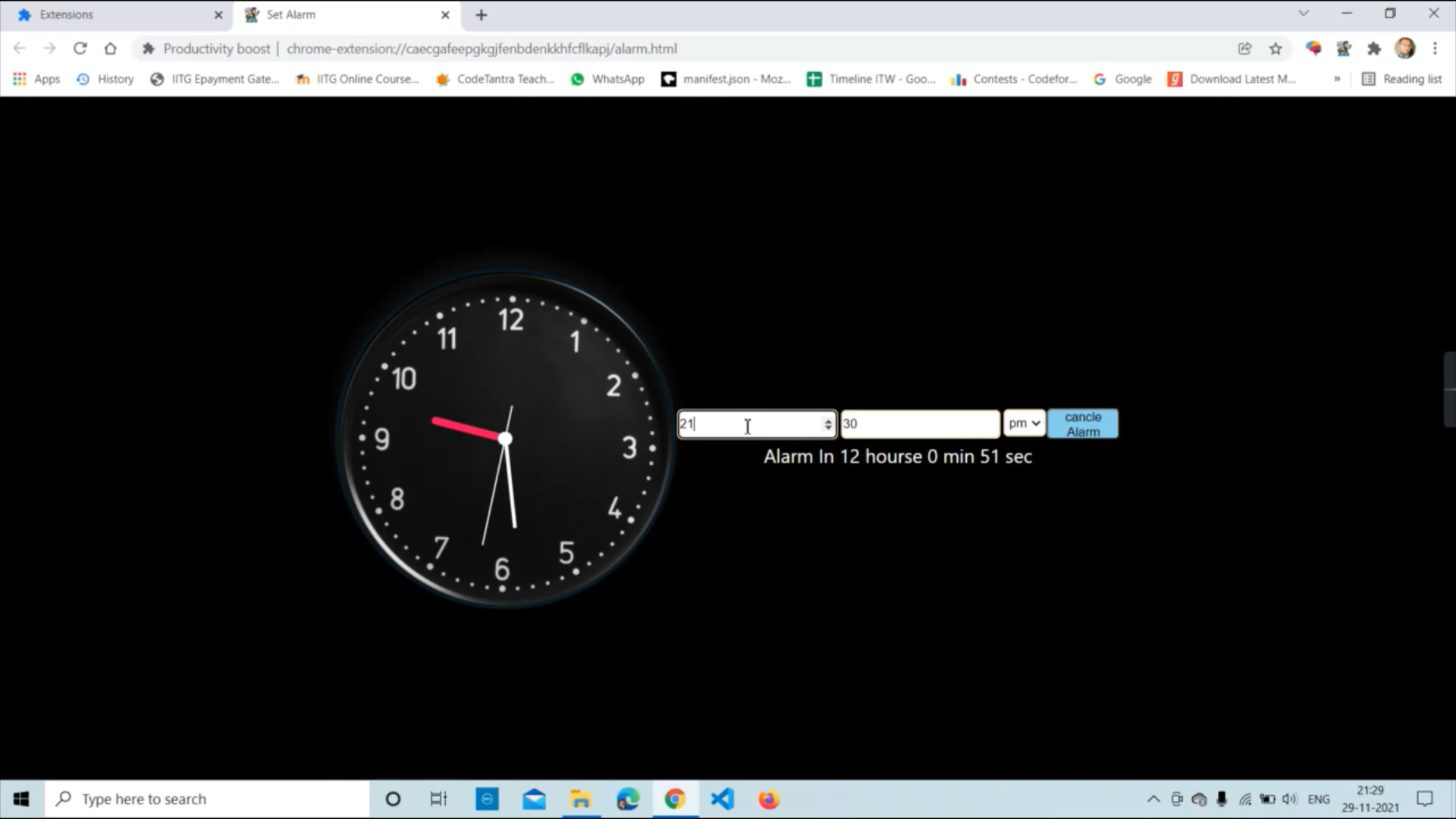
- Alarm: Set your alarm in the 24-hour format. It will notify you, and you can snooze it for 5 minutes as much time as you want, and it will also give you a decent look of an analog watch.
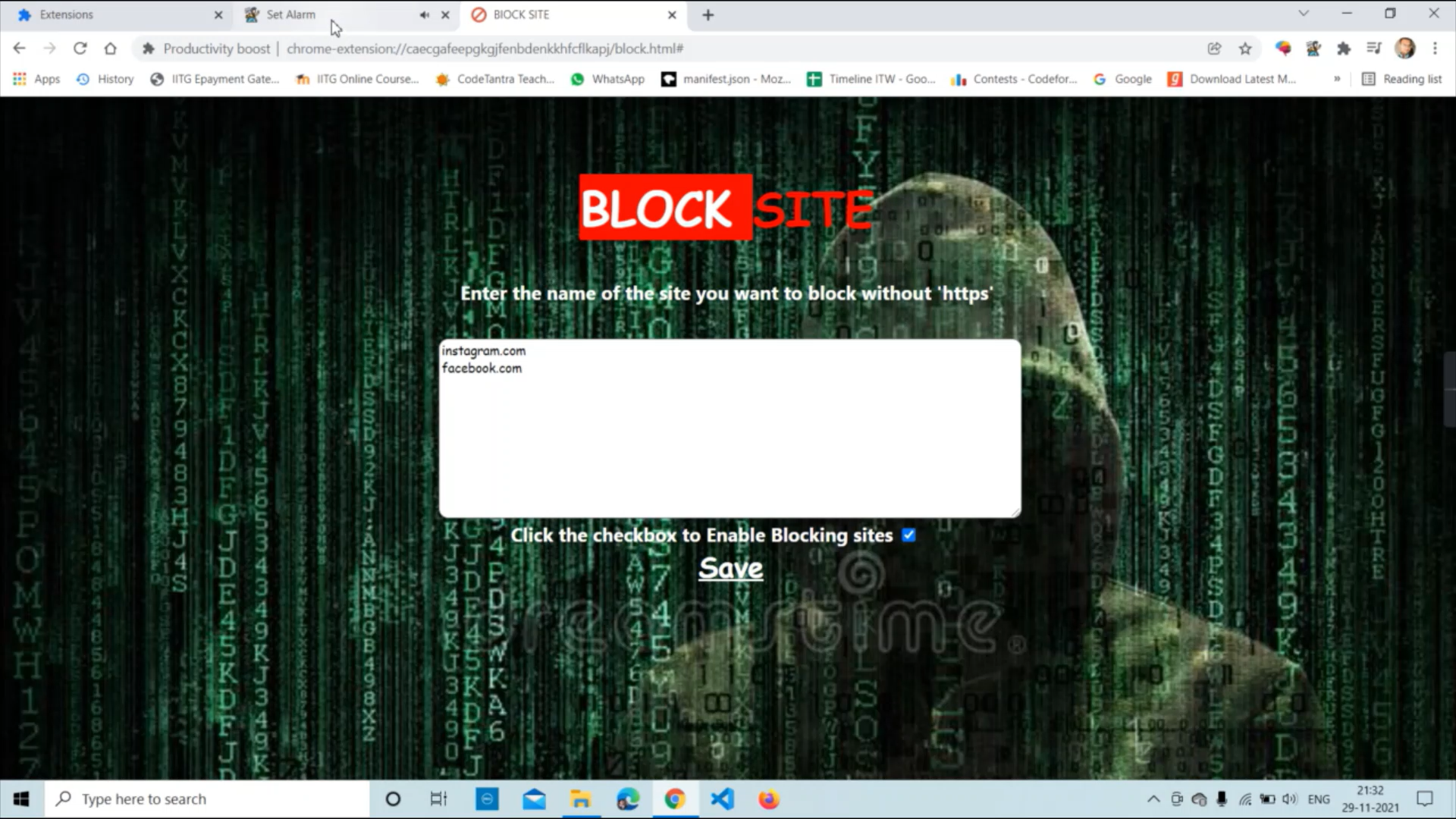
- Block site: Enter the website name inside the text area and click the save button. These sites are blocked from your chrome until you remove them from there.