Audio recording on the Web using Web Audio API for remote real-time environmental sound collection.
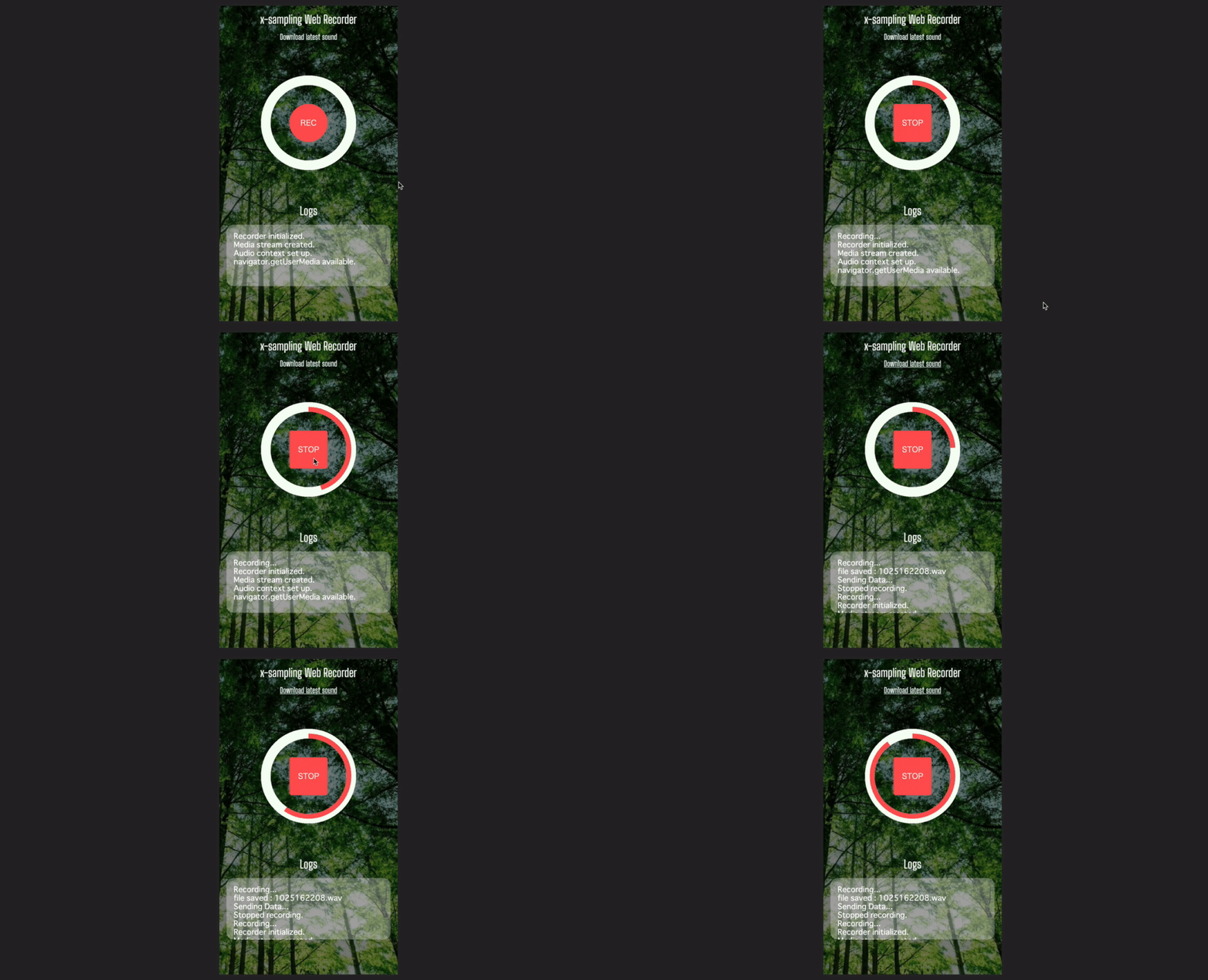
- python3 and packages listed in
requirements.txt - nodejs and packages listed in
package.json - tmux
- ngrok
- recorder-js
git clone -r https://github.com/atsukoba/AudioSampleRecorder.git
npm install
sh ngrok-install.sh
then put your ngrok auth-token
if using pip and HomeBrew, run this prepared script. if NOT, rewrite the script suitably (e.g. pip -> conda, brew -> apt-get).
bash run.shwhen do not use tmux sessions, build a server, make a tunnel and generate qr code manually.
gunicorn service.app:app -b :YOUR_PORT_NUMBERngrok http http://127.0.0.1:YOUR_PORT_NUMBERpython -c "import qr; qr.generate(NGROK_DISTRIBUTED_URL)"share and access generated QR code !
.wav files are saved in sounds/
sound file path will be sent as osc message (to address /)
edit settings (config.json) suitably.
{
    "ip" : "127.0.0.1",
    "port" : 8888, // listening port number
    "debug" : true,
    "talking": false, // toggle talking mode
    "workers": 2, // gunicorn worker for server
    "use-osc": true, // send osc message when receive the sound
    "osc-port": 5050 // osc poert number
}front-end dev
npm run watchcheck Python flask process
tmux a -thttps://www.figma.com/file/nRi4YNe3WGXpCxocEcpN35/x-sampling-recorder?node-id=0%3A1