
My dotfiles and install scripts
bin/scripts for my machineconfig/my dotfilesfiles/config files, keyboard layout, etc...modules/specific install scriptsscripts/useful scripts for this repo
To add an install script, add a .sh file to modules/. The personal_packages.sh script automaticly call the function matching the name of the file for all files in the modules directory. Ex: install_zsh in modules/install_zsh.sh will be automaticly called.
Run ./personal_packages.sh -h to see the options available.
Commonly used bash utils are stored in the utils.sh file, they can be included in any repo with the following script.
if [ -f utils.sh ]; then
    source utils.sh
else
    curl -s https://raw.githubusercontent.com/baileywickham/personal_packages/master/utils.sh > utils.sh
    source utils.sh
fiThere should be as few dependencies as possible to the actual script, bash and git are all you need
sudo apt install git
git clone https://github.com/baileywickham/personal_packages.git ~/workspace/personal_packages && \
cd ~/workspace/personal_packages && ./personal_packages.sh -a
To install the packages and move the dotfiles.
This installs my custom keyboard, bashrc, vimrc, tmux.conf, 2fa files and all packages I want.
Use:
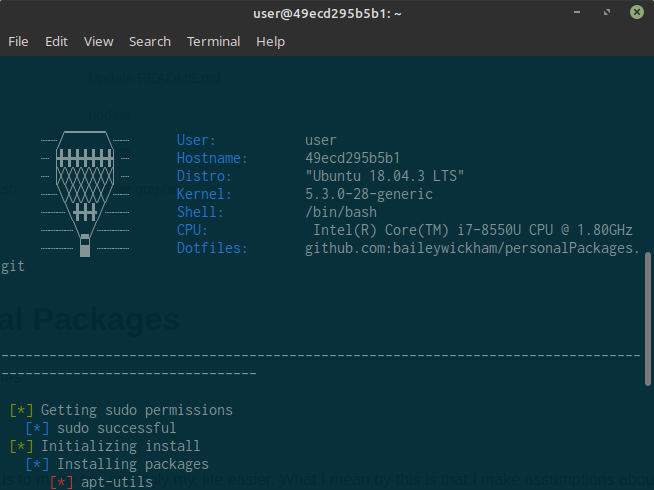
./dock.shThis repo includes a dockerfile and a script, dock.sh which runs the dockerfile. I am using docker as a test enviroment for making changes to the os, without breaking my configs.
curl https://raw.githubusercontent.com/baileywickham/personal_packages/master/files/keyboard > /etc/default/keyboard