Installation
This is the usual thing: download the package from the MODX site and install it. However, the recommendation here is to install this via the command line.
You can install Repoman via the standard MODx package manager, or you can install Repoman via Repoman (yes, some dog-fooding is possible here).
-
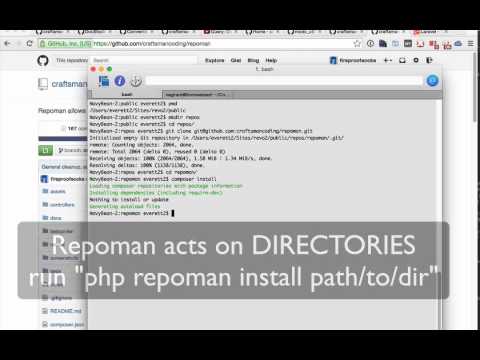
Clone the Repoman repository from https://github.com/craftsmancoding/repoman to a dedicated directory inside your MODX web root, e.g. "mypackages"
cd your/modx/public_dir mkdir repos cd repos git clone git@github.com:craftsmancoding/repoman.git
-
Run "composer install" on your new repository to pull in the package dependencies.
cd repoman composer install
-
Run the command-line repoman tool on the repoman/ directory, e.g.
php repoman install .
On MAMP environments, you must link "php" to the MAMP version of PHP, not to the native Mac version.
Due to permissions issues, you may also need to run the commands as an admin user using "sudo", e.g.
su - admin
cd /path/to/modx/repos/repoman
sudo composer install
sudo php repoman install .
For this reason, it is recommended that you use Vagrant or some other emulated environment to avoid these headaches, e.g. http://laravel.com/docs/4.2/homestead