This package grew out of a personal side project – originally built just for my own workflow – which I then turned into a documented R package as a way to learn package development.
quickquartosetup makes starting a new research project painless.
With a single call to project_setup(), you can instantly create a clean, reproducible folder structure, complete with essential starter files designed for academic workflows.
Whether you’re writing a manuscript, preparing a presentation, or organizing your analysis pipeline, quickquartosetup helps you work faster and stay organized. The structure follows best practices in academic research and is based on the author’s experience managing multiple projects efficiently.
- One command, full setup – Create a ready-to-use project structure with
project_setup(). - Built-in Quarto integration – Automatically generates
.qmdfiles for manuscripts, presentations, and notebooks. - Custom metadata – Add title, subtitle, author, institution, and more right at setup.
- Student-ready options – Include statutory declarations and student IDs for term papers.
- Optional title page – Generate formal academic title pages for examination papers.
- University of Mannheim support – Preloaded branding and statutory declaration (currently tailored to the School of Social Sciences at the University of Mannheim, with support for other institutions planned).
Install the development version from GitHub:
# install.packages("remotes")  # if not already installed
remotes::install_github("dertristan/quickquartosetup", build_vignettes = TRUE)The core function is project_setup().
Basic example:
library(quickquartosetup)

# Create a new project with default settings
project_setup(project_name = "my_new_project")
This creates a project folder with:
manuscript.qmd– main manuscriptpresentation.qmd– linked presentation01_code.qmd– reproducible code notebookdatafolder – with raw, processed, and final subfoldersreferences.bib– shared bibliographyimagesfolder – includes University logo (currently Mannheim School of Social Sciences)theme.scss– custom styling for Reveal.js presentations
Project structure:
my_new_project
├── code
│   └── 01_code.qmd
├── data
│   ├── 01_raw
│   ├── 02_processed
│   └── 03_final
├── images
│   ├── COPYRIGHTS.md
│   ├── uma_palace.png
│   └── uma_ss.png
├── manuscript.qmd
├── presentation.qmd
├── references.bib
├── theme.scss
└── _extensions
    ├── andrewheiss/wordcount
    └── nmfs-opensci/titlepage
The setup keeps data, code, and outputs clearly separated -- making it easy to embed computed results directly into manuscripts or presentations using Quarto’s embedding feature.
Custom example:
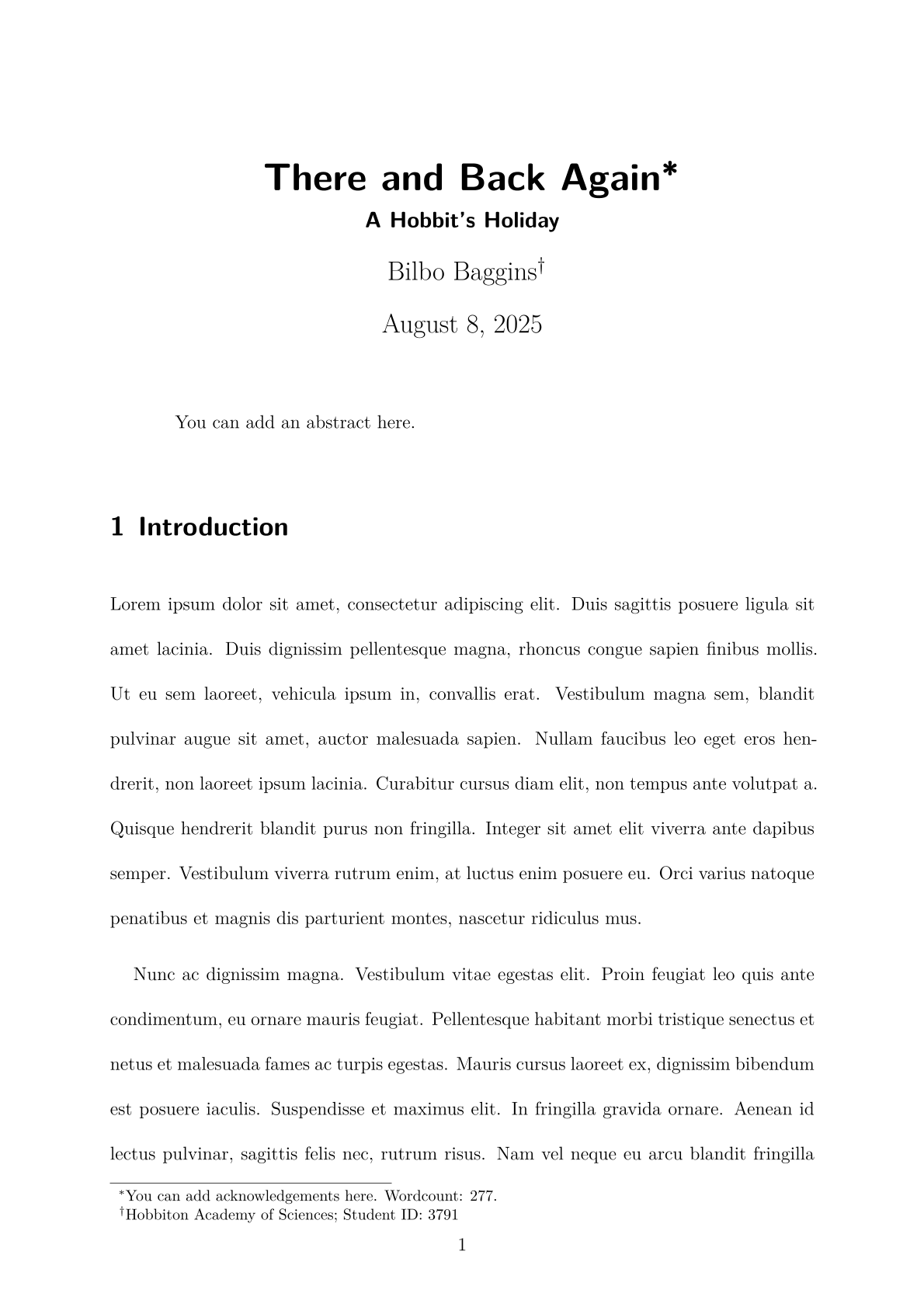
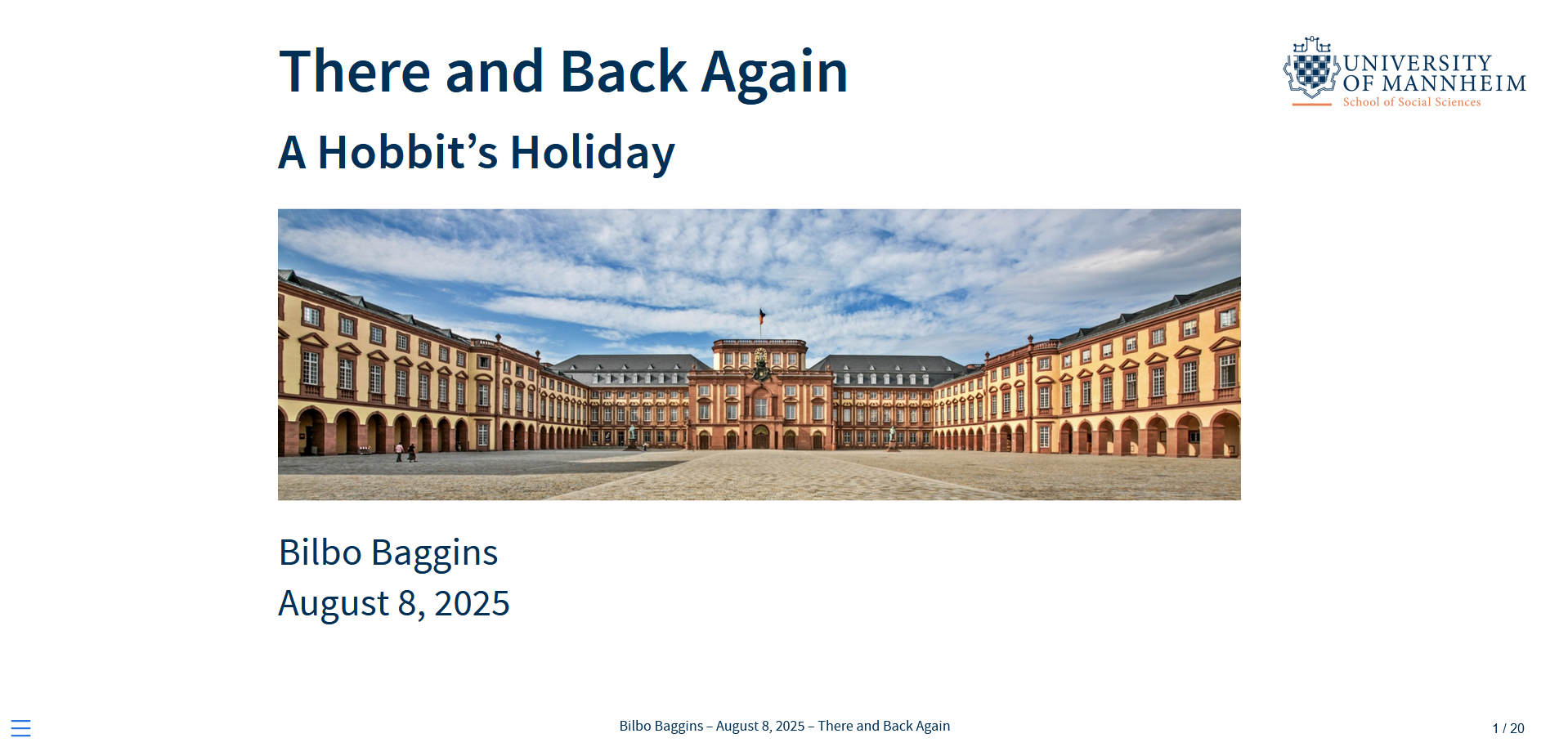
project_setup(
  project_name = "my_other_project",
  author = "Bilbo Baggins",
  title = "There and Back Again",
  subtitle = "A Hobbit's Holiday",
  institution = "Hobbiton Academy of Sciences",
  student_id = 3791,
  stat_decl = TRUE
)
Here's a preview of the rendered manuscript and presentation based on the function call above:
See the vignette for an introduction and the documentation for all available arguments.
- Quarto wordcount extension -- developed by Andrew Heiss
- Quarto titlepages extension -- developed by NMFS Open Science
quickquartosetup is under development. Planned improvements include:
- Make Quarto content creation modular
- Consistent default and branded files for manuscript (with and without titlepage) and presentation, with branding being modular and extendable
- Extend support for other Mannheim faculties
- Add institutional templates for other universities
- Improve
theme.scssfile(s)
- Metadata Handling
- Create one central YAML
- Add language options (starting with German)
- Edit default PDF to include all academic metadata
- Quarto content
- Include (real) example citations in default manuscript
- Provide Quarto learning examples (citations, quotes, figures, tables, equations, etc.)
- Miltibib option for separate primary and secondary references
- Custom Titlepage for students
- Technical To-Dos
- Fix installation warnings
- Improve “Folder already exists” handling for Quarto extensions
- Switch from manual copying of extensions to installing them from their source repos
- Limit file copying to style/brand stuff
- Option for initializing
.Rprojfiles on the fly too? - Add prerequisites to the installation guide
- add helper scripts by default
MIT License © Tristan Muno
If you use this package in your research:
Muno, Tristan (2025). quickquartosetup: A lightweight R package for streamlined research project setup with Quarto. https://github.com/dertristan/quickquartosetup