This repo turns Markdown into publication-style PDFs with Pandoc + XeLaTeX. You get a small CLI for quick renders and a FastAPI endpoint for programmatic jobs. Fonts, a template, and a Lua filter ship with the tree so the output looks consistent without hunting for assets.
latexit/[Note: latexit was the local repo name I used] — active code:src/cli.py,src/api.py, template, Lua filter, Dockerfiles, tests, samples, fonts.- Planning artifacts (
coreIdea.txt,conceptmap.txt,md2pdf.ipynb, PDF exports) that show the early roadmap (now removed, can be requested over email).
- Python 3.11
- Pandoc ≥ 3.x on PATH
- XeLaTeX toolchain (TinyTeX works. see
latexit/tlpkgs.txtfor the tested package set) - Fontconfig can see the bundled fonts (
assets/fonts/IBM_Plex_Serif_re,assets/fonts/Fira_Code,assets/fonts/Latin-Modern-Roman) - Docker optional if you prefer everything pre-baked
cd latexit
python -m venv .venv && source .venv/bin/activate
pip install -r requirements.txt
# Make sure pandoc and xelatex run (install TinyTeX if needed).
# On Linux/macOS, copy fonts and refresh cache:
# cp assets/fonts/*/*.{ttf,otf} ~/.local/share/fonts && fc-cache -fv- Basic:
python -m src.cli samples/sample.md -o out/sample.pdf - STDIN:
echo '# Title' | python -m src.cli --stdin -o out/stdin.pdf - Pick a template:
python -m src.cli note.md -t templates/vintage.tex -o out/note.pdf - Wrapper script:
./convert.sh path/to/file.md→out/<name>.pdf
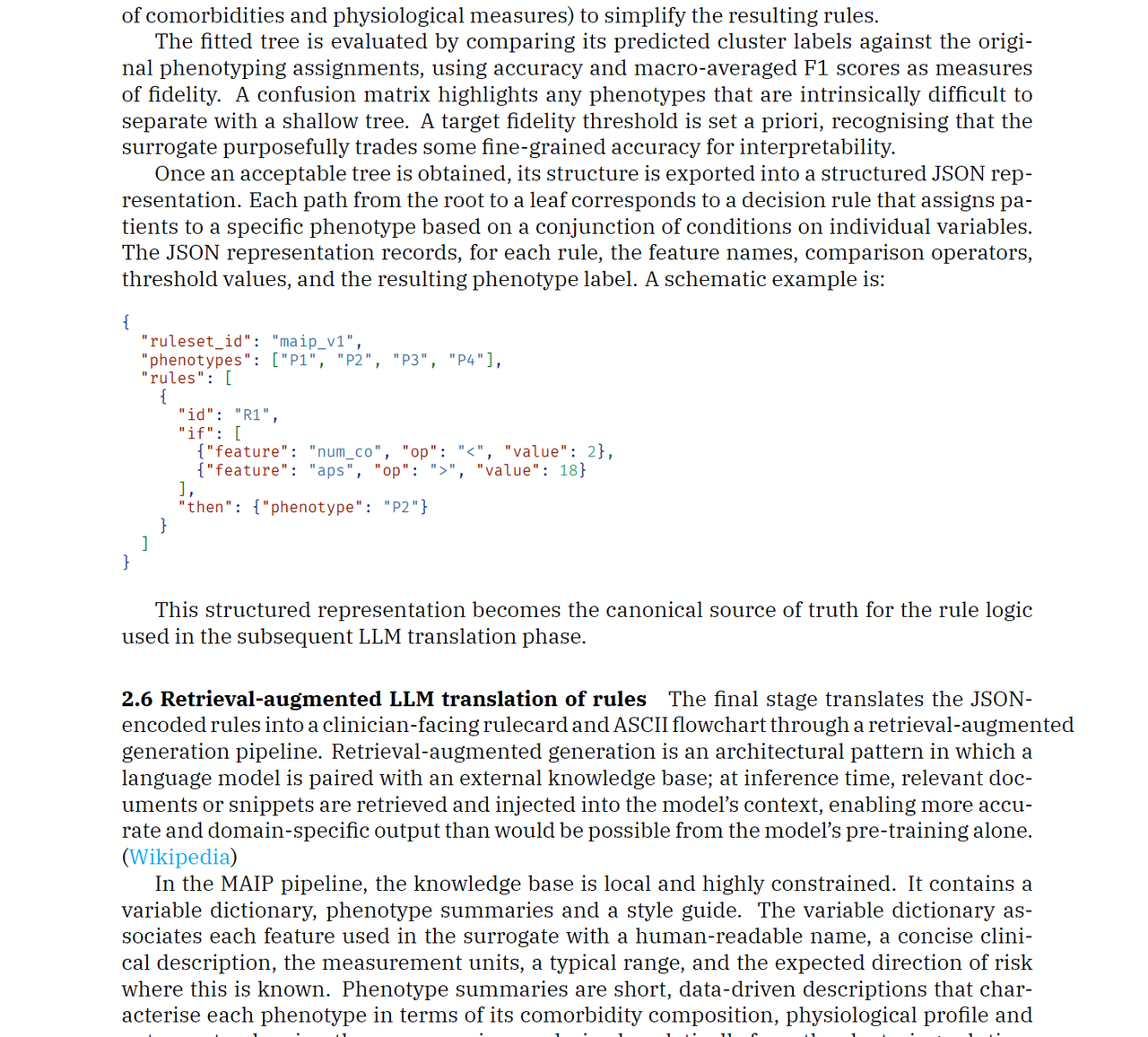
The CLI insists on real files, uses filters/landscape-6col.lua for wide tables, and raises clear errors if the source/template/filter is missing.
cd latexit
uvicorn src.api:app --host 0.0.0.0 --port 8000 --reload/health→{ "status": "ok" }/convertaccepts JSON, form data, or raw body withmarkdown_text(ortext) and optionaltheme; returnsapplication/pdf.- Guardrails: 10 kB payload cap, LaTeX sanitiser strips
\\write18/\\input/openin/openout, SlowAPI rate limit of 60 req/hour/IP.
Example:
curl -o out/api.pdf \
  -H "Content-Type: application/json" \
  -d '{"markdown_text":"# Hi\n\nConverted by the API","theme":"vintage"}' \
http://localhost:8000/convertIncludes Pandoc, TinyTeX, fonts.
cd latexit
docker build -t gptnotes-pdf .
docker run --rm -p 8000:8000 gptnotes-pdf
Run the CLI inside the image:
docker run --rm -v "$PWD/samples":/data gptnotes-pdf \
python -m src.cli /data/sample.md -o /data/sample.pdfcd latexit
python -m pytest -qThe suite exercises both the CLI and API. Pandoc + XeLaTeX must be installed or the PDF assertions will fail.
- Drop new
.textemplates intotemplates/. pass-t(CLI) ortheme=<name>(API). Unknown themes fall back tovintage.tex. - Edit
filters/landscape-6col.luaif you want different table widths or to disable the landscape flip. quickscripts/holds small demo commands.samples/contains real Markdown fixtures to tweak.Dockerfile.probeplustlpkgs.txtcapture the minimal TeX packages that successfully compile the template.
- Keep inputs under 10 kB to stay within the API limit and avoid long TeX runs.
- If PDFs come out blank, verify font availability and that
xelatexworks from your shell. - Two trees (
latexitandlatexit copy) exist—do your work inlatexitto match tests and Docker context.