A secure and modern password manager built with React and Node.js, featuring a beautiful dark/light mode interface and robust security features.
- 🔐 Secure password storage with encryption
- 🌓 Beautiful dark/light mode interface
- 🎨 Modern, neumorphic design
- 🔍 Search and filter passwords
- 🔄 Generate strong passwords
- 📋 One-click password copying
- ✨ Smooth animations and transitions
- 📱 Responsive design for all devices
- ⚡ Fast and efficient performance
- 🔒 JWT authentication
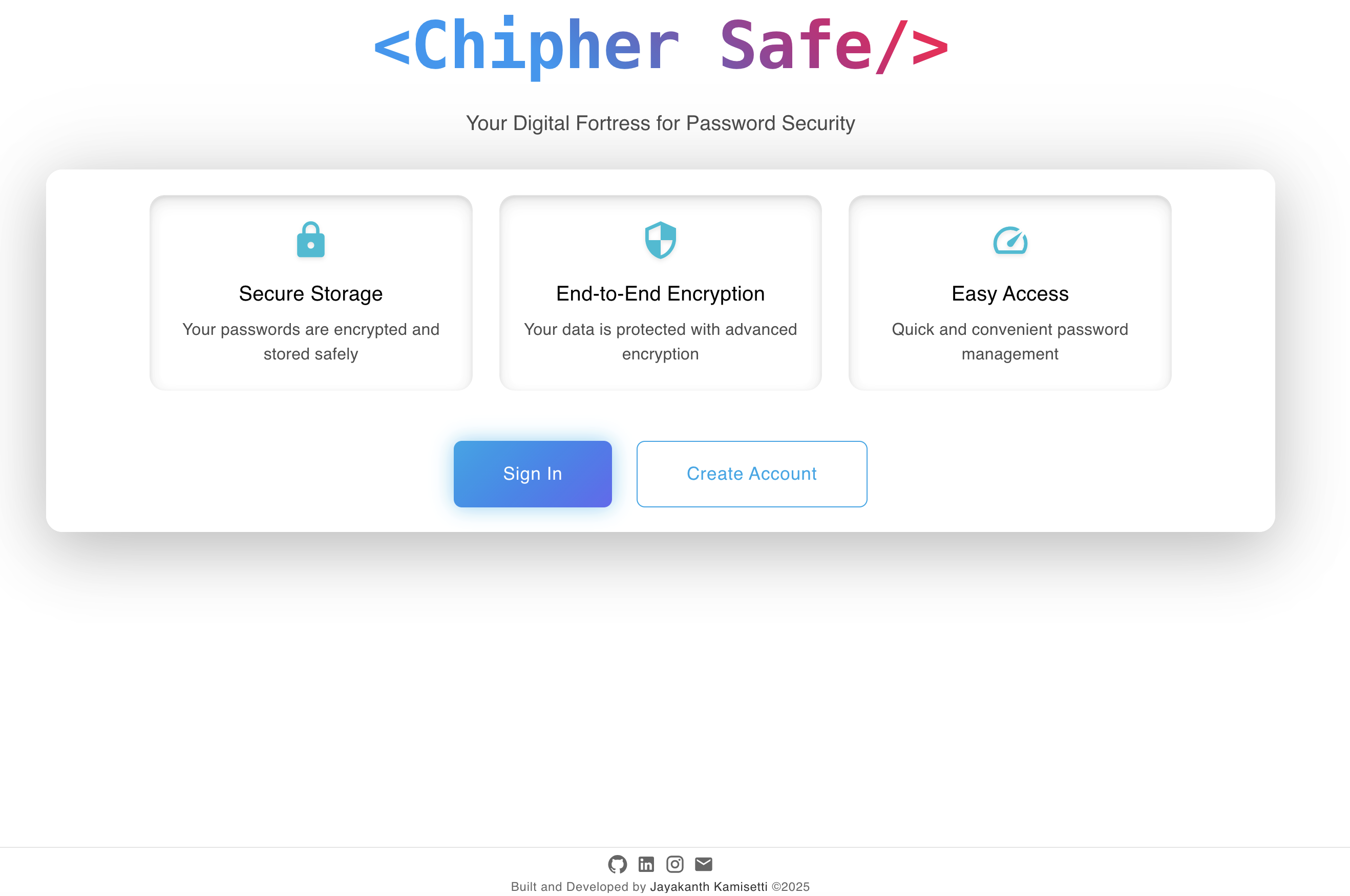
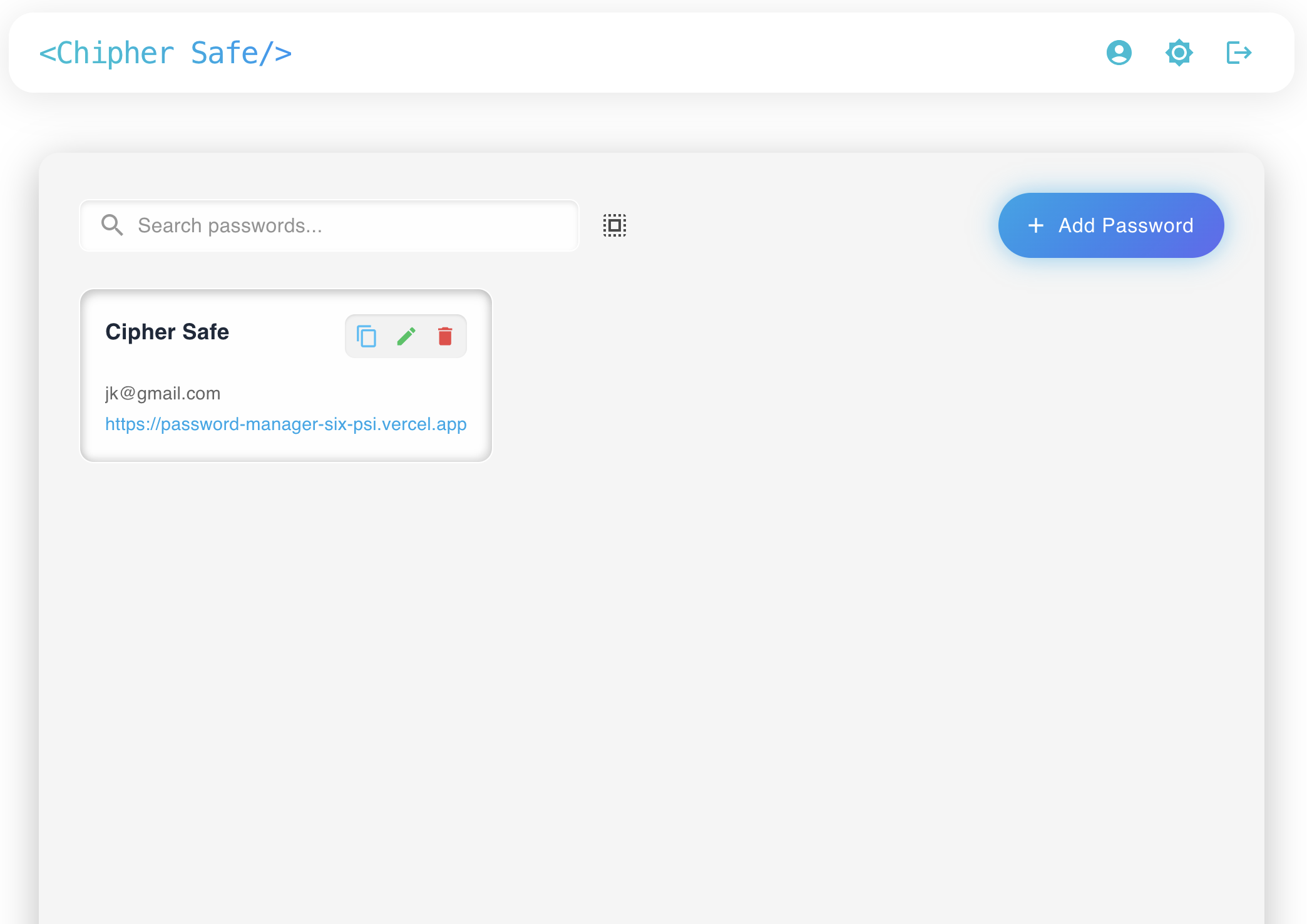
Here's a sneak peek of the Password Manager interface:
Before you begin, ensure you have the following installed:
- Node.js (v14.0.0 or higher)
- npm (v6.0.0 or higher)
- MySQL (v8.0.0 or higher)
- MySQL Workbench (recommended for database management)
-
Clone the repository
git clone <repository-url>
cd password-manager
-
Install dependencies
# Install frontend dependencies
npm install

# Install backend dependencies
cd server
npm install
-
Database Setup
a. Create a new MySQL database:
CREATE DATABASE password_manager;
b. Create a user and grant privileges (optional but recommended):
CREATE USER 'password_manager_user'@'localhost' IDENTIFIED BY 'your_password';
GRANT ALL PRIVILEGES ON password_manager.* TO 'password_manager_user'@'localhost';
FLUSH PRIVILEGES;
-
Environment Setup
Create a
.envfile in the server directory with the following variables:PORT=5001 DB_HOST=localhost DB_USER=password_manager_user DB_PASSWORD=your_password DB_NAME=password_manager JWT_SECRET=your_jwt_secret_key
-
Run the application
# Start backend server (from server directory)
npm start

# In a new terminal, start frontend (from root directory)
npm run dev
-
Access the application
Open your browser and navigate to:
http://localhost:5173
password-manager/
├── src/                    # Frontend source files
│   ├── components/         # React components
│   ├── pages/             # Page components
│   └── context/           # React context providers
├── server/                # Backend source files
│   ├── models/           # Database models
│   ├── routes/           # API routes
│   ├── config/          # Database configuration
│   └── middleware/       # Custom middleware
└── public/               # Static files
- Passwords are encrypted before storage
- JWT-based authentication
- Secure password hashing
- HTTPS-only cookies
- XSS protection
- CSRF protection
- SQL injection prevention
- Prepared statements for database queries
To run the application in development mode:
# Start backend in development mode
cd server
npm run dev

# Start frontend in development mode
cd ..
npm run dev-
Database Connection Issues
- Ensure MySQL service is running
- Verify database credentials in
.envfile - Check if database and user exist with correct privileges
-
Port Conflicts
- The backend server will attempt to use port 5001 first
- If port 5001 is in use, it will automatically switch to port 50011
- Frontend runs on port 5173
- Update PORT in
.envif you want to use a different port
- Fork the repository
- Create your feature branch (
git checkout -b feature/AmazingFeature) - Commit your changes (
git commit -m 'Add some AmazingFeature') - Push to the branch (
git push origin feature/AmazingFeature) - Open a Pull Request
This project is licensed under the MIT License - see the LICENSE file for details.