

A high-performance, real-time remote logging solution for .NET MAUI, perfect for debugging issues in released applications.
This project streams logs from your app—whether on a test emulator or a user's device—to a standalone desktop server. It allows you to capture and analyze errors, warnings, and trace information that you can't reproduce in a local debugging session.
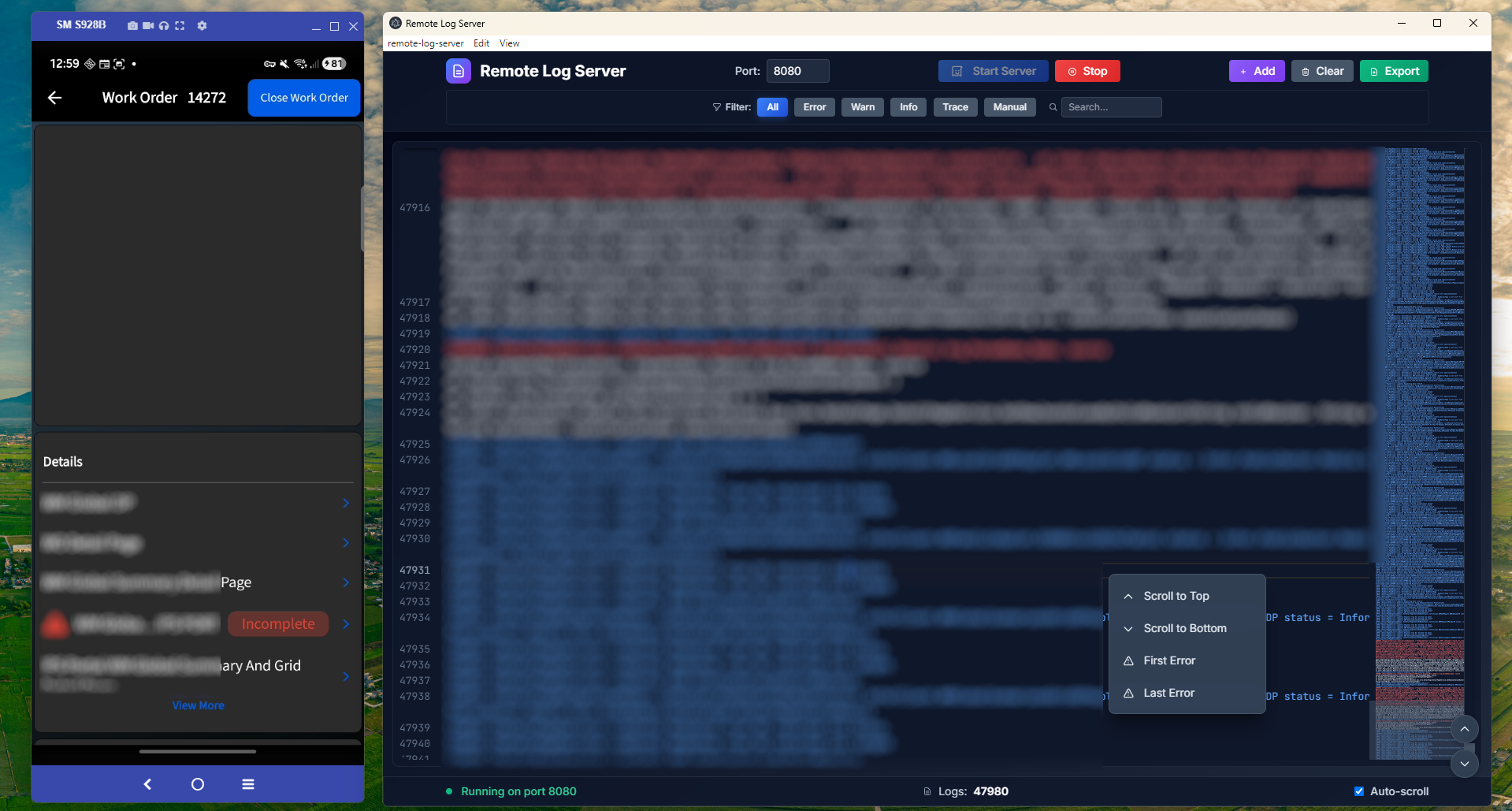
- Live Log Stream: View logs instantly as they arrive.
- Log Filtering: Toggle between
All,Error,Warn,Info, andTracelevels. - Dark Mode UI: Clean, dark-themed interface that's easy on the eyes.
- Utilities: Includes line numbers, auto-scroll, clear logs, and export to
.txt. - Status: Shows server status (Offline, Running, Error) and port.
- High-Performance & Non-Blocking: Uses
System.Threading.Channelsfor a lock-free, asynchronous producer-consumer pattern. This ensures that logging never blocks your app's UI thread or impacts performance, making it safe for release builds. - Resilient Connection: Automatically retries connection to the server if it's lost, with configurable delay.
- Clean Integration: Registers and configures the service with a single, clean line in
MauiProgram.cs.
- Navigate to the project directory in your terminal.
- Run
npm installto install Electron and its dependencies. - Run
npm startto launch the server application. - Click "Start Server" (default port is 8080).
-
Install the NuGet Package into your .NET MAUI project:
dotnet add package jaraio.MauiRemoteLoggingClient
Or add it via the Visual Studio NuGet Package Manager.
-
In
MauiProgram.cs, register the service using the extension method.// Add the namespace from the package using Jaraio.MauiRemoteLogging; public static class MauiProgram { public static MauiApp CreateMauiApp() { var builder = MauiApp.CreateBuilder(); builder .UseMauiApp<App>() .ConfigureFonts(fonts => { // ... }); // Add this line to register the logging service // Use your server's local IP and the port from the Electron app builder.ConfigureRemoteLogging("YOUR_SERVER_IP_HERE", 8080); // ... register other services return builder.Build(); } }
-
Inject
IRemoteLoggingClientServiceinto any ViewModel or service and start logging.// Add the namespace from the package using Jaraio.MauiRemoteLogging; public class MyViewModel { private readonly IRemoteLoggingClientService _logger; public MyViewModel(IRemoteLoggingClientService logger) { _logger = logger; } public void DoSomething() { // Use the EnqueueLog method _logger.EnqueueLog(LogLevel.Info, "MyViewModel", "Button was clicked!", null, "DoSomething"); try { // ... code that might fail } catch (Exception ex) { _logger.EnqueueLog(LogLevel.Error, "MyViewModel", "Something bad happened.", ex, "DoSomething"); } } }
- Server: Electron, Node.js (TCP Server), Tailwind CSS
- Client: .NET,
TcpClient,System.Threading.Channels(via NuGet)