This README provides guidance on setting up the Arduino-Pico board with the PlatformIO plugin in VSCode, specifically for boards not officially supported by PlatformIO.
- Visual Studio Code
- Open VSCode.
- Navigate to Extensions and search for "PlatformIO".
- Install the PlatformIO IDE extension.
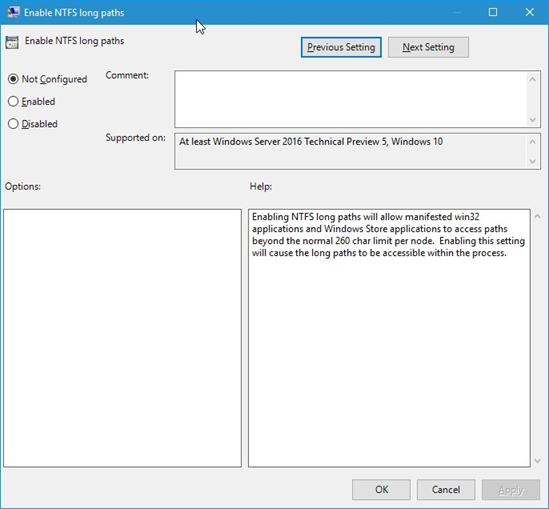
- Enable long paths in Git and Windows OS.
- Click Window key and type
gpedit.msc, then press the Enter key. This launches the Local Group Policy Editor. - Navigate to
Local Computer Policy > Computer Configuration > Administrative Templates > System > Filesystem. - Double click
Enable NTFS long paths. - Reboot your system after these changes.
To get started with the CanHelp project, clone the repository using the following command:
git clone https://github.com/BaTaTaAdb/CanHelp.git