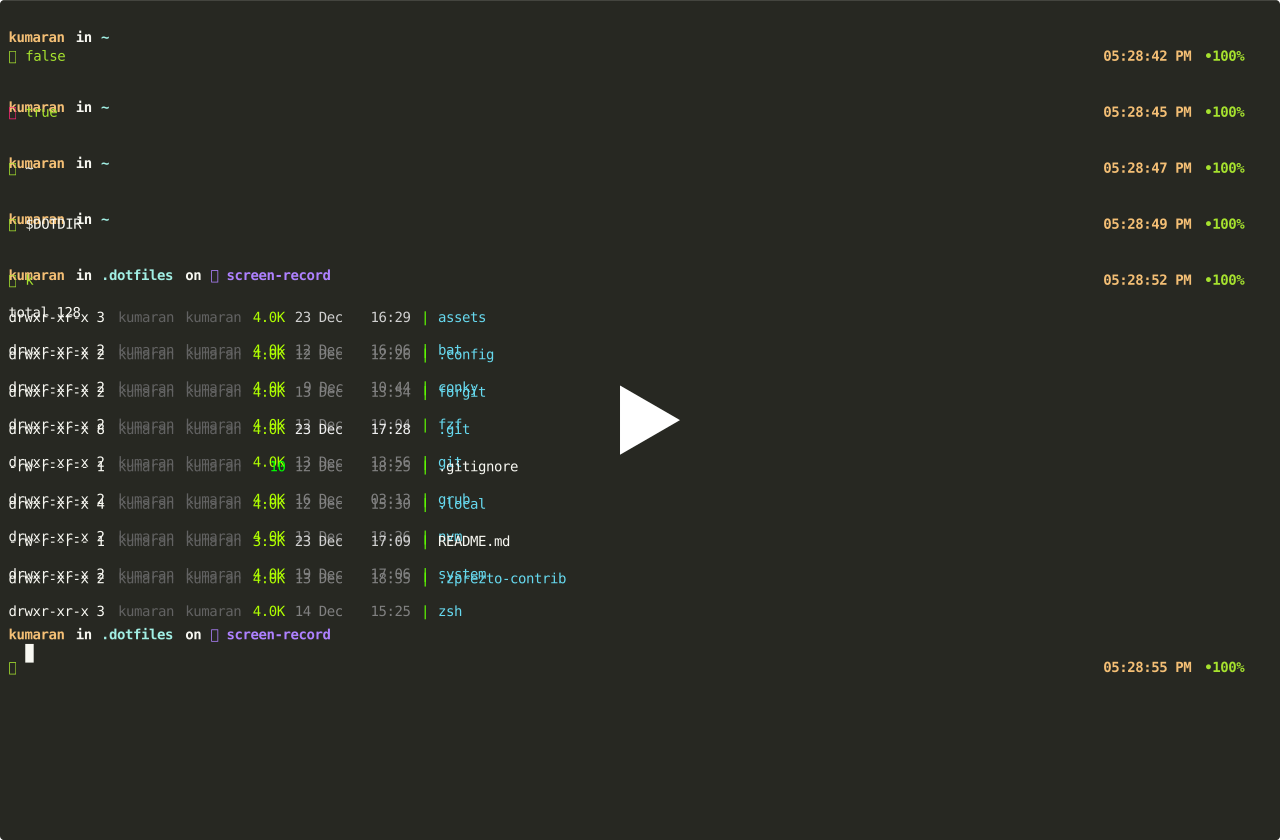
OS=Linux SHELL=zsh TERM=xterm-256color
There are five basic starup files which get sourced whenever a new shell is instantiated (excluding prezto config). These are all located in $HOME, i.e ~/.
-
.zshenv- This file gets sourced in all shells. Environment variables which are updated frequently should be set here. ($PATH,$EDITOR,$PAGER) -
.zprofile- Similar to.zloginand run in loginshells. NOT meant to be used together with.zlogin -
.zshrc- This file gets sourced in all interactive shells ([[ -o interactive ]]is true). It should contain commands for interactive usage. Aliases, functions, options, key bindings, command completion, prompt, coloring are defined and configured here..zpreztorc- Gets sourced after.zshrc. This file configures Prezto..zshrcsources.zprezto/init.zsh..zprezto/init.zshsources.zpreztorc.
-
.zlogin- This file gets sourced in all login shells ([[ -o login ]]is true). It should not modify the shell environment at all. Rather, it should be used to run external commands (fortune, msgs, etc). -
.zlogout- Gets sourced when login shells exit. Used to clear and reset the terminal.According to zsh documentation,
You may wonder why there are both
.zprofileand.zlogin, when they are both for login shells: the answer is the obvious one, that one is run before, one after.zshrc. This is historical; Bourne-type shells run/etc/profile, and csh-type shells run~/.login, and zsh tries to cover the bases with its own startup files.~/.zshenv~/.zprofile- Prezto source this file for non-login and level 1 shells. ([[ ( "$SHLVL" -eq 1 && ! -o LOGIN ) ]])~/.zshrc~/.zpreztorc~/.zlogin- Only for login shells~/.zlogout- Only for login shells
Simple, using git. I have git repository, ~/.dotfiles.
All necessary files should be symlinked to $HOME
In the near future, the files will be renamed to filename.symlink, and a new init.sh script will be created which will recursively symlink the files.
I tweaked XDG base directory specification to suit my needs.
$HOME/.configis now$HOME/.dotfiles$HOME/.local/binis now$HOME/.dotfiles/local/bin$HOME/.local/shareis now$HOME/.dotfiles/local/share
Why? Because symlinking is a tedious process and it's way more easier to add $HOME/.dotfiles/local/bin to $PATH
To view external screen only
- generate config file using command
- place it in /etc/X11/xorg.conf To view laptop screen only
- backup and then delete /etc/X11/xorg.conf
sudo mv /etc/X11/xorg.conf /etc/X11/xorg.conf.backup__2025_july_21                                                                                                                                                 01:48:25 PM •10
sudo mv /etc/X11/xorg.conf.backup__2025_july_21 /etc/X11/xorg.conf
See more info in the Display section below
- /home is in different partition
- / is in different partition
use these commands to free up space in root partition
pacman -Qdtq | pacman -Rns -
See this https://wiki.archlinux.org/title/Pacman/Tips_and_tricks#Removing_unused_packages_(orphans) and this https://wiki.archlinux.org/title/Pacman#Cleaning_the_package_cache
sometimes / in filelight shows different from what df -h or dolphin shows for the /dev/nvme1n1p3 disk partition, however, it can be due to deleted file having open file descriptors which says disk is used. Often, it is due to docker process. run docker system prune -a to free up space. Note: Filelight always shows correct usage. Go by that.
Spaceship prompt, using nodejs package.
Have a look at zsh/prompt.zsh for prompt configuration
Vim like bindings in chrome using vim extension, ideavim in Idea products (Clion) and vscodevim in vscode
~/.vimrc is symlinked, and vim plugins are installed through vim-plug in ~/.vim/plugged
use intellij shortcuts via extension
Know that in your and most laptop with integrated graphics (Intel) and dedicated graphics card, the HDMI is directly connected to the graphics card. So you need the graphics card to be active if you want to connect to a external monitor
Easier to use mhwd to manage drivers than following arch wiki. Had trouble with open source drivers to connect to external display, installed official proprietary drivers.
backup files for x11 config is in /etc/X11/xorg.conf.backup actual config is in /etc/X11/xorg.conf.backup
note: i have manually backed up files in ~/.dotfiles/x11/
Enabled by adding set -o vi in .zprofile
use ESC to trigger command mode to edit commands inline
use Ctrl-x followed by ctrl-e to open command in $VISUAL editor and edit and execute
checkout https://stackoverflow.com/questions/22655587/how-to-use-vi-to-edit-a-command-in-terminal-on-linux
If you see permission denied public key when pushing to kumaran-14 github account repos, do the following
ssh-add ~/.ssh/id_ed25519_github_aug_2024 ssh -T git@github.com
if final step did not work, execute this ssh -T kumaran-14@github.com
Press f2 for acer bios settings, bios passworrd is in bitwarden
- Disable secure boot
- in boot priority order, choose EFI first and windows boot loader second, this allows your grub to pop up and choose which os to boot into
- if you get WINDOWS BLUE SCREEN OF DEATH (BSOD), with inaccessible boot error, then choose VHCI as the disk driver
