A table-booking system using React. It's a fully responsive web app that allows users to reserve a table for the Little Lemon restaurant.

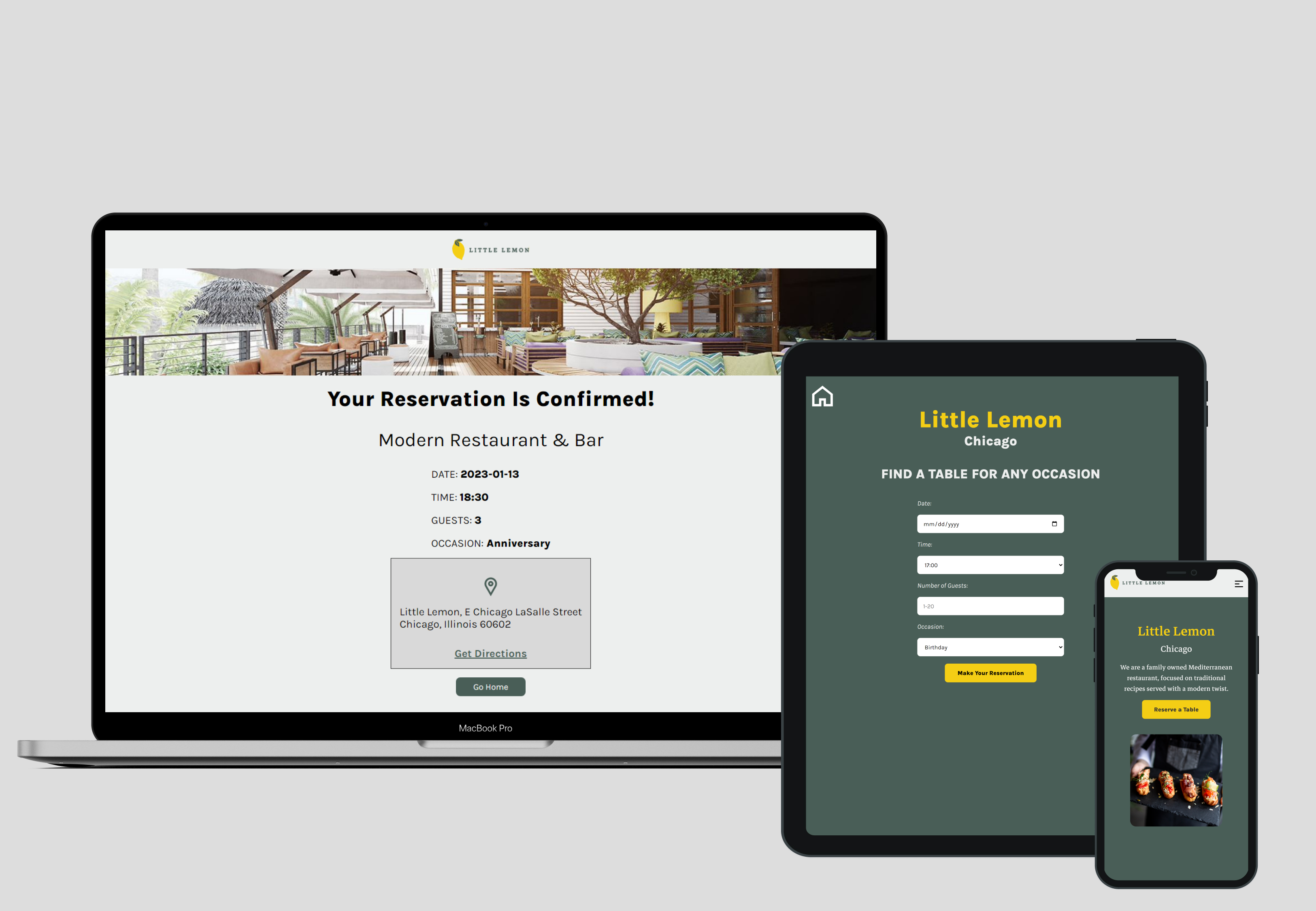
- Live : Demo
- React - React
- React Router v6+ - For routes
- React Scroll - For smooth scroll
- React Testing Library - For unit testing
- CSS Flexbox and Grid
- Semantic HTML
- Open Graph Protocol
- Hide/show navbar depending on scroll direction
- Creating a form component in React
- Creating a controlled component in React
- Creating routes using React Router v6
- Creating unit tests using React Testing Library
- Storing state using localStorage API
- Using aria attributes to ensure my application is accessible to users
- Handling form submission and validation
- Managing state within a component using UseState Hook
- Handling side-effects using useEffect Hook
- Creating a basic list component using map function
- Using keys within list Components
- Lifting state up
- Styling React App with Pure CSS
- Adding Open Graph Protocol meta tags to improve SEO
Here is a code snippet:
const BookingForm = ({ availableTimes, dispatch }) => {
  const navigate = useNavigate();
  const { times } = availableTimes;
  const [bookings, setBookings] = useState({
    date: '',
    time: '17:00',
    guests: '',
    occasion: 'Birthday',
  });

  useEffect(() => {
    localStorage.setItem('Bookings', JSON.stringify(bookings));
}, [bookings]);- React Docs (Rendering Lists) - This helped me for rendering lists in the navbar. I really liked their documentation and will use it going forward.
- React Testing Library - This helped me for creating unit tests in React.
- React Router (useNavigate) - This helped me for redirecting user to a confirmed booking page.
- Website - Marvin Morales Pacis
- LinkedIn - @marventures
- Twitter - @marventures11