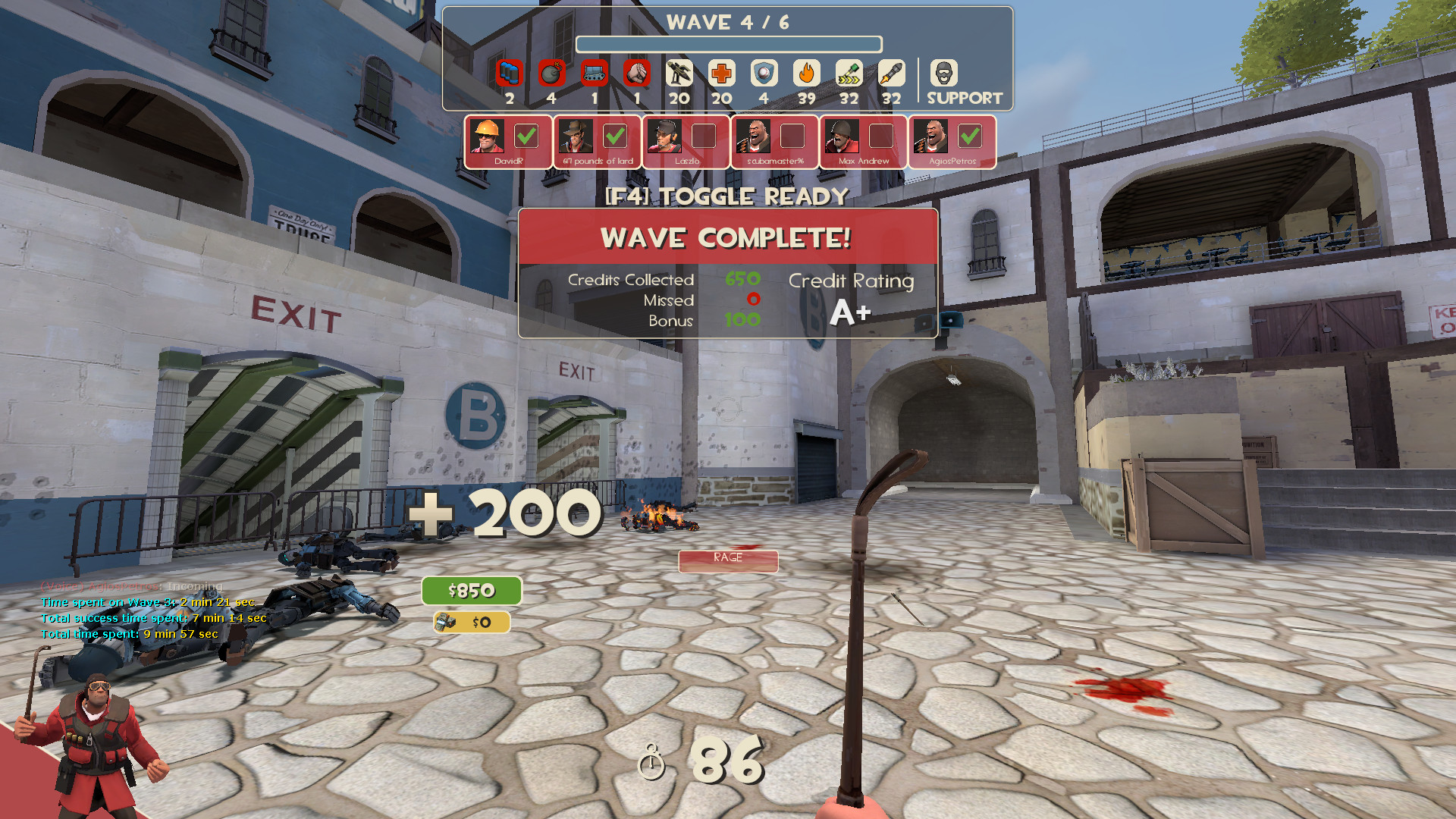
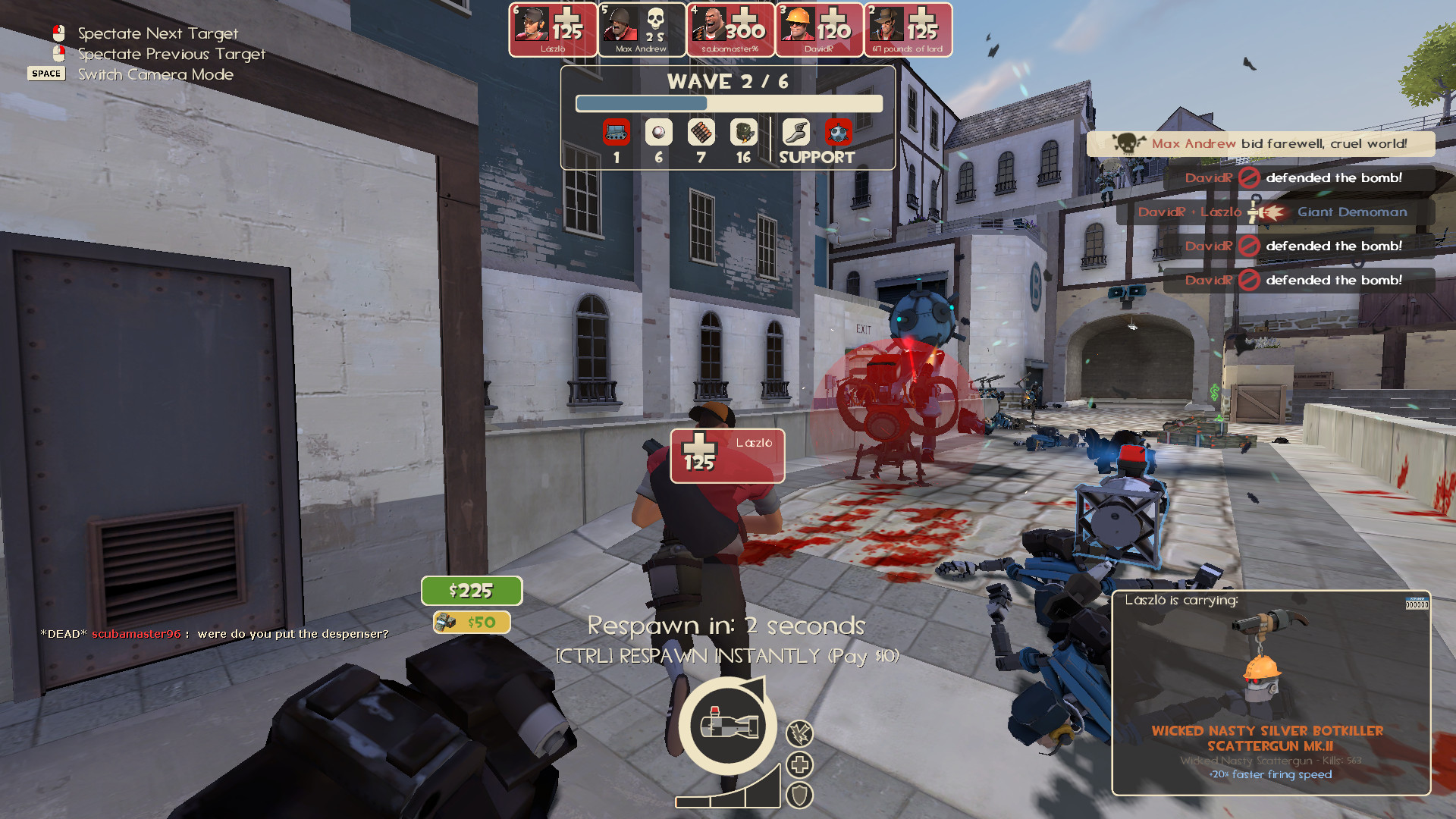
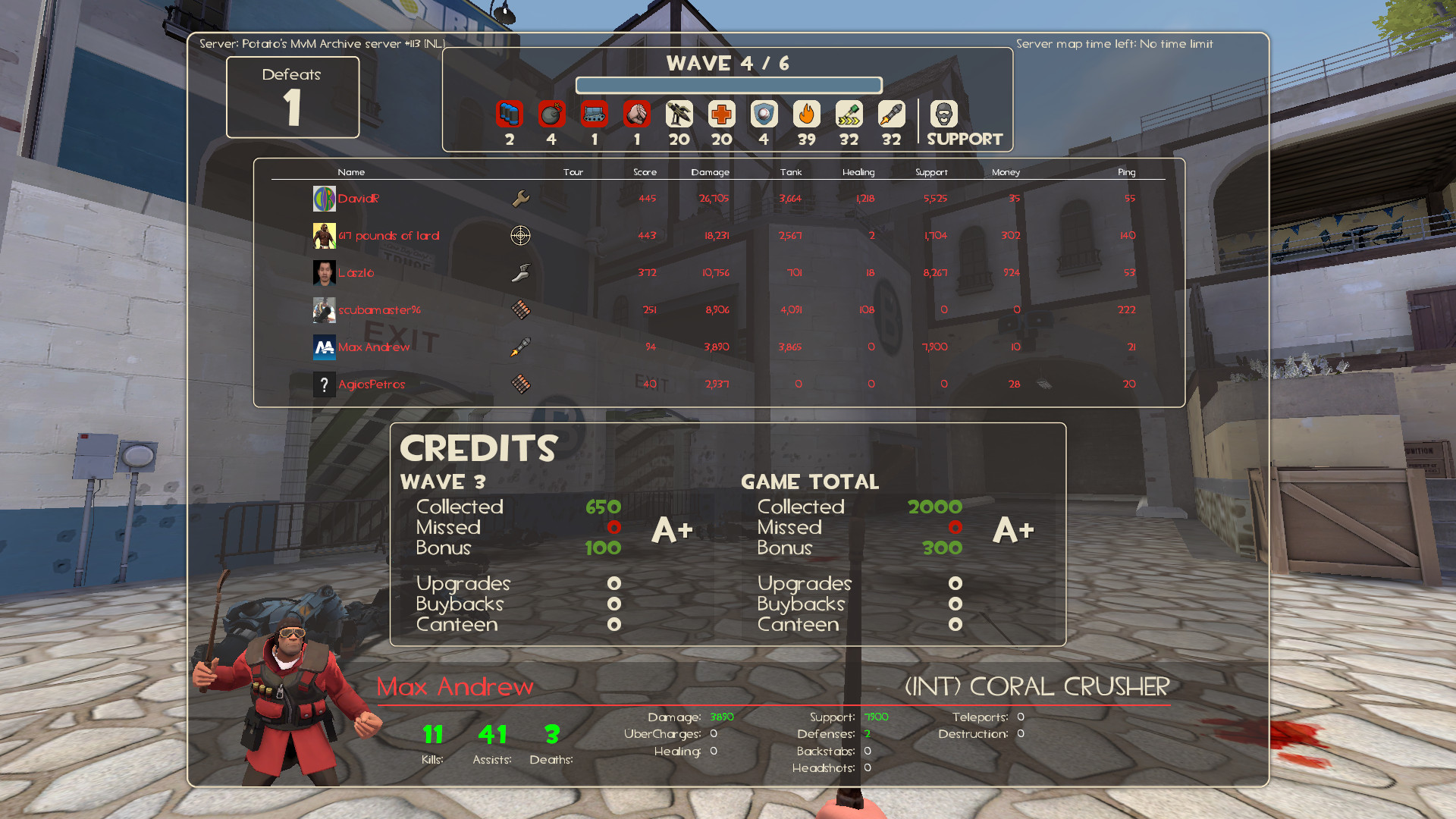
This is MaxiHud, a modification of bowieHUD (v1.6) with some elements from the Improved Default HUD that gives you a similar look as vanilla with enhancements to the UI and the user experience.
- Quickplay allows you to easily find a community server.
- Access Mercenary Mode and Walkway in the Training selection menu.
- Access Potato MvM servers in the MvM selection menu.
- Keep listening to tunes with the music player from @RoseyLemonz, originally created by SexyLion.
- Conveniently record your games by toggling demo recording in the MaxiHud Settings menu.
- Watch your demos you've recorded by pressing the Demo Player button with a TV icon on the main menu to bring up the Demo Playback menu.
- Having server problems? You can attempt to reconnect to the server with the Retry Connection button while in-game. (Only in community servers)
- Want to be safe when playing TF2? Enable Safety Mode in the MaxiHud Settings menu to hide text chat, custom sprays & decals and mute voice chat.
- Keyboard interacts in menus to perform actions quickly.
- Cornered HUD to put HUD elements in the corners of your screen.
- A unique countdown timer for MvM and Casual mode.
- Vote icons from Team Fortress 2 Classified with contextual text colouring for the vote menu.
- Default fonts replaced with TF2 fonts.
- Payload icon by Vexcenot.
- Icons for Selbyen by Aar.
- HD item icons from Tkain.
- TF2-style VGUI from Azarciel.
- A Hide button when being revived in MvM from sigsegv.
- Improved casual medals from AGoJyt.
- Custom crosshairs and health screen effects from @Hypnootize.
- Fixes and improvements to the bowieHUD v1.6 base.
- Fully customizable to suit your preferences!
- And many more!
Once downloaded, go into the ZIP file and put its folder into your "custom" folder inside the "tf" folder.
\steamapps\common\Team Fortress 2\tf\customIf you dont have a "custom" folder, make one.
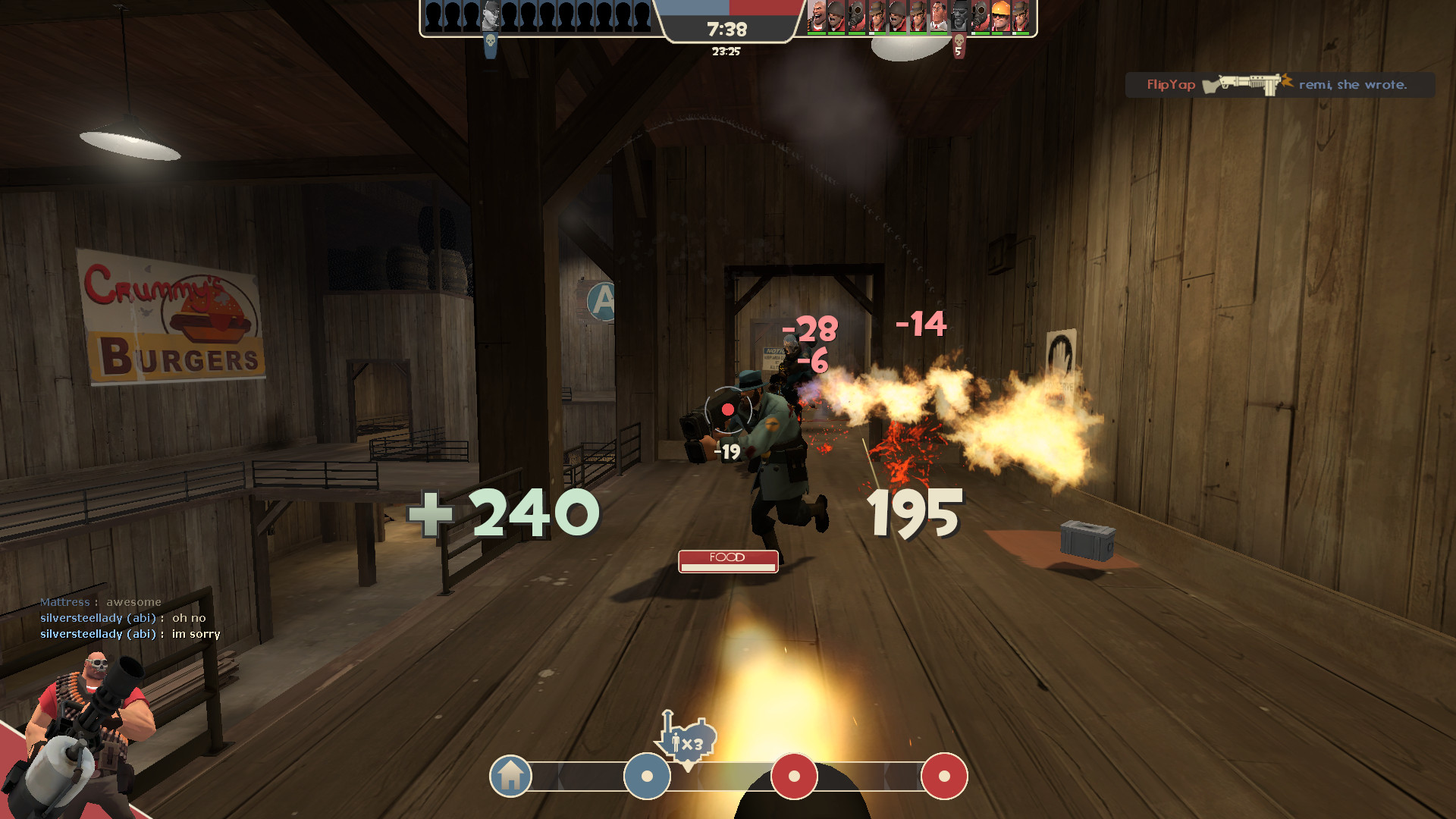
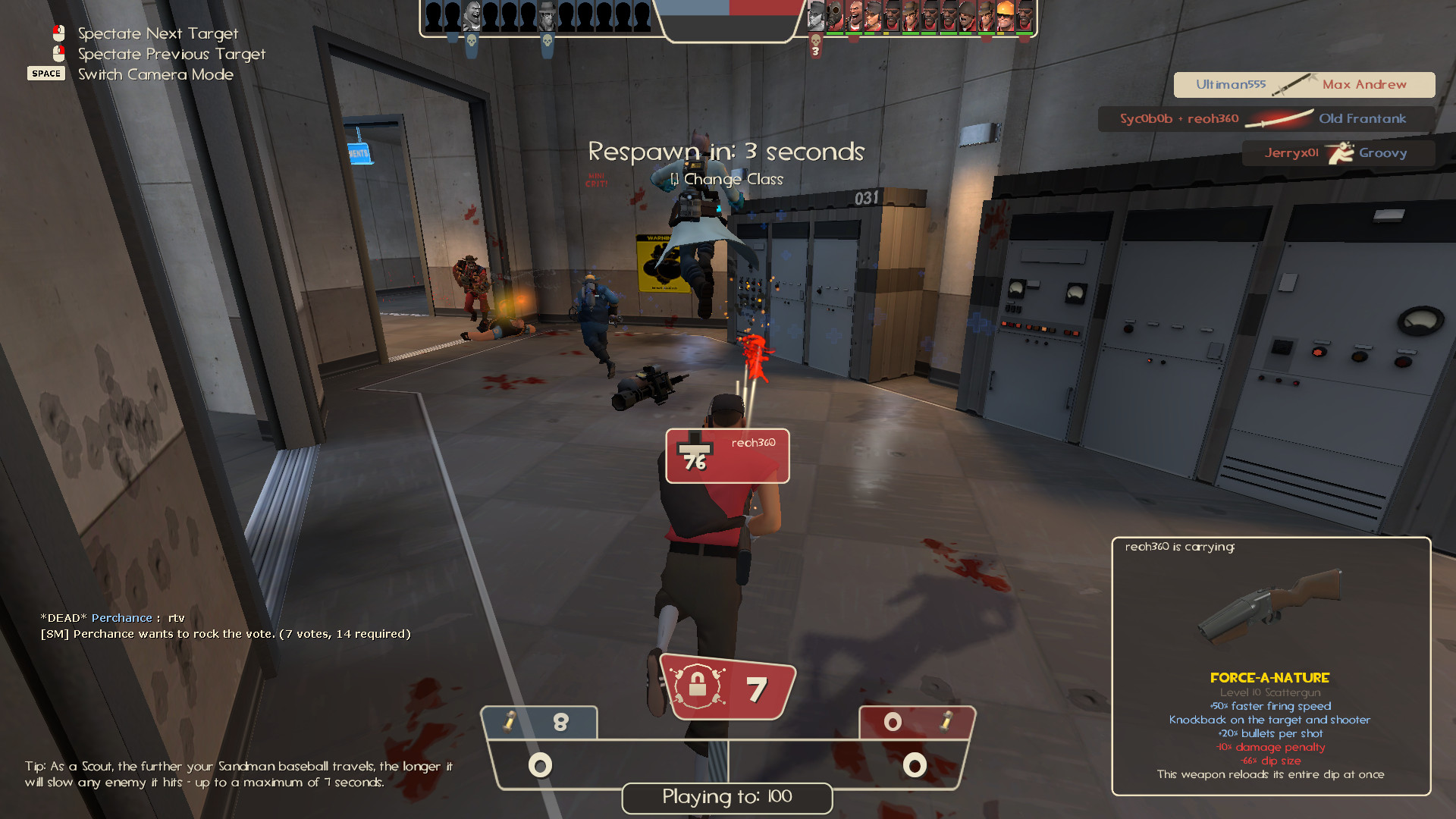
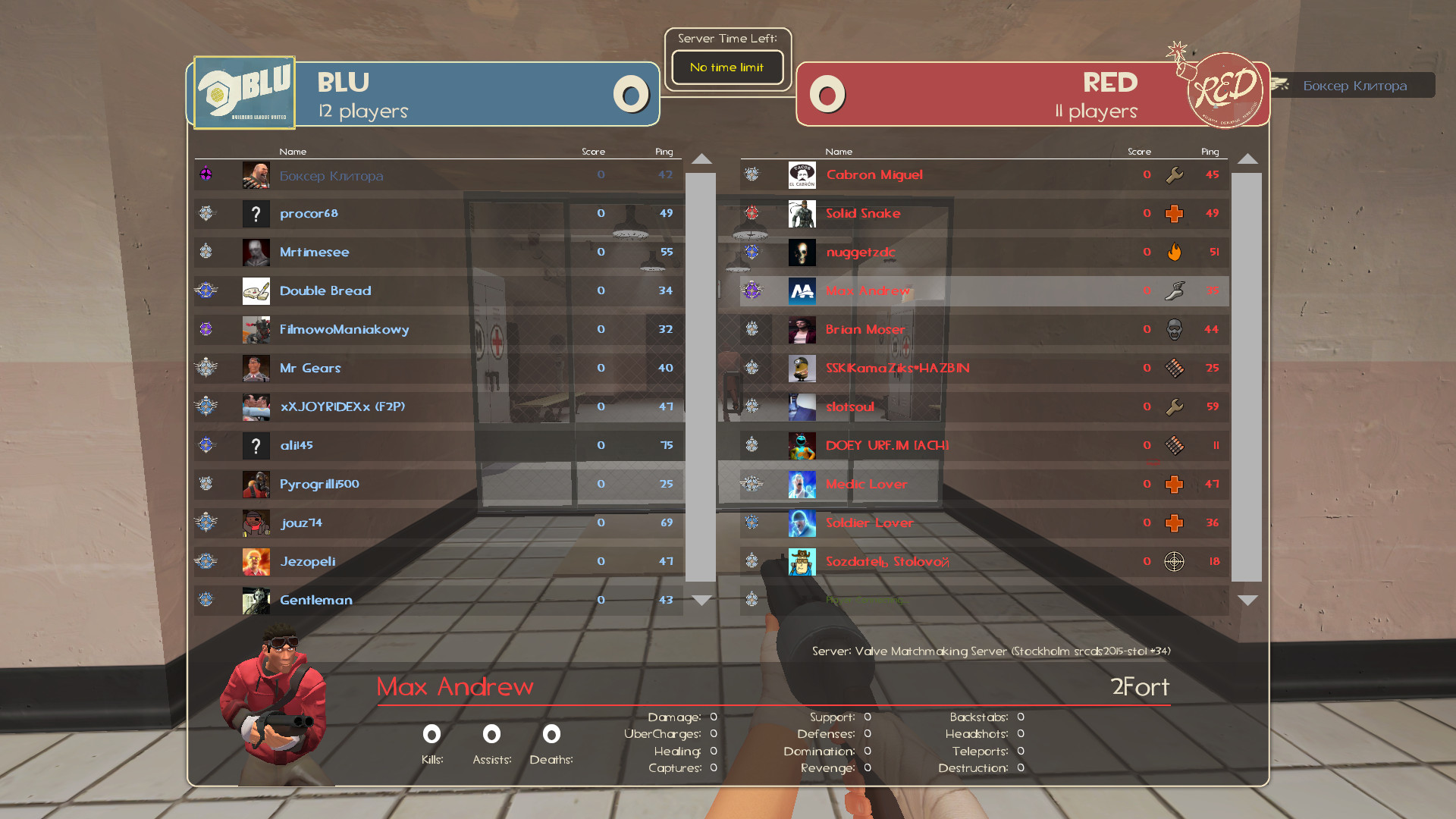
- MaxiCross
- MaxiCross+
- Alternate Class Portraits Redone
- Shotgun Reload Sound Deluxe
- Item Name Debloater
- Extended Keyboard Settings Menu
- @maxiandrew - Creater/Developer
- anarch0possum - Based on the work of bowieHUD
- Eniere - Improved Default HUD
- Chuzzy / TheIcyStar - Numerical Health Values
- Azarciel - VGUI Facelift
- @Vexcenot - Payload cart icon from Middle Mann Centered HUD
- Aarmastah - Selbyen HUD Icons
- Tkain - Absolutely HD Item Icons
- Bunslinger - TF2 Secondary Font Fix
- lightwo - Disable Surveys
- SexyLion - Original creator of Music player and buttons
- pilso / The True Milkman - Quickplay menu based on Quickplay Over Competitive Menu and OldVsNew HUD
- sigsegv - MvM revive window "hide" button
- AGoJyt - Fixed Casual medals
- @RoseyLemonz - Music player/buttons and team status bar from Center HUD
- @Hypnootize - Health screen effects from m0rehud and custom crosshairs
- Eminoma - Team Fortress 2 Classified vote icons
- @Niterux

This work is licensed under a Creative Commons Attribution-NonCommercial-ShareAlike 4.0 International License.