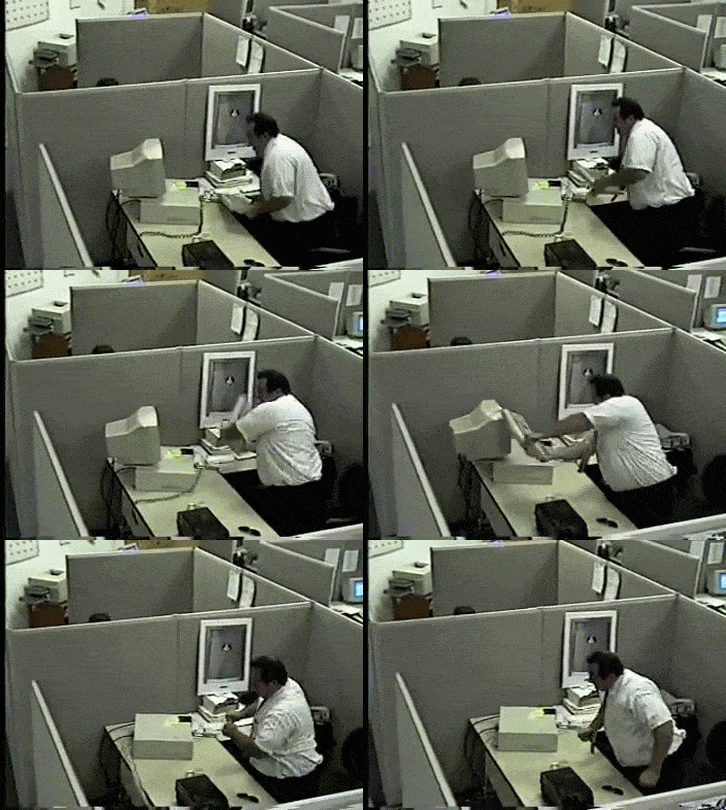
Hit your MacBook screen when AI gives a wrong answer - literally!
A retro Windows XP-styled chat application that lets you physically tap your MacBook screen to make Gemini AI reconsider its response. Combines nostalgia with novel interaction design.

- macOS (required for lid angle sensor)
- Python 3.8+
- Gemini API key
- Clone this repository:
git clone https://github.com/medamawa/hitAndFixAI.git
cd hitAndFixAI- Install dependencies:
pip install -r requirements.txt- Create .env file in the root directory:
GEMINI_API_KEY="YOUR_API_KEY_HERE"- Start the application:
python main.py-
Click "Enable Tap Detection" in the status bar
-
Chat with Gemini normally by typing messages
-
If you get a bad response, literally hit your MacBook screen!
-
The AI will reconsider and provide a better answer