A styling enhancement for the Zen browser theme. Nova improves the visual consistency of the Zen theme by adjusting spacing, padding, borders, and overall layout
Note
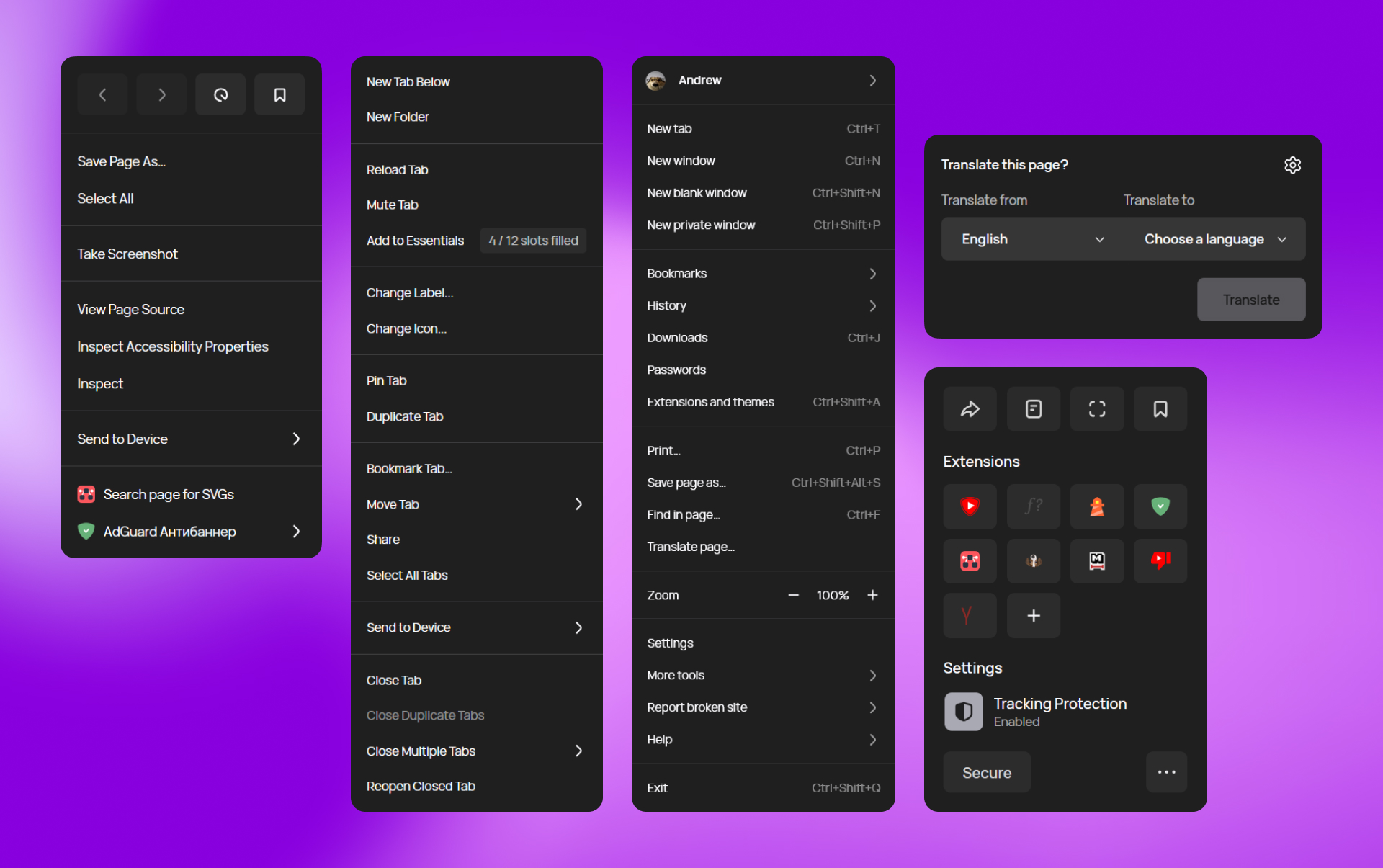
Screenshot with "New Icons" mod
Nova UI is a mod that refines the Zesn theme. It standardizes spacing, adjusts padding for UI elements, and improves the visual consistency of popups, tabs, menus, and panels. The mod maintains the Zen theme's original functionality while providing a more unified visual presentation
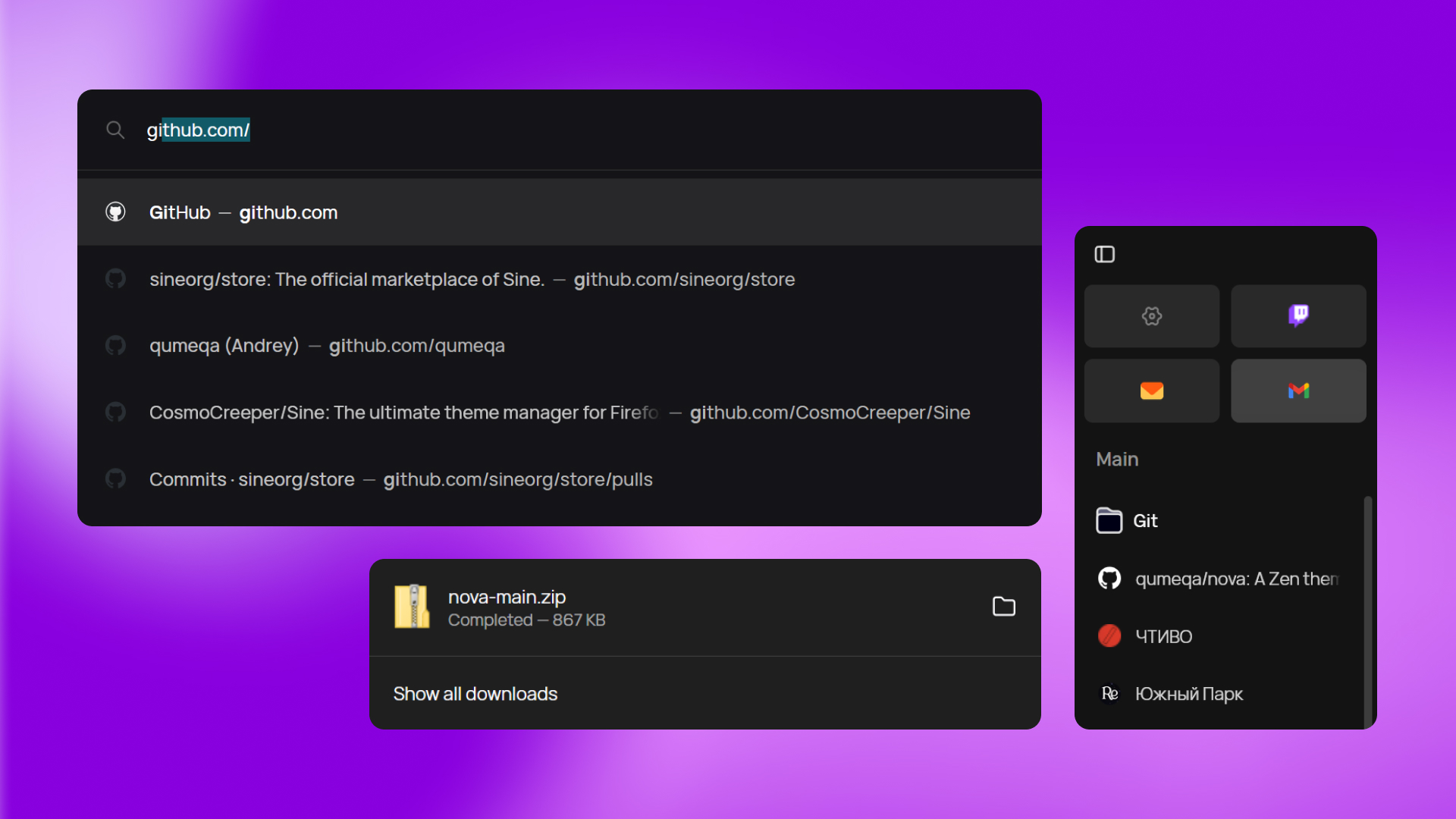
- Spacing & Padding — Standardized padding values across buttons, menu items, and panels
- Popup Styling — Refined styling for menus, subviews, and dropdown elements
- Border & Corner Radius — Consistent border radius for popups and panels
- Essentials Tabs — Simplifies background colors, making them like regular tabs
- Scrollbar Appearance — Improved scrollbar styling
- Enable Border — Add visible borders around all popups and panels
- Bleeding Corners Fix integration — Fix white outlines on rounded corners
- New Essentials background colors — Simplified background like regular tabs
- Quietify Integration — Add a calm visualizer type of animation to mute button to use with style and ease
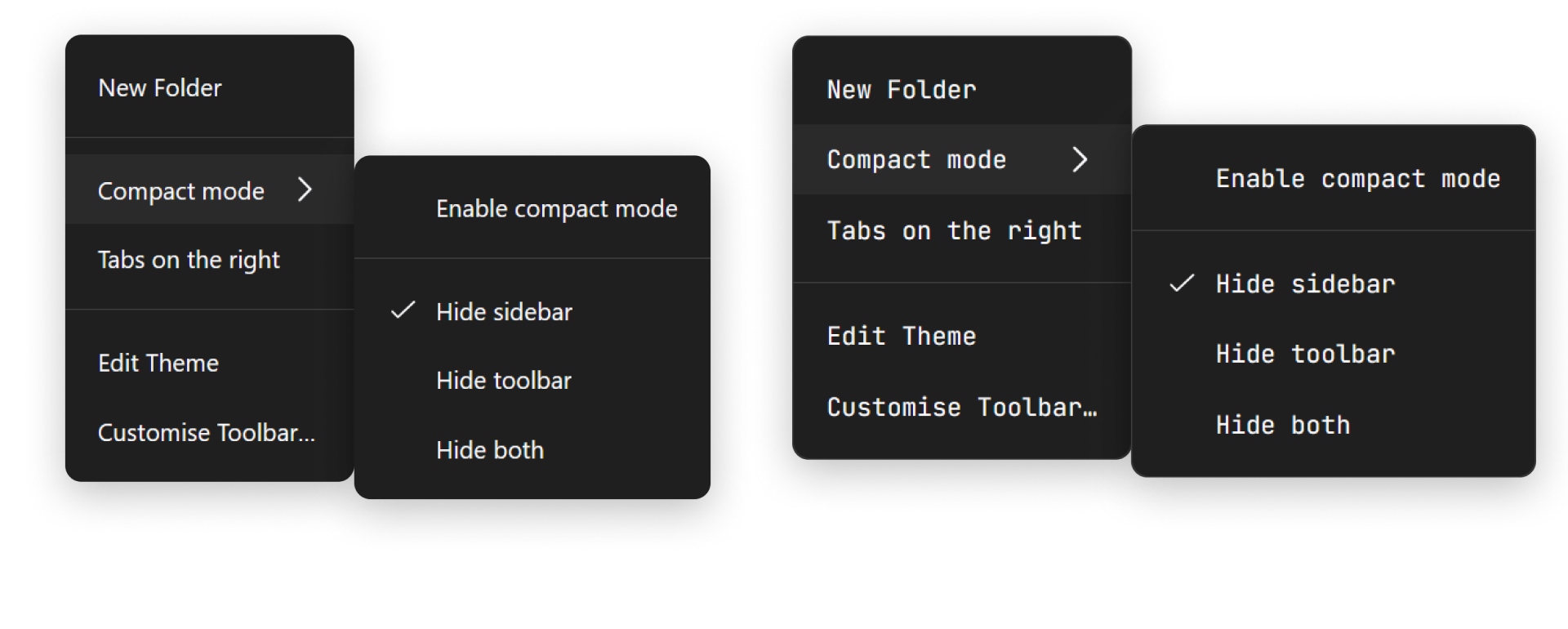
- Custom Font — Replaces the interface font with any font you want
For the best experience, use Nova UI together with:
- "New Icons" — Modern icon set that perfectly complements Nova
- "Floating Findbar" — Floating find-in-page search bar
- Website Information — Improved website information popup styling
- Firefox style buttons — Add tab style with left and right margin and rounded corners
Important
Before installing Nova UI, you must first install Sine, a mod/theme manager for Firefox-based browsers
Once Sine is installed, you can install Nova UI through the Sine marketplace