
This is a Total Commander FileSystem .wfx plugin!
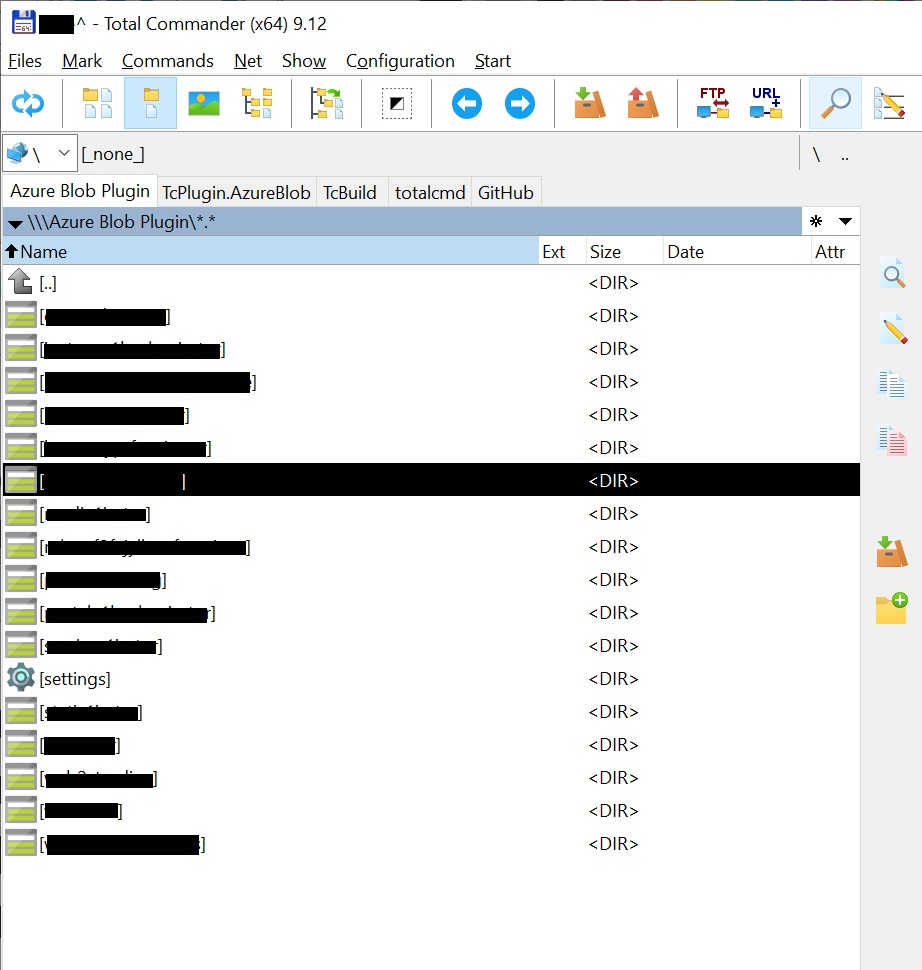
This plugin brings support for Azure BlockBlobs to Total Commander.
It Supports only BlockBlobs!
There is no stable release yet!!
To install the Plugin, using integrated plugin installer, do the following:
- Download the latest Release FsAzureStorage.zip
- Use Total Commander to navigate to the zip-file and then hit
ENTERon it. - Wait for the installer promt.
- Follow the instructions of the installer and find the plugin under Network Neighborhood
More abaut the Total Commander integrated plugin installer.
It uses the TcBuild nuget package to build a Plugin that can be used with Total Commander.
To enable trace logging copy this file Totalcmd.exe.config into the directory of Totalcmd.exe. In case you use the 64-bit version of Total Comander then rename the file to Totalcmd64.exe.config.