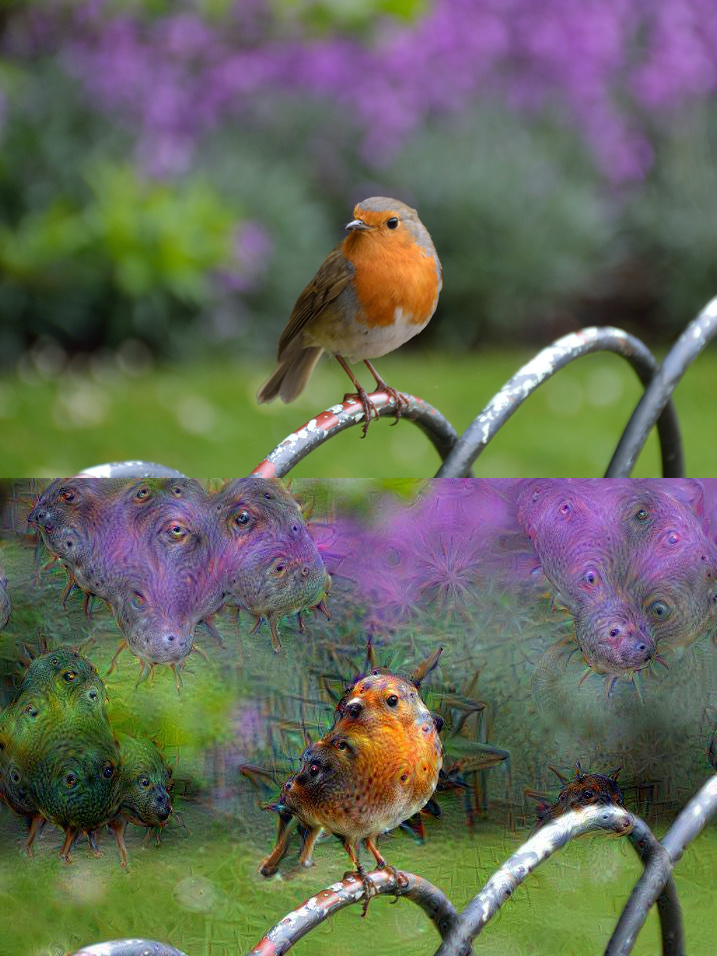
DeepDream is a computer vision program created by Google which uses a convolutional neural network to find and enhance patterns in images. It looks for patterns in images and it writes back the patterns it finds back on top to the processed image.

-
The docker image here is based from the compiled images provided by Vision.AI It contains pre complied dependancies to run deepdream. Some libraries like python-Flask are committed to this base image. The new image can be downloaded by doing docker pull bash command.
docker pull shank7485/deep-dream-with-flask -
Once the image is downloaded, clone this repository. Then 'cd' into the cloned folder. All commands have to be run from this path. This is necessary as scripts will mount the working current directory into the containers as volumes. The 3 containers as shown in the diagram can be started by,
Starting deepdream-uploader:
sudo docker run -it --name deepdream-uploader -p 127.0.0.1:80:5000 -v `pwd`/deepdream:/opt/deepdream -d shank7485/deep-dream-with-flask /bin/bash -c "cd /opt/deepdream && python API.py"Starting deepdream-compute:
sudo docker run -it --name deepdream-compute -v `pwd`/deepdream:/opt/deepdream shank7485/deep-dream-with-flask /bin/bash -c "cd /opt/deepdream && python checker_queue.py"Starting deepdream-emailer:
sudo docker run -it --name deepdream-emailer -v `pwd`/deepdream:/opt/deepdream shank7485/deep-dream-with-flask /bin/bash -c "cd /opt/deepdream && python output_email.py"Use separate tabs to run the above commands.
-
Before uploading images into deepdream, edit the output_email.py to update your email ID and password.
-
Once that is done, browse to localhost/upload/ URL in your browser and upload the image to be 'deepdreamed'.
-
You will receive your deepdreamed photo to the email address which was specified. This will take some time depending on the performance of the CPU on which deepdream is done.
This setup is based on the work done by Vision.AI. The instructions followed to code this setup are based on the details provided at https://github.com/VISIONAI/clouddream
It is necessary to keep a "white.jpg" in the input and output directories and to have atleast one entry in the userData.json before starting the setup. This is necessary as the folder scanners need atleast one file to work smoothly. Hence, I have included a dummy image in input and output folder and an entry with respect to this dummy image is kept in the userData.json.
-Enjoy