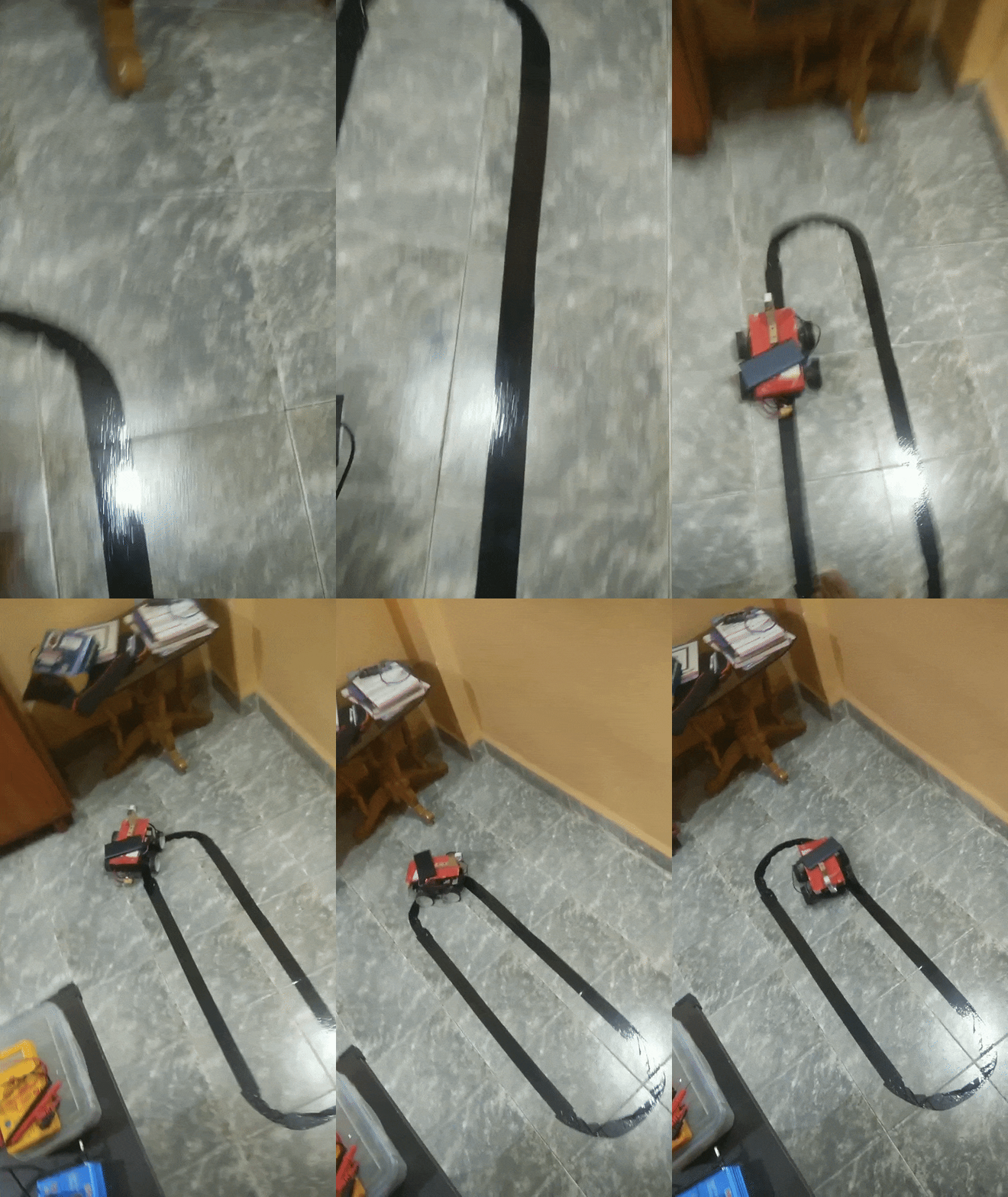
Install "motion" on rpi, you will find plenty of videos on youtube.
Use the control app from my other repo https://github.com/srikrishnaveturi/Remote-Car-controller
first, run the "newController.py" on the Rpi and collect images of your track, make sure to get atleast 5 laps.
copy over the "image" folder that is created by the code to your pc and then run the model training notebook file on these images to train your model.
once you have you model, run selfDrivingRPiSocket annd selfDrivingComputerSocket on your Rpi and your Computer respecctively, enter the ip addresses and watch your bot complete the track without any control
So how does it work?
first you run your bot with the controller on the track, while you're doing this, it collects images and the controls given to it.
for example, when i press left, it takes an image from the camera and stores it inside a folder named "left" so now it knows what to do when the camera takes a similar photo. how you ask?
We copy all these photos to our computer and then train a tensorflow CNN model.
after training the model, we run the socket python files which make the rpi and the computer communicate with each other.
What actually happens when the bot is autonomously driving?
- computer looks at the live video feed
- it passes this video feed to the CNN model that we created.
- it then returns the next direction as a UDP packet to the RPi
- the RPi simple controls the motors according to the recieved packet.