

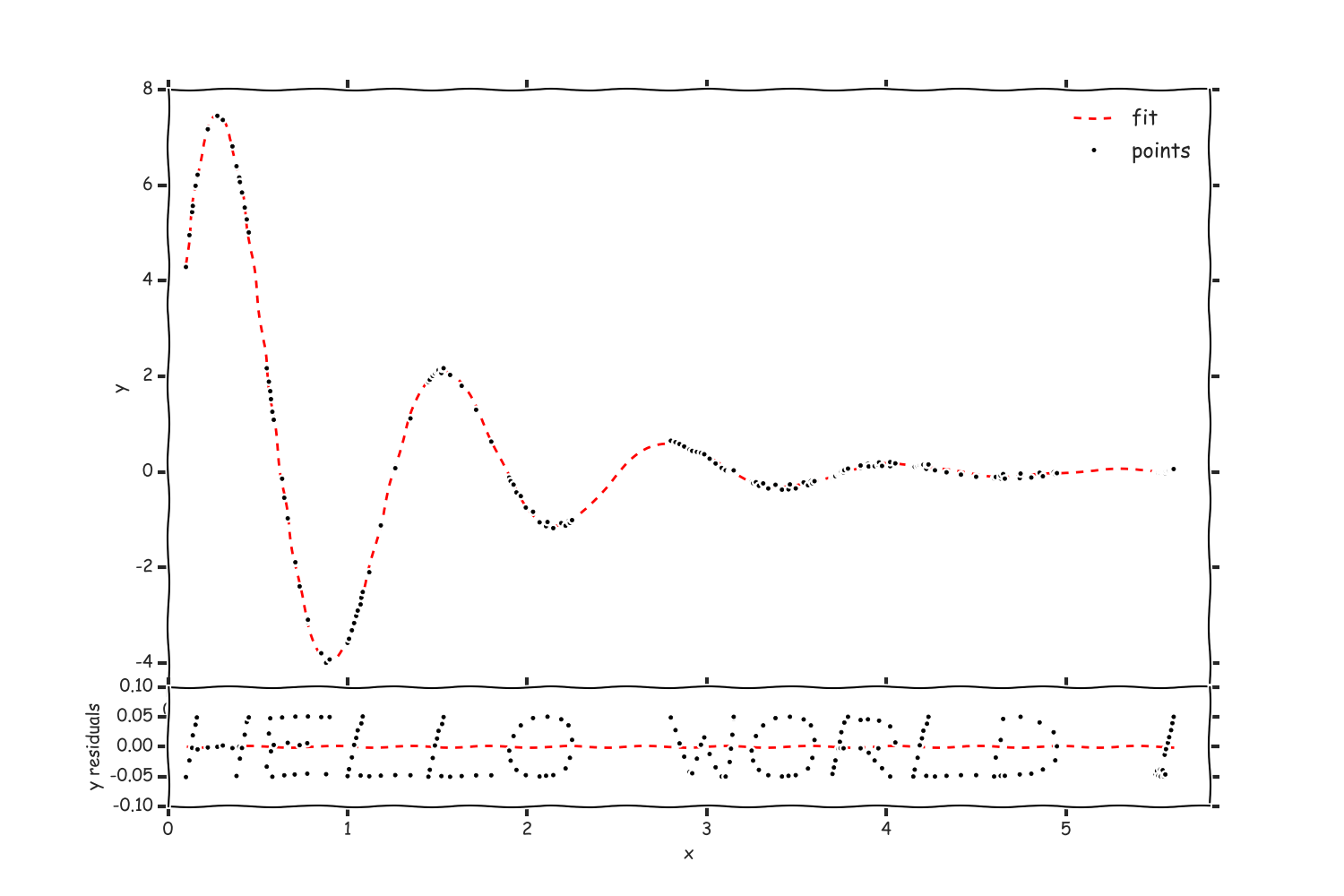
This small piece of python script generates a plot with text in form of points. You can also add it to any function and behold residuals. Looks crappy, but it's intended.
All (limited number of) characters are stored in separate .dat files in chars folder.
blablaplot.py is the code itself (contains basic explanation of what the hell to do with that).
sample.py shows how to use it on example.
how to get the points:
from blablaplot import TextyPloty
a = TextyPloty(spacing=0.2, offset=(0.1, -0.05), scale=(0.5, 0.1), func=lambda x: f(x, arg1, arg2), jitter=0.0)
xs, ys = a.get('hello world !')
That's it. Everyting else in the example is fitting and plotting.
Result:
To add a character you just create .dat file in chars folder with two columns (x and y coordinates of the points).
Also you need to register it in charlist dictionary in blablaplot.py in format: '<char>' : (<width>, <height>, '<filename>'),, where <char> is a single char you want. By default all characters are in (0..1, 0..1) box.
I found WebPlotDigitizer by Ankit Rohatgi very useful for creating characters. Calibrate axis on any image (default, for instance) to be (0..1, 0..1), add points, view data (you can also format it), and save the
.datfile.