Automatically updates node packages whenever the lock file changes in the repository.

When you pull new code from a repository, it's easy to forget that you might need to run npm install (or npm ci) because somebody might have added or upgraded a package reference. pkgmon checks this for you and automatically runs npm ci.
pkgmon isn't just running a npm ci every time, it smartly tracks changes to your package-lock.json and only runs npm ci when necessary.
pkgmon calculates the md5 checksum of your local package-lock.json and saves that checksum to disk. Before you run your code, it checks the package-lock.json against the saved checksum and runs an npm ci if they are different.
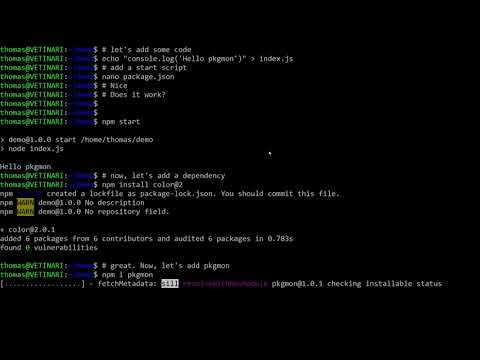
Click to watch the demo video 👇
- Add
pkgmonas a library (or dev-library) to your project:
npm i -D pkgmon- Add a
pkgmoncheck to your start script inpackage.json
{
  "scripts": {
    "start": "pkgmon run && your-start-script"
  }
}- Add
package.md5to your.gitignore. This file should only be local.
To use pkgmon on the command line outside of the package.json, it needs to be installed globally:
npm install -g pkgmonDepending on your OS you might have to sudo the above command.
pkgmon supports the following commands:
This command compares the local checksum against the package-lock.json. If they differ or no checksum is saved, it will perform an npm ci. Use this command each time before you run your project
Use this command if you know that an npm ci is not required. It will set the checksum to the current package-lock.json. Use this command after you installed a new package locally.
This works the same as pkgmon run except it will not execute the npm ci but only report it on the console. A dry run if you like.
Runs an npm install and saves the checksum. This is a good command for initial setup.