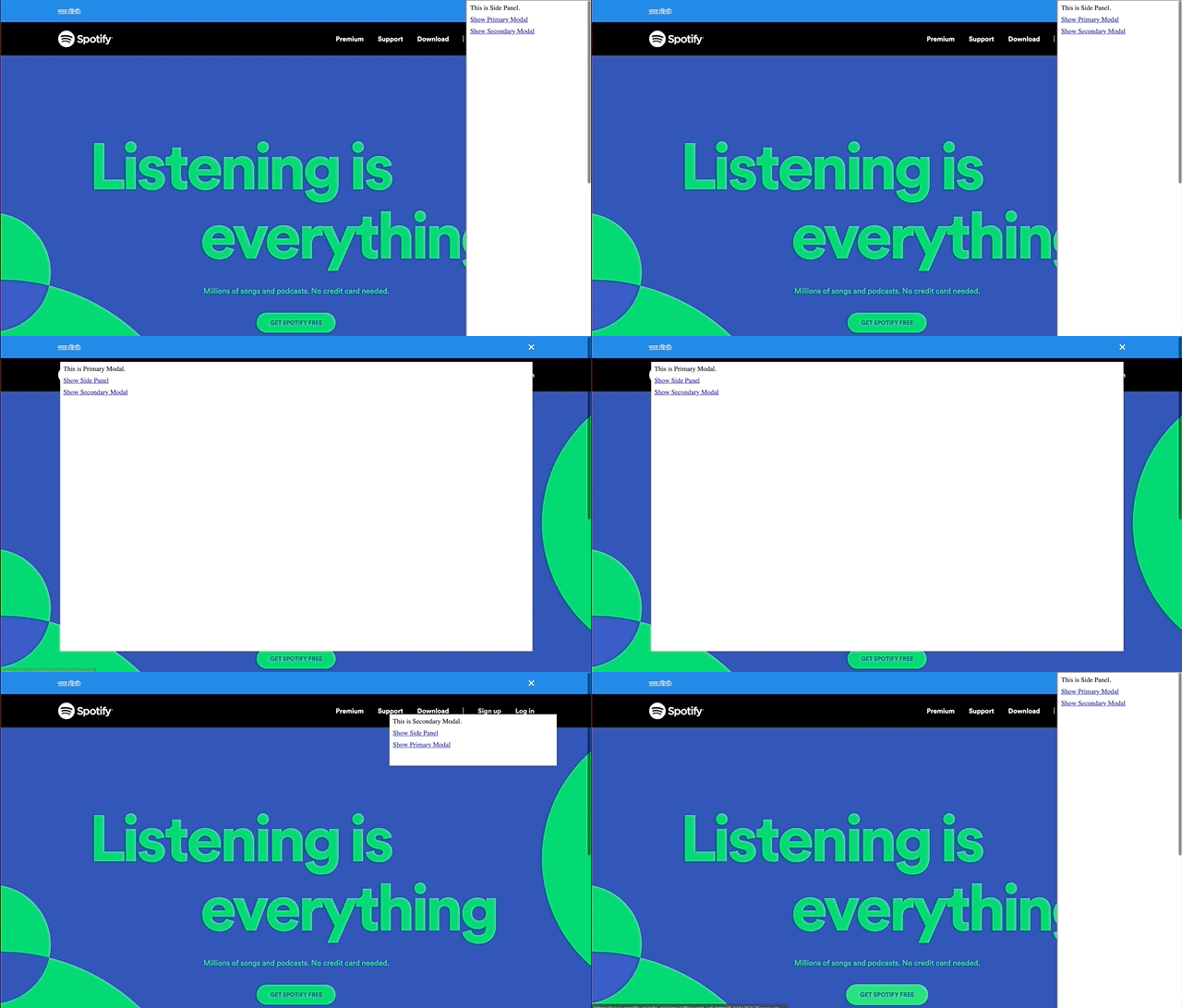
This codebase demonstrates how one can inject multiple frames like modals and panels in DOM using react js and a single redux-store. Using boilerplate from https://github.com/satendra02/react-chrome-extension
Make sure you have latest NodeJs version installed
Clone repo
git clone https://github.com/vaibhav1805/react-multiframe-chrome-extension
Go to react-chrome-extension directory run
yarn install
Now build the extension using
yarn build
You will see a build folder generated inside [PROJECT_HOME]
To avoid running yarn build after updating any file, you can run
yarn watch
which listens to any local file changes, and rebuilds automatically.
In Chrome browser, go to chrome://extensions page and switch on developer mode. This enables the ability to locally install a Chrome extension.
Now click on the LOAD UNPACKED and browse to [PROJECT_HOME]\build ,This will install the React app as a Chrome extension.
When you go to any website and click on extension icon, injected page will toggle.
The repo is available as open source under the terms of the MIT License.